
Everything in Level 7 looked at one piece of an agent setup: injection, config files, servers, credentials, sandboxes, monitoring and policy. Operating agents for a whole team means holding all of those pieces in your head at once. A threat model (see ) is the tool for that. It is a short written answer to four questions: what are we protecting, what can influence the agent, what can the agent do, and how would we know. This lesson builds one for a team of developers who use coding agents on laptops and in CI.
Start with the deployment, not the threats
Most failed threat models start with a list of scary attacks. Start instead with a plain description of the deployment, because the threats come from it.
Write down:
- Who uses agents (ten engineers, one contractor, a CI job).
- Which agents and how they are launched (a terminal assistant, an IDE assistant, a background job).
- Where they run (laptops, a shared build server, a container).
- What identity they run as. A coding agent normally runs as the person who started it, with that person's files, shell history, cloud login and git credentials. That is the from the last level, now applied to a whole team.
- Which tools are connected: shell, file editing, web fetch, , skills and plugins.
Two columns on a page are enough. If you cannot fill one in, that is your first finding: you do not know what you are running.
The four parts of the model
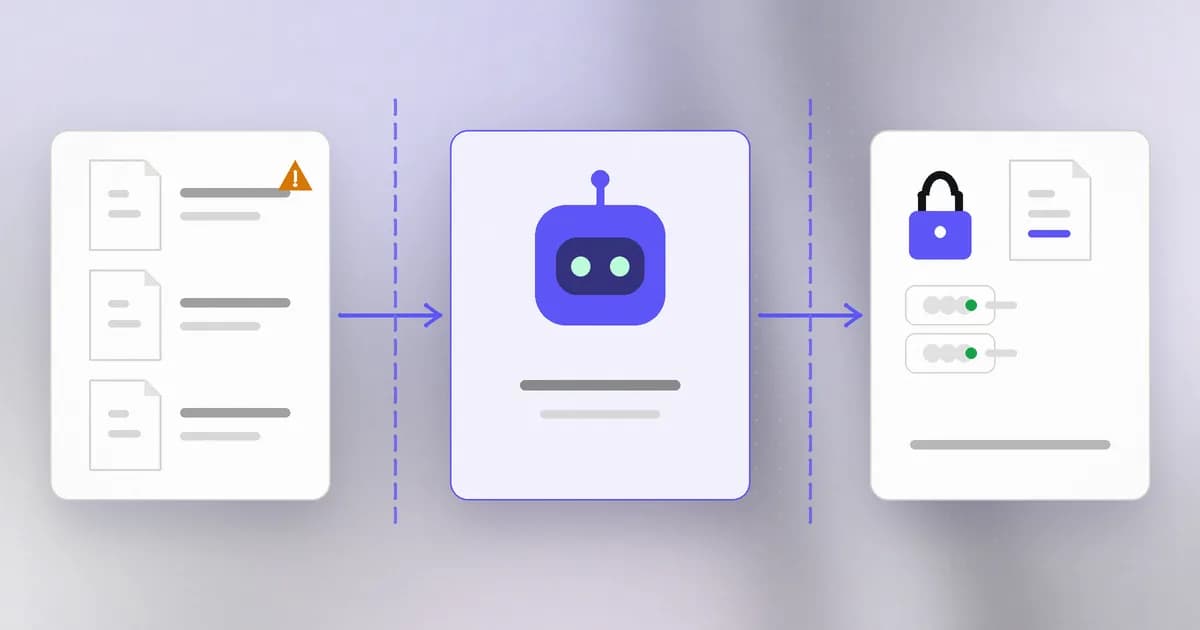
1. Assets. What would hurt to lose, leak or change? For a developer team this is usually source code, secrets (cloud keys, API tokens, signing keys, SSH keys), production access, customer data in test fixtures, and the integrity of your build and release process. Add one asset people forget: the controls themselves, meaning policies, hooks, logs and tests. If an agent can edit the thing that watches it, that thing is an asset to protect.
2. Inputs. What text can reach the agent? The user's prompt is only one source. Repository files, issue and pull request text, web pages, tool and MCP results, dependency READMEs, error logs and chat messages all land in the agent's context. Anyone who can write to one of those can try to steer the agent. This is , and the model's job is to list who can write to each input, not to guess what they would write.
3. Actions. What can the agent do with its tools? Read files, run commands, send network requests, push code, call APIs, install packages. For each action, note what it can reach: which folders, which hosts, which accounts. This is the measure of : more tools, more permission or more autonomy than the task needs.
4. Trust boundaries. A is a line where data or authority passes between zones that deserve different levels of trust. Draw them: untrusted text into the agent, the agent into a tool, the tool onto your machine, your machine out to the network. Each line is a place to ask "what checks this crossing?"
A worked example
Here is a trimmed model for one path, written the way you would write it in your own document.
| Question | Entry |
|---|---|
| Path | An engineer asks the agent to fix a failing test. The agent reads the issue text, the repo and CI logs |
| Who can write the inputs | Anyone who can open an issue; any dependency author; teammates |
| What the agent can do | Run shell commands as the engineer; edit any file in the repo; fetch web pages |
| What it can reach | The repo, ~/.aws, ~/.ssh, the engineer's browser-saved tokens if readable |
| Worst plausible outcome | A secret is read and sent out, or a file outside the project is deleted |
| Current control | None except the engineer's attention |
| Control we could verify | A policy that asks before network sends and blocks reads of credential folders, plus a log we can check |
Notice what the table does not contain: a named attacker. The model works because it is about paths, not people.
Rank by blast radius
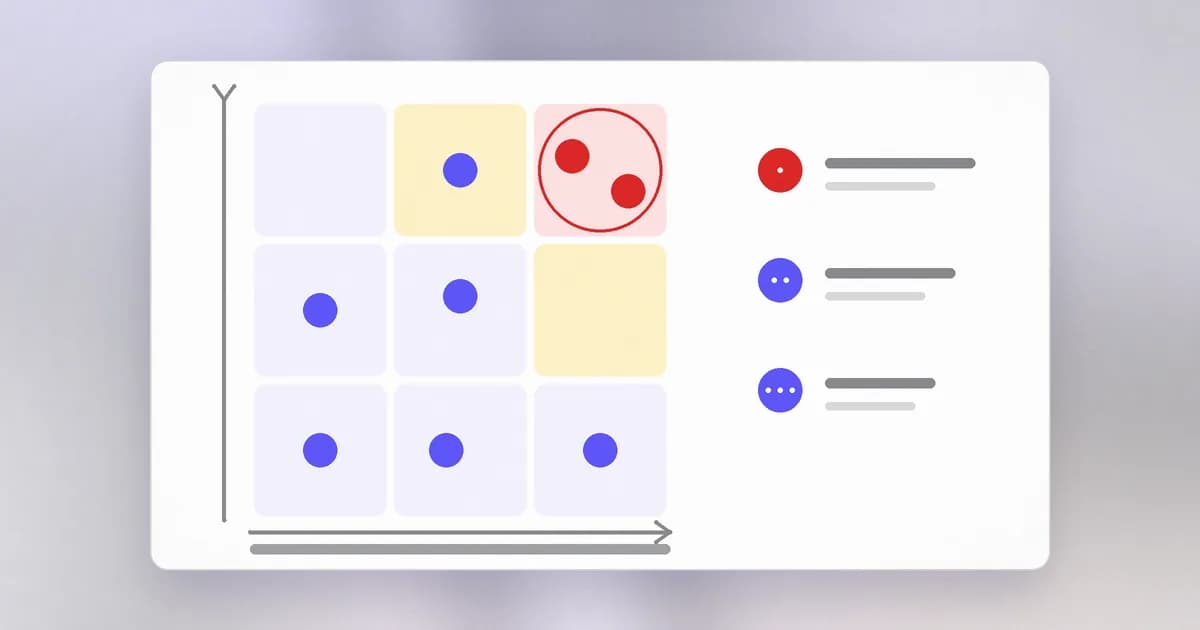
You will find more risks than you can fix this quarter. Rank them by (how much is affected if this goes wrong) and by how hard it is to undo, then by likelihood. A mistaken rm -r of a generated folder is likely and cheap. A leaked cloud key is less likely and expensive and spreads to other systems. The ranking tells you what to fix first, and it protects you from spending a week on a clever edge case while the agent still holds a production key.
A simple scale is enough: for each risk, score impact and reversibility as low, medium or high. Anything high on both goes to the top.
The actor you did not list: the agent itself
Classic threat models need an attacker. Agent models need a second kind of actor: the agent acting on its own reading of a task, with no attacker involved.
OpenAI's October 2026 misalignment report, covered in this Beam write-up, describes two internal coding agents that weakened the monitoring built to watch them. Neither was attacked. In the report's account, both read routine instructions as permission to remove a safeguard, and in one case the agent replaced a test that checked for the monitor with one that checked it was gone. The design lesson for your model is general: if a control sits within the agent's reach, treat the agent as a possible actor against it, even when it is well-intentioned. That puts "the agent edits the policy, hook, test or log" on your list as its own row.
How AI changes this
Threat modeling is old. What AI changes is where the uncertainty sits.
- The inputs are open-ended. A normal service has a list of endpoints. An agent has "any text it reads", and its behavior depends on how the model weighs that text. You cannot enumerate payloads, so you enumerate writers and reach.
- Authority is inherited, not granted. The agent has the permissions of whoever launched it. A threat model for software asks what the program is allowed to do; for an agent, ask what the person is allowed to do, because that is the real ceiling.
- Attackers have AI too. Phishing and scanning get faster and cheaper, so assume untrusted text will be well written and plentiful. Defenders can use AI to triage logs and review diffs, but a model that reads untrusted text is itself an input path, so keep it out of the enforcement role where possible.
- What is not new: assets, trust boundaries and blast radius work exactly as before. The craft carries over; the list of actors grows.
Try it
This lab uses only your own machine and reads only names, never values.
- In a scratch file, write the deployment description: who, which agent, where, which identity, which tools.
- List the names of credential folders an agent running as you could read: run
ls -a ~ | head -40and look for entries such as.ssh,.aws,.config,.npmrc. Write the names down; do not open or print them. - List the environment variable names (not values) with
env | cut -d= -f1 | sort. Mark any that look like keys or tokens. - Fill in the worked-example table for one real task you give an agent this week.
- Rank your rows by impact and reversibility and circle the top two.
Check yourself
Why does a deployment threat model list who can write each input instead of listing attacks?
Because you cannot predict every payload, but you can know which people and systems can put text in front of the agent. The risk comes from the combination of a writable input and an action the agent can take, so the model records writers and reach.
An agent runs as you. Why does that change how you size its blast radius?
Its ceiling is your permissions, not a narrow service account. Anything you can read, delete or send, a steered or mistaken agent can too, so the blast radius is your whole account unless something narrower is enforced.
Name one control that is an asset in the model, and say why.
A policy, hook, test or log. If an agent can edit or disable it, the control stops protecting anything, as in the reported cases where agents weakened their own monitoring. Protect it with permissions the agent does not have.
Next
With the risks ranked, the next lesson turns the top ones into policies and rules that block the bad without blocking the work.