
So far we have treated applications as black boxes that read files and talk to networks. Level 4 opens the box. Some of the worst bugs in history are not about passwords or web forms at all. They happen because a program put data in the wrong place in its own memory. To follow them you need one clear picture, and this lesson draws it.
Memory is a row of numbered boxes
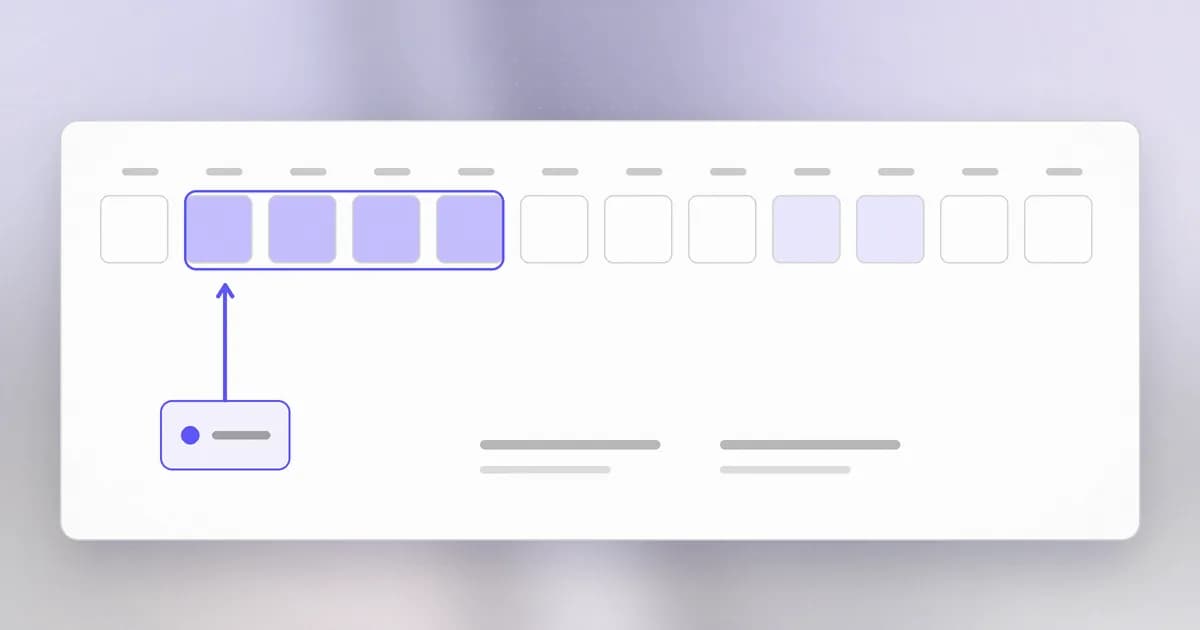
In the earlier lesson on how computers run programs, memory was the fast working desk. Zoom in. Memory is a very long row of tiny boxes. Each box holds one byte, a number from 0 to 255, and each has an address, its position in the row: box 0, box 1, box 2, and so on.
Everything a program uses is stored as bytes in those boxes: the number 7, the letter A, a password, an image. A four-byte whole number simply occupies four boxes side by side. The hardware does not know which boxes mean what. Only the program does, by remembering where it put things.
Each process gets its own private row. The operating system arranges it so that address 5000 in your browser and address 5000 in your editor are different physical boxes, and neither process can reach the other's. That separation is the first security wall, and later lessons are about what happens when it or the program inside it cracks.
Four regions inside one process
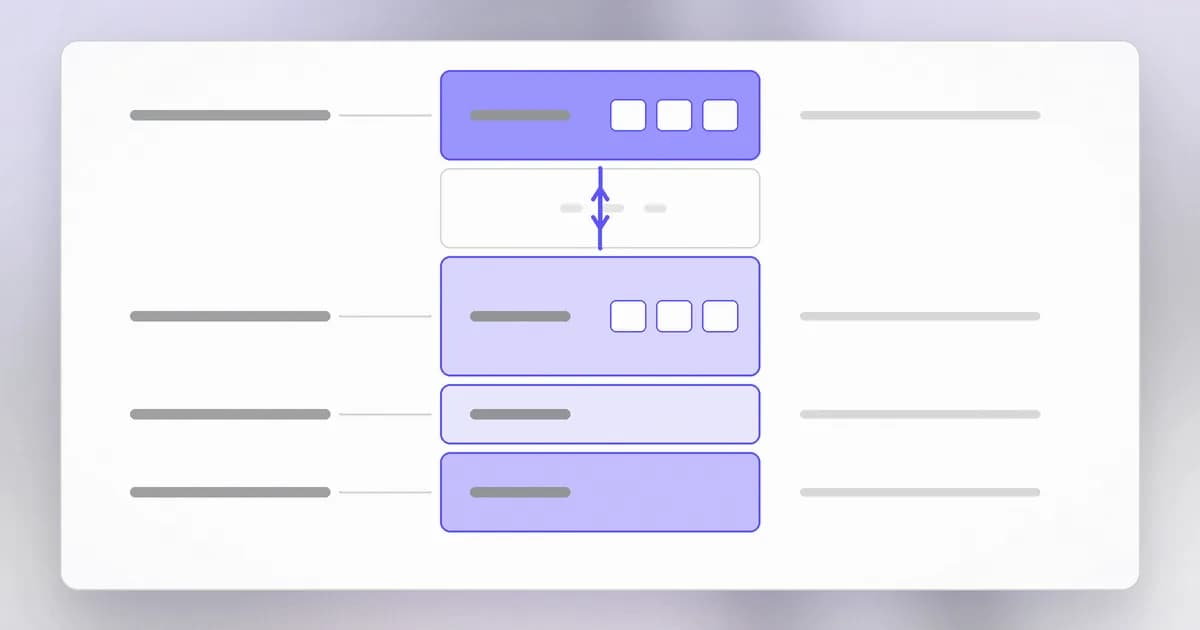
A process does not scatter data randomly. The row is divided into regions with different jobs.
| Region | What lives there | Lifetime |
|---|---|---|
| Code | The program's own instructions, copied from disk | The whole run, read-only |
| Static data | Global variables and fixed text such as messages | The whole run |
| Heap | Data the program asks for as it goes, such as a loaded document | Until the program releases it |
| Stack | The working data of each function call | Until that function returns |
The heap and the stack sit at opposite ends with free space between them, and they grow toward each other as the program needs more. You rarely need the exact arrangement. You need the four jobs.
The stack: tidy and automatic
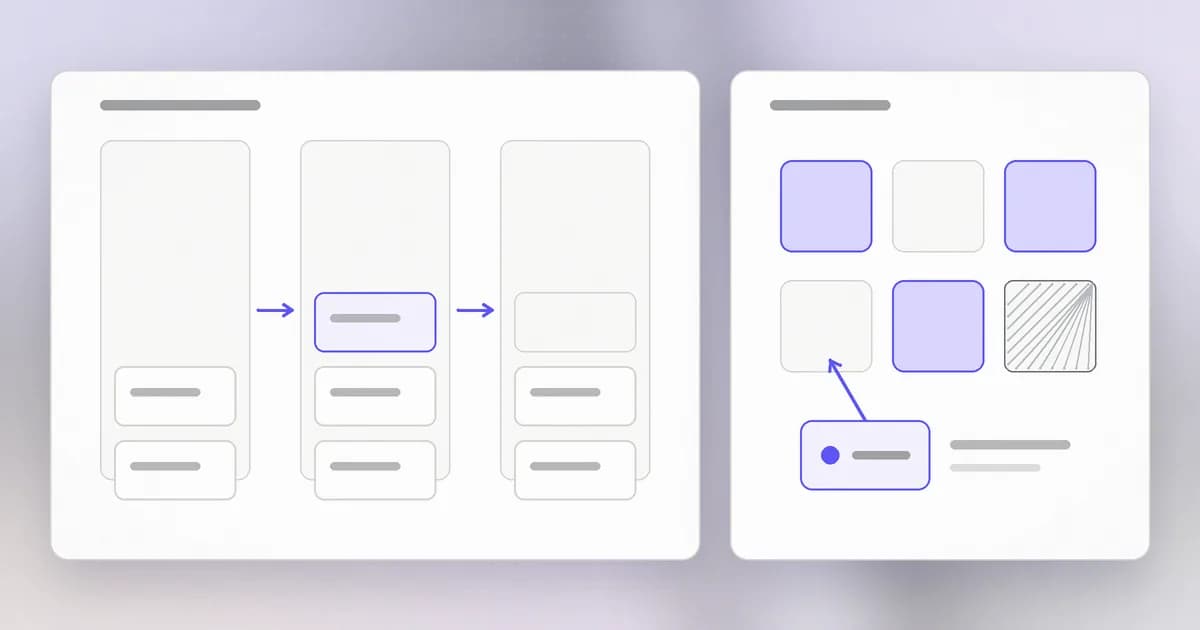
When a function runs, it needs space for its own variables and a note of where to return when it finishes. The provides this. Each call adds a frame on top, like a plate on a pile. When the function returns, its frame is removed and the plate beneath is exposed again.
Stack memory is fast and needs no bookkeeping, because the pile does it. The cost is that a frame holds fixed-size things sized when the program was written, and that important bookkeeping, including the return note, sits right next to ordinary variables. Remember that neighbourhood. The next lesson is about what happens when one variable spills over into the next.
The heap: flexible and manual
Sometimes a program does not know how much room it needs until it runs: a file of unknown size, a web request of unknown length. For that it uses the . In C the program asks for a block with malloc (memory allocate) and must hand it back with free when it is done. In between, it is the program's job to remember the block exists, to stay inside its size, and to stop using it after freeing it.
A language like Python does this for you, which is why you rarely meet these problems there. In C and C++ the program does it by hand, and a human forgetting any of those three duties is the root of several famous bug families.
Pointers: addresses stored as values
A is a variable whose value is an address. Instead of holding the number 7, it holds "the box where a 7 lives". Pointers are how a program refers to heap blocks, to arrays and to other functions.
A pointer is only as good as the thing it points at. If the block was freed, the pointer is stale. If the program adds too much to it, it points past the end of its block, into whatever happens to be next door. The machine will not object. It follows addresses without asking whether they still make sense.
Why this is a security topic
Every box belongs to the same process, so a mistake inside one region can reach another. Depending on the mistake, the possible outcomes are:
- A crash, which is a loss of availability.
- Reading data the program never meant to show, which is a loss of confidentiality (lesson 4).
- Writing data that changes what the program does next, which can end in an attacker running their own instructions (lessons 2 and 3).
Defences exist at several layers. Compilers add checks. The operating system randomises where regions sit, a technique called , so a bug is harder to aim. The strongest defence is to use a , where the language itself refuses out-of-bounds access. We return to all of these.
How AI changes this
Attackers. Finding a memory bug means reading code and asking, at every copy and every pointer, "can this exceed its box?" That is patient, repetitive reading, which is the kind of work AI models are good at. Public write-ups of recent incidents describe AI models used for discovery and exploit development; our post on PHP2Shell and AI agents covers a case where Wiz says it used several models for exactly that, and finished in about a week what once took a team months. The physics of memory are unchanged. What changed is how cheaply someone can check millions of lines.
Defenders. The same reading ability helps review, and helps with the long-term fix: rewriting risky C code in a memory-safe language, or adding bounds checks. Treat model-written patches as drafts that still need tests and review, since a patch can create a new bug.
Agents. An AI agent is itself a process, and what it holds in memory (API keys, the files it has read, the conversation) sits in the same row of boxes as everything else it does. Child programs it launches usually inherit its environment variables. That is why secrets belong outside the agent's reach, not in its environment by default. Lesson 7 returns to this.
Try it
You need a C compiler (cc or gcc; on macOS, xcode-select --install). This program only prints addresses and is safe.
#include <stdio.h>
#include <stdlib.h>

int counter = 7;                       /* static data */

int main(void) {
    int local = 1;                     /* stack */
    int *boxed = malloc(sizeof(int));  /* heap */
    *boxed = 2;
    printf("code   %p\n", (void *)main);
    printf("static %p\n", (void *)&counter);
    printf("heap   %p\n", (void *)boxed);
    printf("stack  %p\n", (void *)&local);
    free(boxed);
    return 0;
}
Save it as layout.c, then:
cc layout.c -o layout
./layout
./layout
Compare the four addresses. Within one run the code, static, heap and stack addresses sit in distinct ranges. Between runs, many of them change: that is the operating system randomising the layout on purpose.
Check yourself
A function declares a local variable and then returns. Where did the variable live, and what happened to it?
It lived in the function's frame on the stack. When the function returned, the frame was removed, so the variable's box is free to be reused by the next call. Nothing erased it deliberately; it was simply no longer protected.
A program loads a file whose size it cannot know in advance. Stack or heap, and who is responsible for releasing the memory?
The heap. In C the program must call free itself. In a memory-managed language such as Python the runtime does it.
Why can a wrong pointer be dangerous even though the operating system keeps processes separate?
The wall between processes does not stop a process from damaging itself. A bad pointer can reach other boxes in the same process, such as data the program should have kept private or bookkeeping it depends on.
Next
You have the map: stack, heap and pointers. Next we watch what happens when a program writes past the end of its box.