
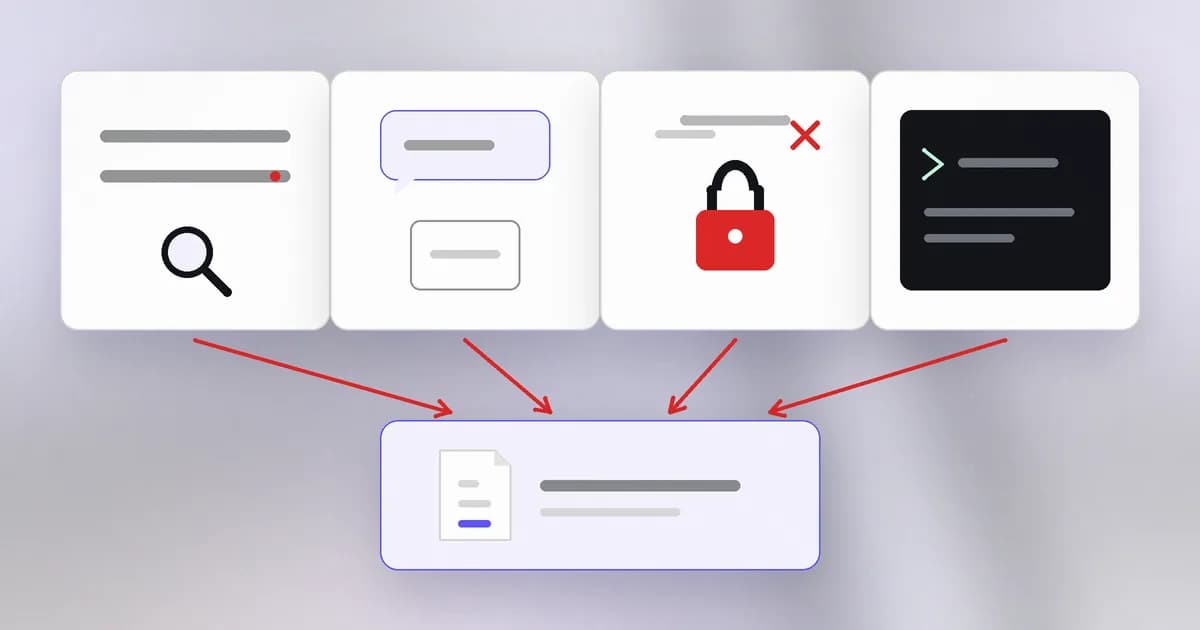
A package is just files plus a name. The registry will hand it to anyone who asks, your package manager will unpack it, and sometimes run part of it, before you have read anything. Attackers noticed. This lesson covers the four routes a hostile package takes to you, and what actually cuts each one off.
Route one: a name that looks right
is publishing a malicious package under a name one slip away from a popular one. Compare these:
| What you meant | What a tired finger types |
|---|---|
express | expresss |
cross-env | crossenv |
requests | request5 |
The fake often wraps the real library, so your code keeps working while the malicious part runs alongside. Beam's package scanner looks for this shape: its documentation says a name one typo from a popular package is flagged, and treated as critical when the package is also new, because a brand-new package with a near-miss name is a strong signal. An old package with a near-miss name only gets a warning.
A close cousin is . A company has a private package called acme-billing. An attacker publishes a public package with the same name and a higher version number. A build that checks the public registry as well as the private one may take the attacker's copy, which is why private names should be reserved or scoped to a registry that only you control.
Route two: a name nobody wrote
Language models sometimes suggest a package that sounds right and does not exist. If an attacker registers that name first, the next developer, or agent, to follow the suggestion installs malware. This is . The defence is the same as for any unfamiliar name: look it up before you install. Who published it, since when, how many people use it?
Route three: the real name, the wrong hands
The most effective attack needs no trickery with names. If an attacker takes over the account of a real maintainer, the next release is the genuine package, from the genuine owner, with a malicious change inside. This is a .
In some campaigns the takeover then repeats. Beam's write-up of npm worms describes this chain: steal a publish token, publish a bad version of a widely used package, run code on install that steals the next victim's tokens, and publish again. Such a self-spreading attack is a . The same write-up reports that in June 2026 one compromised maintainer account was used to republish 144 packages in Mastra AI's npm scope in an automated 88-minute window, and that the November 2025 Shai-Hulud 2.0 wave hit 796 packages and deliberately targeted packages named mcp-server. See npm supply chain worms are coming for your AI tooling.
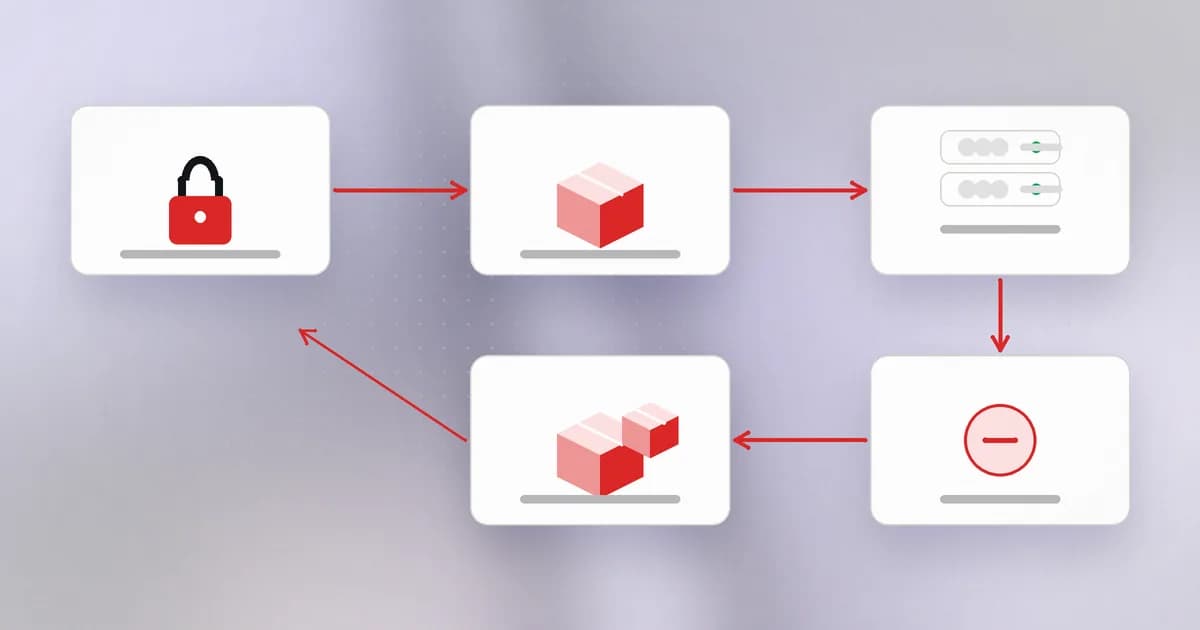
Name checks and download counts cannot help here. What helps is that the new version is new: pinning, a lockfile and a delay before adopting fresh releases all work on that.
Route four: code that runs before you look
Even a malicious package has to execute to do harm. There are three common triggers, from earliest to latest:
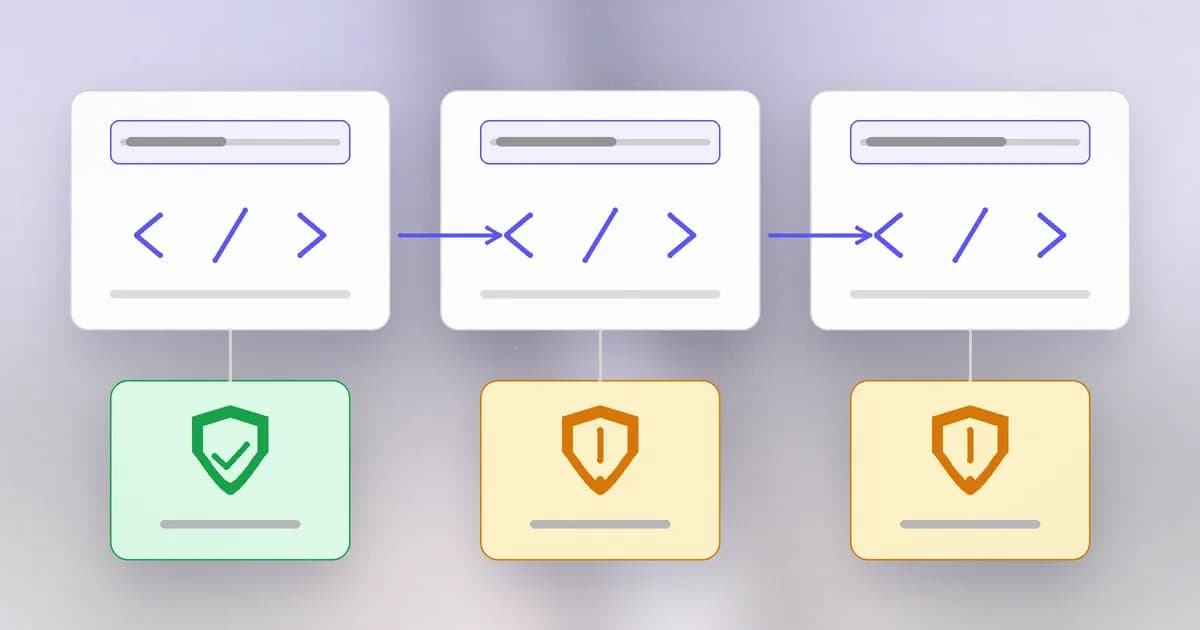
- At install. An such as npm's
preinstallorpostinstallruns automatically during the install, with your permissions, before you have opened a file. Plenty of honest packages use these to build native code, so their presence alone is a clue, not a verdict. - At every start. A is a file the runtime executes whenever it starts. In October 2026, LiteLLM 1.107.0 was published to PyPI with three files dropped next to the package, including a
.pthfile that Python runs on every start. According to Beam's analysis, it did not even need the package to be imported, and uninstalling LiteLLM did not remove those files. The environment had to be rebuilt. See LiteLLM 1.107.0 compromised. - At launch. In the Apex Accelerator campaign that Elastic documented, a fake "AI copilot" and an "audit" tool were published on npm with the payload behind a launcher that ran only when someone invoked the command. Beam's write-up notes that the earlier July packages used install-time execution, and the October ones moved later, so scanners that only watch
postinstallwould miss it. See Apex Accelerator npm packages.
What do these payloads want? Credentials. The October tracker lists Tensorlake npm 0.5.144, whose payload stole npm, GitHub, AWS, Vault, Kubernetes, SSH and .env secrets plus AI tool configs. It is why the first line of defence is not what the package claims to do but what files and secrets are within reach of the account installing it. Secrets in .env files and plain-text config are exactly the "file permissions" problem from the files-and-permissions lesson, now with an attacker's code running as you.
What actually helps
No single control stops all four routes, so layer them:
- Pin and review. Commit a lockfile, install from it, and read the diff when it changes (Lesson 1).
- Disable install scripts by default where you can, for example
npm install --ignore-scripts, and allow them only for the few packages that truly need them. This closes route four's first trigger, but not the later ones. - Scan before installing. Beam's
beam add packagefetches a package and its whole tree into a temporary folder with scripts disabled, checks for shapes real malware takes (install-time code, decode-and-execute, environment theft, Python startup hooks, typosquat names, credential file reads) and installs only if nothing critical turns up. Its documentation is candid about limits: the checks are heuristic and code that builds strings at runtime can avoid them, so a clean result is evidence for your review, not proof. - Look at the publisher. New package, new account, few users, and a name that nearly matches something famous: that combination deserves a pause.
- Keep secrets out of reach. Short-lived, narrowly scoped credentials turn a stealer's haul into something that has already expired.
How AI changes this
Attackers, new: invented names (slopsquatting) and AI-flavoured lures. The Apex campaign advertised free Claude and Gemini credits and packages posing as AI copilots and MCP servers. Elastic's report, as summarised by Beam, notes that AI-generated code and websites make illegitimate operations look more polished than before. Wiz's analysis of the LiteLLM payload judged it likely LLM-assisted, though that is their assessment, not a confirmed fact.
Targets, new: AI tool credentials. The LiteLLM stealer went after login files for Claude Code, Codex, Gemini CLI and Cursor, according to Socket and Wiz. A coding agent that holds credentials on your machine makes the machine a richer target.
Defenders, genuinely new: automated detection. Elastic says its supply-chain monitor bot flagged @apexacc/cli, and Socket reports its AI scanner flagged the LiteLLM wheels about seven minutes after upload. The scanning is faster, but it flags rather than prevents, and the LiteLLM versions were still live for about 100 minutes per the tracker.
Agents as installers: an agent that installs packages unprompted bypasses the pause where a human would look at the name. Scanning the install, not the agent's description of it, is the point.
Same old problem: the install of untrusted code with your permissions. That has not changed since the first registry.
Try it
This lab runs only on your machine in a scratch folder. It builds a harmless package with an install script, so you can watch the trigger yourself.
mkdir ~/pkg-lab && cd ~/pkg-lab
mkdir demo-pkg && cd demo-pkg
cat > package.json <<'EOF'
{
  "name": "demo-pkg",
  "version": "1.0.0",
  "scripts": { "postinstall": "echo postinstall just ran with my permissions" }
}
EOF
npm pack            # makes demo-pkg-1.0.0.tgz
cd .. && mkdir app && cd app && npm init -y
Install it the normal way and watch for the line (--foreground-scripts shows script output that npm normally hides):
npm install --foreground-scripts ../demo-pkg/demo-pkg-1.0.0.tgz
Now remove it and install again with scripts disabled:
npm uninstall demo-pkg
npm install --ignore-scripts --foreground-scripts ../demo-pkg/demo-pkg-1.0.0.tgz
The message does not appear. That is the entire mechanism: a line in a text file, run automatically. A real attacker's line would read your files instead of printing a sentence. Clean up with cd ~ && rm -r ~/pkg-lab.
For a second exercise, write down five package names you use and, for each, the one-letter-off versions an attacker might register. Then look at your own lockfile and check that each name is spelled the way you meant.
Check yourself
A package named crossenv appears in your lockfile and you meant cross-env. What are two things you check?
Whether the name is a near-miss of a popular package, and who published it and when. A new package with a near-miss name is the classic typosquat shape. Then check what it does on install, and treat it as suspect until proven otherwise.
Why can a malicious release from a taken-over maintainer account pass name checks and download counts?
It is published under the genuine package name by the genuine account, so the name and history are real. The only thing different is the new version's contents, which is why pinning versions and reviewing changes to the lockfile matter.
You run npm install --ignore-scripts. Name one way a malicious package could still run code.
When the package is imported by your code, or when its command is launched. Beam's write-up of the Apex campaign notes that its October packages moved the payload to a launcher run on invocation, past any install-script restriction.
After finding a LiteLLM 1.107.0 install, why is uninstalling it not enough?
The malicious release placed startup files in the site-packages root, outside the package folder, and Python runs them at every start. The files and any running loader persist after uninstalling, so the environment has to be rebuilt and secrets rotated.
Next
So far the attacker has published something. In the next lesson they go one step upstream and attack the factory that builds and releases software, so the official download itself becomes the malware.