
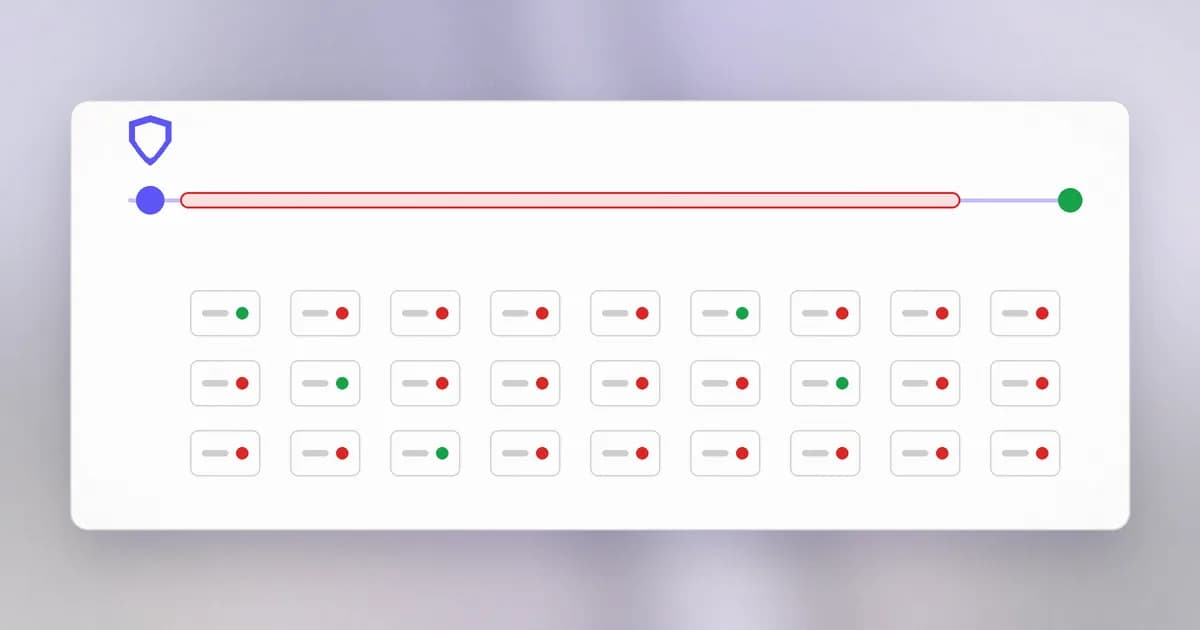
A is an update that fixes a flaw. Fixes exist for nearly every vulnerability that makes the news, so you might think the problem solves itself: install the update, done. It does not, and understanding why is one of the most valuable things a defender can learn. Last lesson's chain showed patching as a way to break the first link. This lesson is about why that link so often stays intact.
The exposure window
When a flaw is found and a fix released, a clock starts. The is the time from when the flaw is known (or the fix is public) to when a system is actually fixed. During that window, the system has a known, documented hole.
The window has stages, and delay can creep in at each:
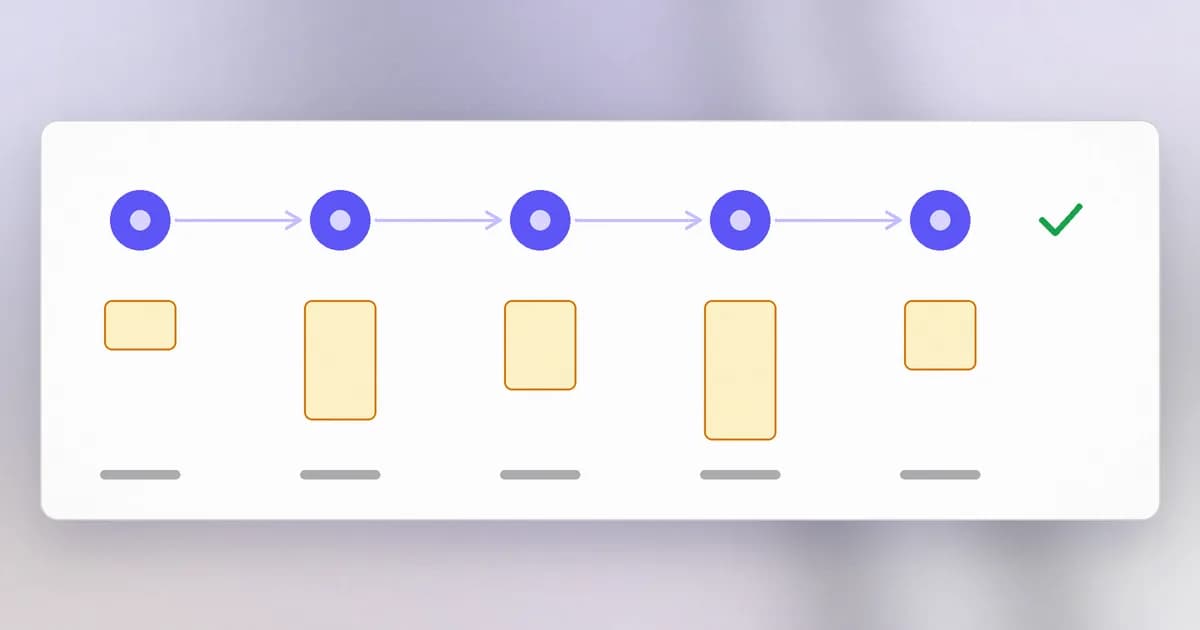
- Learn that the advisory exists.
- Find which of your systems are affected.
- Test that the fix does not break things.
- Deploy it, often with downtime.
- Verify that it took effect.
Each stage is a human or organisational task. A vendor shipping a fix completes only the first.
A real example: SMBv1 in 2017
SMB is a protocol Windows uses to share files and printers across a network. Its first version, SMBv1, is old. Two records about it:
Read them with the skills from the CVE lesson. Both affect the SMBv1 server in a long list of Windows versions, from Vista and Server 2008 through Windows 10 and Server 2016. Both are network-reachable and allow remote code execution (an attacker runs their own code on your machine, see ). CVE-2017-0144 scores 8.8 and CVE-2017-0148 scores 8.1. Both were published on 2017-03-17.
Now look at the KEV fields. CVE-2017-0144 was added to the KEV catalogue on 2022-02-10, and CVE-2017-0148 on 2022-04-06. Both are marked as used in ransomware, and both have EPSS scores above 0.99. Those catalogue dates are nearly five years after publication. We should be modest about what that proves, since the record does not count unpatched machines. What it does show is that a flaw published in 2017 was still being tracked as a confirmed exploitation risk in 2022, and the required action in the record is just: apply updates per vendor instructions. The fix was not the missing ingredient.
Outside the records, it is widely documented that a large ransomware outbreak in May 2017, WannaCry, spread through SMBv1 flaws of this family, and that Microsoft's guidance included turning SMBv1 off entirely. Treat the records as the reliable core and look up the history for yourself.
Both records say the required action is 'Apply updates per vendor instructions'. What does that tell you about the cause of the long exposure?
That a fix was available. Whatever kept systems exposed, it was not the absence of a patch. The causes were on the operational side: finding, testing and deploying it.
Why patching actually fails
None of the following is laziness. Each is a real constraint.
Not knowing what you have. You cannot patch a server nobody remembers. An asset inventory is the first patching control, and the attack-surface lesson's advice to keep a current list is the same advice.
Fear of breaking things. Business software may depend on exactly how the old version behaves. Patches do sometimes cause outages. Teams who have been burned delay updates, which is rational and also dangerous.
Downtime. Some systems run constantly: a factory line, a hospital system, a payment service. Restarting is a scheduling battle.
Legacy and end-of-life. The software may be too old for the vendor to patch at all, or the machine is attached to equipment that only works with an old operating system. This is .
Unclear ownership. The vendor, the IT team and the application team each assume someone else will do it.
Volume. Hundreds of advisories a month. Without a way to rank them, teams burn out, and the important ones slip through.
Patched but not effective. The update was installed but the service was never restarted, or one of three servers was missed.
Deciding what to patch first
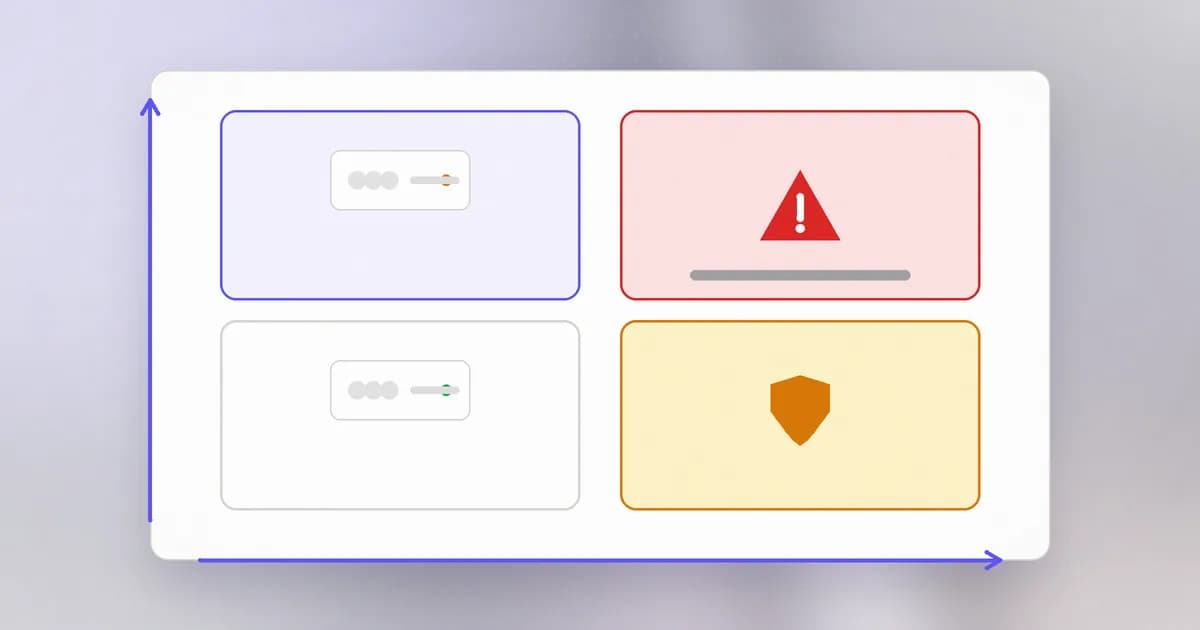
You cannot do everything today, so rank. A sensible order uses the fields you learned:
- In KEV (confirmed exploited) and exposed to the internet: now.
- High EPSS, or severe CVSS, on an exposed system: this week.
- Severe but only reachable from inside, or not exploited: scheduled.
- Low severity on low-value systems: routine cycle.
Exposure beats raw score. A medium flaw on a server facing the internet is often more urgent than a critical flaw on a machine in a locked room.
When you cannot patch
Then you apply a : a safeguard that lowers the chance of harm without fixing the flaw. For a flaw in a feature you do not use, switch the feature off. For SMBv1 specifically, the safest move is disabling the old protocol. Otherwise, block the port from untrusted networks, isolate the system, restrict who can reach it, and add monitoring. Write down the reason, the owner and a date to revisit. A compensating control without an expiry date tends to become permanent.
How AI changes this
Attackers shorten the window. Once a patch ships, the difference between the old and new code points directly at the flaw, a technique called patch diffing. Models can help read such differences and adapt an existing attack. Beam's reporting on a recent PHP flaw found with AI help, with attack traffic seen before the fix, is covered in PHP2Shell and AI agents. Your side of the window therefore needs to be shorter for internet-facing systems.
Defenders get help with the slow stages. Models are useful for matching an advisory to your inventory, drafting a test plan, summarising what a patch changes, and writing the change ticket. They can also propose a fix to your own code. Review those fixes like any other contribution, since a plausible-looking patch can be wrong or incomplete.
Dependencies suggested by AI need care. An assistant may recommend upgrading to a package version, or even a package name, that does not exist or that an attacker registered. That is , covered in the supply chain level. Check names and versions against the official registry before installing.
Agent tooling is software that needs patching. The programs around an agent, such as its plugins, MCP servers and runtimes, receive advisories like anything else. Beam has covered examples such as a Claude Code plugin hash-pin bypass and Node.js security releases that affect MCP servers. If your agent runs as you with your credentials, a flaw in it matters more, not less.
What is the same: the five stages of the window and the reasons patching fails. AI changes the speed, not the shape.
Try it
A read-only check of your own machine. It installs nothing.
On macOS:
sw_vers
softwareupdate --list
On Debian or Ubuntu Linux:
cat /etc/os-release
apt list --upgradable
Write down: what version you run, whether it is still supported by its vendor, and how many updates are waiting. Pick the oldest waiting update and note why it has not been applied. Then list the three programs you rely on most that update themselves, and the three that do not. Install what is safe to install on your own schedule. Never test attacks against machines you do not own.
Check yourself
Define the exposure window and name one thing that shortens it.
It is the time between a flaw being known and a system being fixed. An up-to-date inventory shortens it, as does pre-approved testing and automatic updates for low-risk systems.
A critical flaw affects a printer on an internal network, and a medium flaw affects your public website. Which would you usually patch first, and why?
Usually the public website, because exposure and reachability matter as much as the score. Do check KEV and EPSS before deciding, since a confirmed-exploited flaw changes the order.
A legacy machine cannot be patched. Give two compensating controls.
Any two of: disable the vulnerable service; block its network port from untrusted networks; isolate it on its own segment; limit who can connect; monitor it closely. Record the owner and a review date.
Next
Patching and shrinking the surface both reduce what an attacker can reach. The last lesson in this level makes that a rule: give each person, program and agent only what it needs.