
Every website, API and AI tool call you will meet in this course speaks one language: . It looks intimidating in a browser and plain when you see it raw. It is just text, in a fixed shape, sent over the connection you learned about two lessons ago. In this lesson you send it by hand.
Request and reply
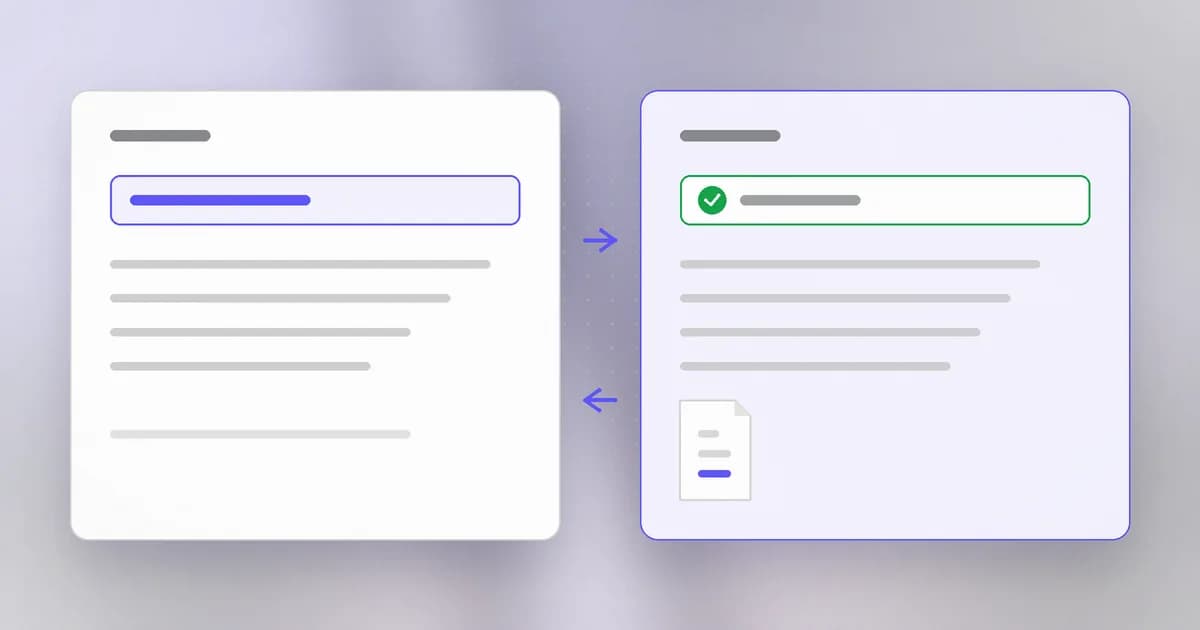
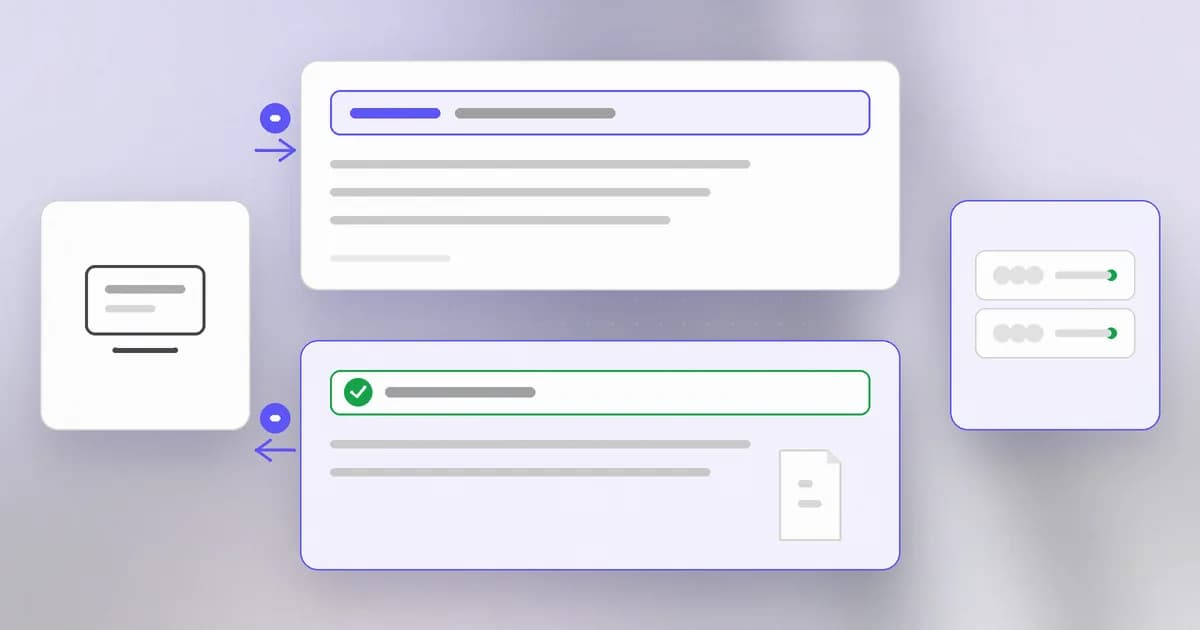
HTTP is a conversation of exactly two turns: the client (a browser, curl, an agent) sends a request, and the server sends back a reply. The server does not remember you between turns unless you hand it something to remember, such as a cookie.
A request looks like this:
GET /index.html HTTP/1.1
Host: example.com
User-Agent: curl/8.4.0
Accept: */*
- The first line is the request line: a (what you want to do), a path (which thing), and the protocol version.
- The next lines are :
Name: valuepairs that describe the request. - A blank line ends the headers. After it comes an optional body, used when you send data.
The reply has the same shape:
HTTP/1.1 200 OK
Content-Type: text/html
Content-Length: 1256

<html> ... </html>
First the status line with a number and a word, then headers, a blank line, and the body (the page, the data).
Methods
The method tells the server your intent.
| Method | Meaning | Changes data? |
|---|---|---|
| GET | Fetch something | Should not |
| POST | Send data for the server to process | Usually |
| PUT | Replace something | Yes |
| DELETE | Remove something | Yes |
A server that lets a plain GET change or delete data is a bug waiting to happen, because browsers, link previews and crawlers fire GET requests freely.
Status codes
The first digit of the number gives the family. Learn these and you can read most failures at a glance.
| Code | Family | Meaning |
|---|---|---|
| 200 | 2xx success | Here is what you asked for |
| 301 / 302 | 3xx redirect | Look somewhere else |
| 400 | 4xx your fault | The request was malformed |
| 401 | 4xx | Not logged in |
| 403 | 4xx | Logged in, but not allowed |
| 404 | 4xx | Nothing at that path |
| 500 | 5xx server fault | The server broke |
The 401 versus 403 difference is a security idea in miniature: who are you versus what may you do. Level 2 builds on it.
A is also evidence. A flood of 404s on odd paths in a server's record is somebody guessing; a run of 401s is somebody guessing passwords. Lesson eleven shows how to read that.
Headers carry identity
Headers are where the quiet, important things travel:
Hostsays which site you want, since one server can host many.User-Agentsays what software is asking. It is trivially changed, so it proves nothing.CookieandAuthorizationcarry your proof of who you are: a session cookie or a token. Anyone who holds that value can act as you until it expires.Set-Cookiein a reply is how a server asks you to remember something.Serverin a reply may reveal the software and version, which the lesson after next explains is useful to attackers and defenders alike.
Because secrets live in headers, logs that record full headers record your secrets. Query strings (the part of a URL after ?) are also commonly logged, so never put a password or key there.
HTTPS: HTTP inside TLS
Plain HTTP is readable by every machine that carries the packets. fixes that. HTTPS is the same HTTP text, sent through an encrypted tunnel set up first. It does two jobs:
- Privacy and integrity: the content cannot be read or silently altered along the way.
- Identity: the server presents a certificate issued by an authority your system trusts, which vouches that it is the owner of the name you asked for.
What HTTPS does not do: it does not make the site honest. A criminal's lookalike domain can have a perfectly valid certificate, because the certificate vouches for the name, not for the owner's intentions. The lock in the address bar means "private line to this name", nothing more.
A real case: instructions hidden in a reply
Headers are text that software reads, and increasingly AI reads it too. Beam's summary of a Common Crawl study of prompt injection in HTTP headers reports that Signals Corps found 30 injection sites among 217,097,223 responses, and says 22 were pranks. One header, posing as a security test, told agents to run an npx package. The study also found the risk depends on whether the fetch tool passes headers to the model at all: a tool that returns only the body never shows them, while something like curl -i does. Rare and crude, but it shows the principle: any text in a reply is untrusted input.
How AI changes this
Everything an agent does online is HTTP. Tool calls, web fetches, package downloads and model API calls are all requests and replies with headers and tokens, as above. The lesson to carry forward: the Authorization header on a model API request is a key, and anyone who can read it can spend your money. Stolen AI keys are a recurring theme in Beam's October 2026 attack summary.
Replies are untrusted instructions. A web page, a header, or a tool response can contain text that tries to steer a model. This is . A browser treats a reply as content to display; an agent may treat it as something to follow. The defence is not in HTTP, it is in what the agent is allowed to do next: Beam's write-up notes that models resisted header injection by default in the researchers' tests, but obeyed when the user's prompt gave the site authority in 7 of 9 runs.
Attackers send requests faster. Automation was already common; AI tools help adapt requests to a target. Defenders can use AI to summarise a flood of requests in a record, but only if the record exists. Same HTTP, bigger volume.
Try it
You will send requests only to a server you start on your own machine.
- Start a local server:
python3 -m http.server 8000 --bind 127.0.0.1(leave it running). - In a second terminal, make a request and see both sides:
curl -v http://127.0.0.1:8000/. Lines starting with>are your request, lines starting with<are the reply. Find the status line and theContent-Typeheader. - Ask for something that does not exist:
curl -i http://127.0.0.1:8000/nope. You should see a 404. - Now send the request with no helper at all, typing the protocol yourself:
printf 'GET / HTTP/1.1\r\nHost: 127.0.0.1\r\nConnection: close\r\n\r\n' | nc 127.0.0.1 8000. The same reply comes back, because HTTP is just text. - Check the server's terminal: each request you made was recorded there, with the path and the status code. Stop it with Ctrl+C.
Optional: curl -I https://agentbeam.com asks a public site for just its headers, the same request your browser makes. Find the status line and any Server header.
Check yourself
A request returns 401, and after logging in the same request returns 403. What changed, and what does 403 mean?
You went from not being identified (401) to being identified but not allowed (403). The server now knows who you are and has decided that account may not do that.
Why is it a mistake to put an API key in a URL query string?
URLs are widely recorded, in server records, browser history and proxies, so the key ends up copied into many places. Secrets belong in a header or body, and even there you must keep them out of logs.
A site has a valid HTTPS certificate. Does that mean it is trustworthy?
No. The certificate shows you reached the site named in the address and that the connection is private. A malicious site can have a valid certificate for its own domain.
Why should an agent treat the body and headers of a web reply as untrusted?
Anyone who controls the site can put text there, including text written to look like instructions. An agent that follows it may do something the user never asked for.
Next
A server's version often appears in its replies. Next: why version numbers are security information, and what to do about them.