
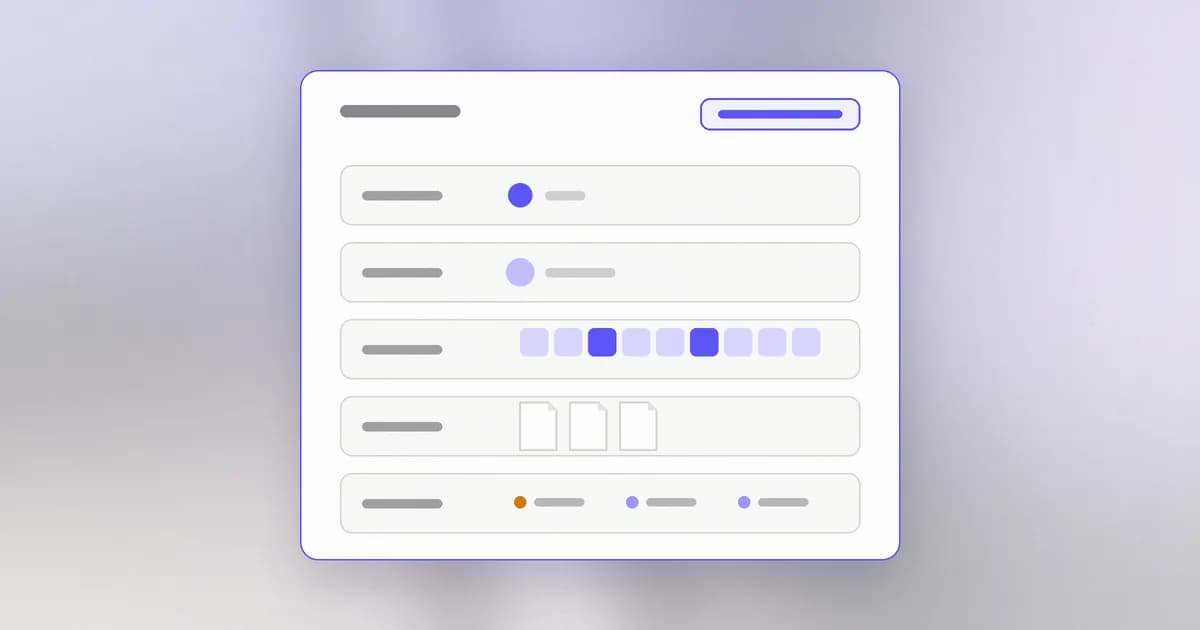
In the lesson on how computers run programs you met the process, a program that is running. Now we open it up. A process is not just code; it is a bundle: an owner, a parent, some memory, some open files and connections, and a set of settings handed down from whoever started it. Almost every local security question ("what can this thing reach?") is answered by looking at that bundle.
What a process carries
Every process has:
- A process ID (), a number the operating system uses to refer to it.
- An owner: the user account it runs as. Its permissions are that account's permissions.
- A parent: the process that started it.
- Its own memory, kept apart from other processes.
- Open files and network connections, including any ports it is listening on.
- An environment: a list of named settings it inherited.
Parents and children
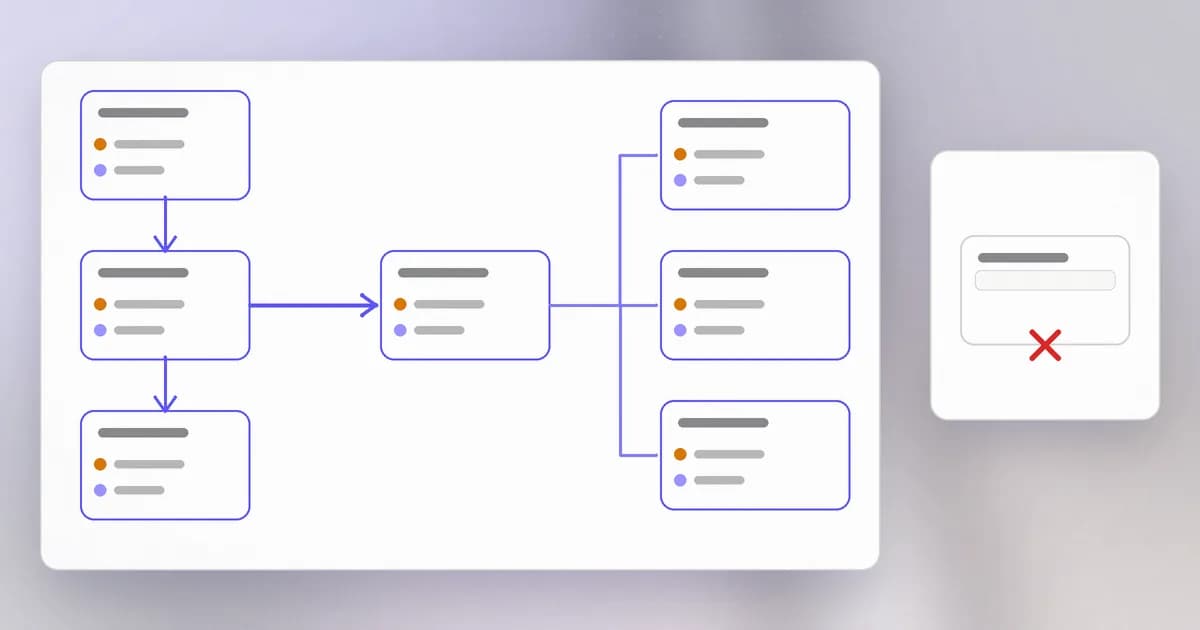
No process appears from nowhere. Every one is started by another, its parent, and the new one is its . When you open a terminal, the terminal starts a shell, and the shell starts each command you type as a child.
See it on your machine. This works on macOS and Linux:
echo $$
ps -o pid,ppid,user,comm -p $$
$$ is the PID of your current shell. In the output, PID is the shell, PPID is its parent (usually your terminal app), and USER is you. Now start something and look again:
sleep 300 &
ps -o pid,ppid,user,comm
The & runs sleep in the background. You will see sleep listed with a PPID equal to your shell's PID: your shell is its parent.
Why do security people care about the tree? Because a child inherits from its parent: the same user, the same permissions, and the same environment. If you start an unknown tool from your shell, that tool starts as you. And when an alert says "process X started process Y", following the tree backwards tells you what really launched it.
Environment variables
An is a named setting a process receives when it starts, such as HOME (your home folder) or PATH (where to look for programs). You can set one in your shell and watch a child receive it:
export GREETING=hello
sh -c 'echo $GREETING'
The second command starts a new shell as a child, and it prints hello. The child inherited the variable.
That convenience is also a risk. Many tools expect keys in environment variables, so people write export OPENAI_API_KEY=... in a shell profile. From then on every program started from that shell can read the key, including programs that have nothing to do with it. Beam's guide on API keys in logs and environment variables describes why environment variables hold the keys attackers want, and why logs then copy them around.
To see which variable names your shell passes on, without printing the values:
env | cut -d= -f1 | sort
Memory: private, but not empty
Each process gets its own view of memory, called . Process A's address 1000 and process B's address 1000 are different places, and the operating system will not let A read B's slice by default. That wall is what keeps a broken page in your browser from reading your password manager.
But memory is where a process keeps whatever it is working with: a decrypted document, a session token, a password you just typed. Two consequences follow.
- A bug that reads memory it should not can leak secrets. Whatever sat nearby in the same process is exposed.
- Isolation has limits. Depending on the operating system and its settings, programs running as the same user may be allowed to inspect each other. Isolation between different users is much stronger than between two programs of one user. This is one more reason to be careful what runs as you.
What a process can touch
To see what one process has open, use lsof (list open files), found on macOS and many Linux systems. Pick your own shell:
lsof -p $$ | head -n 15
You will see the terminal device, your current folder and some system libraries. To see which processes are listening for network connections, a quick way to measure your :
lsof -iTCP -sTCP:LISTEN -n -P
Each row is a process holding a port open. Most are yours (a development server, a database); a few are system services. A listening process is a door that other machines might knock on, which the networking lessons explain.
Stopping a process
Every process can be asked to stop with a signal, a short message from the operating system. kill <pid> sends the polite one, "please shut down", and the process may tidy up first. kill -9 <pid> is the forced one: the process is removed immediately, with no cleanup. Prefer the polite one, and always check what you are stopping.
A real case: secrets in memory
Researchers at Wiz describe PHP2Shell, a set of memory flaws in PHP. Wiz says the memory disclosure path can return passwords, tokens and API keys that were sitting in a PHP worker's memory. Beam's PHP2Shell analysis draws the practical lesson: if a program's memory can be read by someone who should not, any key that program used is exposed, so treat it as compromised and rotate it. The flaw sat in the process; the loss was the credentials it held.
How AI changes this
An AI coding agent, on your machine, is a process like any other, and it creates many more. Each command it runs is a child process; test runners, build tools and development servers it starts may keep running, and keep ports open, after the task is "done". Two things follow from this lesson.
- Inheritance. The agent inherits your environment. If your shell exports provider keys, the agent, and every command it spawns, can read them. This matters because stolen AI keys are a target: Beam's October 2026 write-up covers attackers raiding platforms for AI keys. The old rule applies: do not export secrets into shells that you also use for untrusted tools.
- Visibility. Watching an agent means watching the process tree: which commands it started, as which user, touching which files. That is the idea behind agent monitoring, described in What is AI agent monitoring. The tools are new, the model is the one in this lesson.
Attackers also use AI to find memory bugs faster; the bug class is not new, the speed is.
Try it
Do this on your own machine. Nothing here touches system processes.
- Run
echo $$and note your shell's PID. Then runsleep 600 &andps -o pid,ppid,comm. Confirmsleep's parent is the PID you noted. - Run
export LAB_SECRET=not-really-secret, thensh -c 'echo $LAB_SECRET'. Open a new terminal window and runecho $LAB_SECRET. It prints nothing. Why? Variables are inherited by children, not shared with unrelated processes. - List listeners with
lsof -iTCP -sTCP:LISTEN -n -P. For one that you do not recognise, search its name before doing anything else. - Stop your test process with
kill <pid of sleep>, then runpsagain to confirm it is gone.
Check yourself
You start a program from your shell. Whose permissions does it run with, and why?
Yours. A child process inherits its parent's user, so it has exactly the permissions of the account that started it.
You export an API key in your shell profile. Who can read it?
Every program started from that shell, because each inherits the environment. It is not limited to the one tool you meant it for.
Why can a browser tab not read your password manager's memory?
The operating system gives each process its own private memory and does not let one read another's by default. That wall is only as strong as the operating system's isolation.
What is the difference between kill and kill -9?
kill sends a polite request to stop, so the process can clean up. kill -9 forces it to end at once with no cleanup, which is a last resort.
Next
Every process runs as some user. Next we look at those accounts, and at why the administrator account is special.