
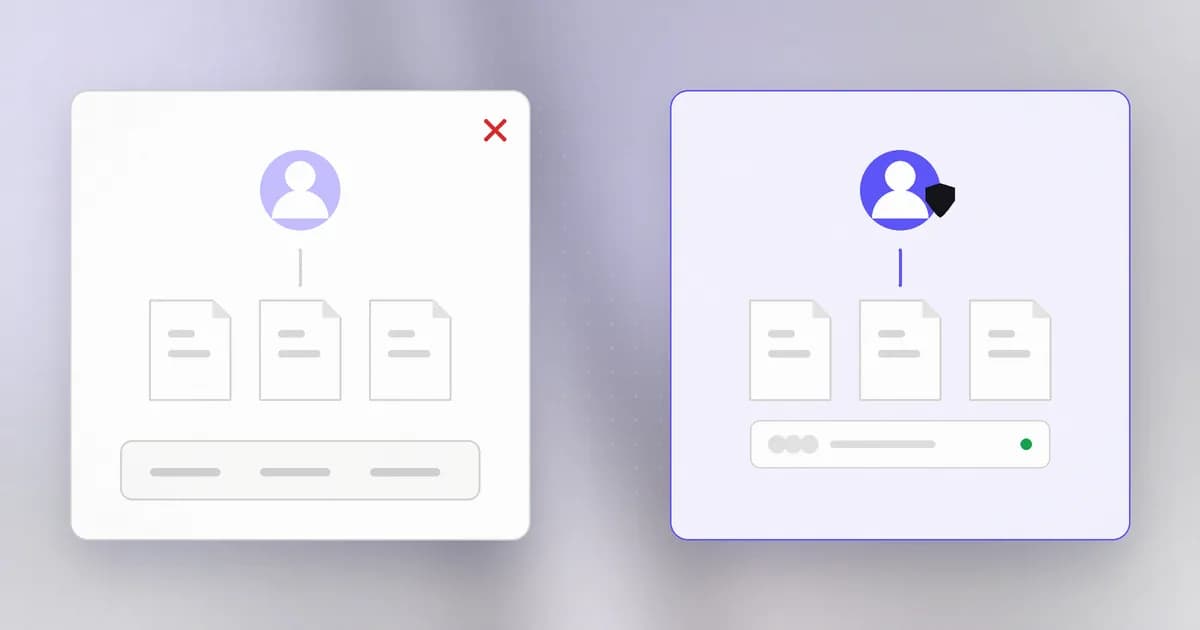
In the last lesson we saw that every process runs as a user, and borrows that user's permissions. This lesson is about the users themselves, and about one account in particular that has no limits. Understanding this boundary explains why "run as administrator" is a prompt worth reading, and why so many attacks aim to become that account.
Accounts
A user account is an identity the operating system recognises. It has a name, a numeric ID, a home folder where its files live, and membership in zero or more groups. Everything the system decides about access comes from that identity: the owner and group on a file (from the permissions lesson) are accounts and groups.
Check yours:
whoami
id
whoami prints your account name. id prints your numeric user ID and the groups you belong to. Compare them with ls -l on a file you created: the owner column will match whoami.
A machine usually has three kinds of accounts:
- People. Yours and anyone else who logs in.
- The administrator. One all-powerful account (below).
- Service accounts. Accounts that no person logs in to; they exist so a background service, such as a web server or database, can run as something narrower than you. Dictionary readers may know these as .
Standard users and administrators
On a typical laptop there are two levels of everyday account.
A standard user can use programs, change its own files and settings, and cannot change the system. It cannot install software for everyone, edit protected settings, or read other users' private files.
An administrator can, when it asks. On macOS and Linux, an admin account is one allowed to use sudo (below). On Windows, an administrator gets a prompt (User Account Control) before a program takes system-wide action.
Root
Beyond those sits the most powerful account: on macOS and Linux (called SYSTEM or Administrator on Windows). Root ignores almost all permission checks. It can read every user's files, change any setting, stop security tools, and install anything that starts at boot. Whatever process runs as root is limited only by what the operating system itself cannot do.
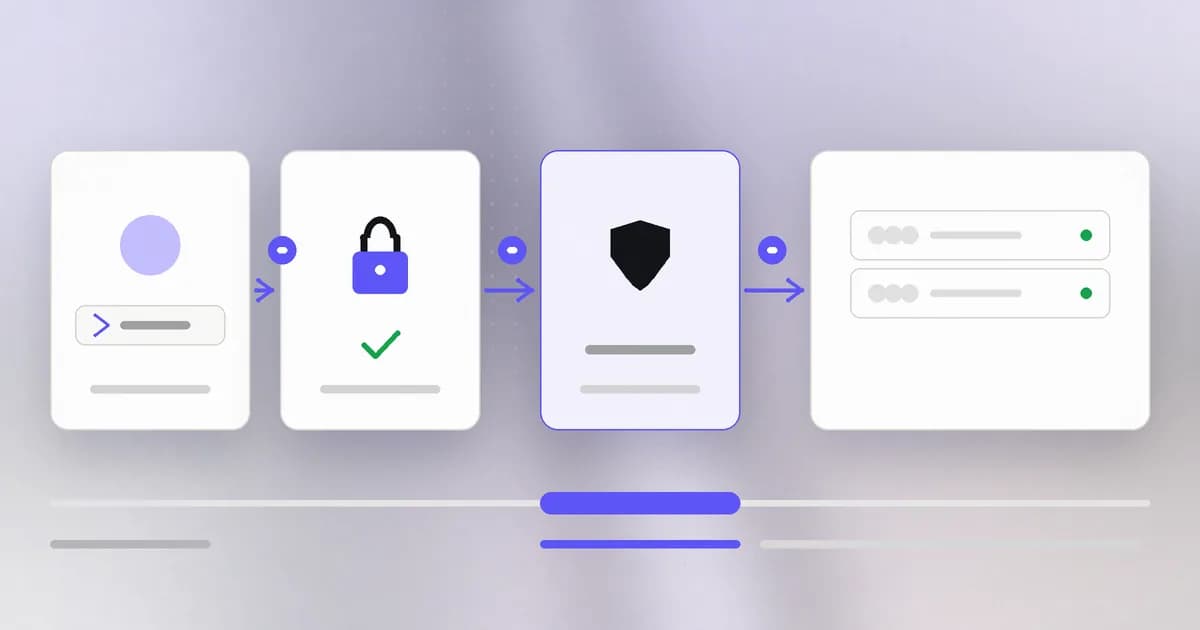
You rarely log in as root. Instead you use ("superuser do"), which runs one command with root's rights after confirming that your account is allowed to:
sudo ls /private/var/root
sudo asks for your password, records the use in a log, and the extra power ends when the command ends. That brief, visible step up is the design: power is borrowed for a moment rather than held all day.
Why the difference matters
A mistake is capped by the account. Imagine a typo in a delete command. As a standard user, it can remove your own files. As root, the same typo can remove the operating system. Having to type sudo forces a pause before the dangerous version.
Malware inherits your rights. If you open a bad file while logged in as a standard user, the malicious program can touch only what you can. If your daily account is an administrator and you approve a prompt without reading, it gets much more.
Attackers want the step up. A common attack has two stages: first run any code at all as some low-power account (through a bug in a web page, say), then find a second flaw that raises the code to root. That second stage is called , and level 4 of this course covers it. The more powerful the account a service runs as, the bigger the prize when it is compromised.
Services should run narrow. This is why a web server runs as a dedicated account that owns almost nothing, not as root. If the web server is exploited, the attacker holds only that account's few rights. This idea has a name, , and is the subject of a lesson in level 1.
An illustration
Picture two laptops, both with the same bad installer open. On laptop A, the owner uses a standard account; the installer cannot change system files and macOS or Windows asks for an admin password, which the owner declines because they did not expect it. The damage is limited to that one person's folders. On laptop B, the owner runs as an administrator and clicks Allow on a prompt without reading. The installer can now add itself to start at boot, and disabling it later is harder. The only difference is the account and a pause to read a prompt. (This is an illustration, not a specific incident.)
How AI changes this
An AI coding agent needs an account to run as, and by default that is yours. The principles above apply with one new twist: the agent is a user that decides what to run, and it can be steered by text it reads.
- Do not give it more rights than the job. If an agent can run
sudowithout a password prompt (some machines are set up this way for convenience), it can become root in one step, with no pause for you to read. Keep sudo password-protected on the account an agent uses, and approve each elevated command yourself. - Prefer separate identities for agents. Microsoft's October 2026 announcement, summarised in Beam's write-up, describes giving agents their own identities (Entra Agent ID) and scoping an agent's authority to the task. The general principle, which you can apply on a laptop, is the one in this lesson: an agent should have its own narrow account where possible, not your power.
- Attackers automate the escalation hunt. Checking a system for misconfigurations that allow privilege escalation is repetitive work, which AI tools can speed up. The defence is old and still works: run services with least rights, keep software updated, and remove accounts and sudo rules that are not needed.
AI also helps defenders review this: asking a model to explain what a sudo rule allows is a reasonable use, as long as you check the answer against man sudoers before trusting it.
Try it
This lab only reads and attempts actions that will fail safely. You will not use sudo.
- Run
whoamiandid. Write down your account name and your groups. - Look at a protected system file:
ls -l /etc/hostsand note the owner (usually root). - Try to change it:
touch /etc/lab-test. You should seePermission denied. That error is the boundary working. - Try to read another place that is private to root:
ls /private/var/rooton macOS orls /rooton Linux. Again you should see a permission error.
Do not try to get around the errors. Reading Permission denied as "the system is protecting itself" is the whole lesson.
Check yourself
Why does a web server usually run as its own limited account instead of root?
If the web server is exploited, the attacker gets only the rights of the account it runs as. A dedicated account owns almost nothing, so the damage is small. Running as root would hand the attacker the whole machine.
What is different about sudo compared with logging in as root?
Sudo gives root's rights to one command, after checking you are allowed to and asking for your password, and it records the use. The extra power ends with the command, instead of lasting for a whole session.
You are asked for an administrator password by an installer you did not start. What should you do?
Stop and find out why. An unexpected prompt is a signal. Cancel it, identify what is asking, and continue only if you started the action and trust the source.
An agent on your laptop can run sudo with no password. Why is that a concern?
It removes the pause. The agent, or anything that steers it, can become root with a single command, and you never get a chance to read what is being run.
Next
Accounts and processes live on one machine. Now we leave it: how data moves between machines across the internet.