
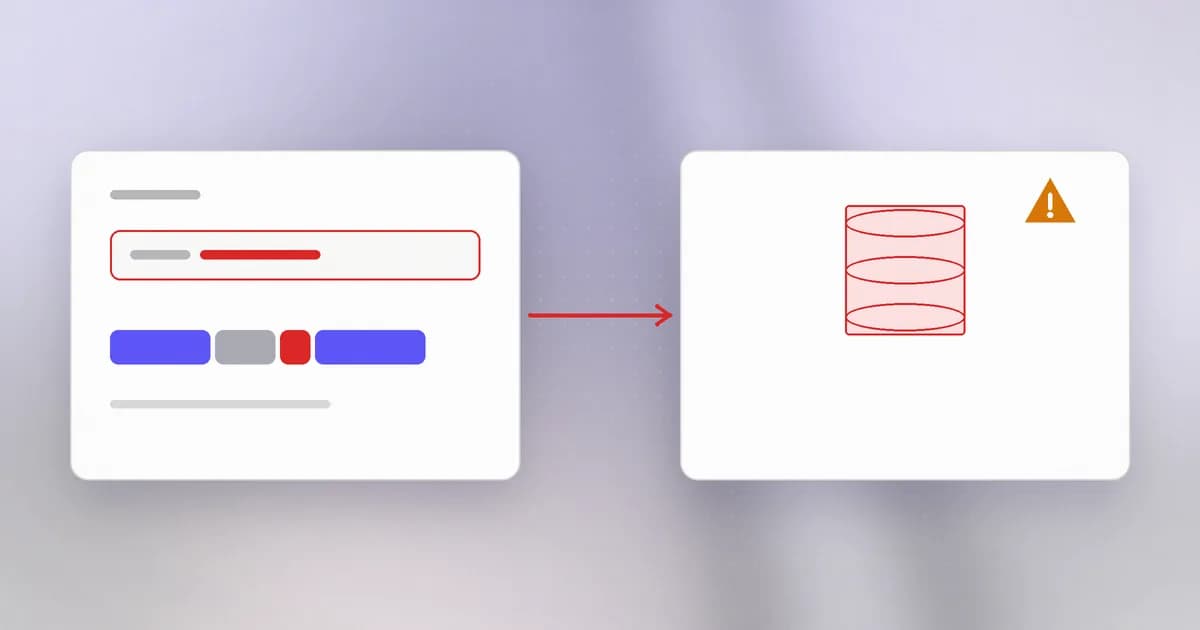
A database answers questions written in a language called SQL. When a website checks your login, shows your orders or searches a catalogue, some program on its server is writing a SQL sentence and sending it to the database. SQL injection is what happens when you can reach into that sentence.
A query is a sentence with a hole in it
Here is a table of users and a query that finds one of them. The query is text:
SELECT id, name FROM users WHERE name = 'sam';
Read it plainly: from the users table, get the id and name of rows whose name equals sam. The quotes mark where the value starts and ends. Everything outside them is the database's own vocabulary.
A web app does not know the name in advance, so it fills in the hole from the request. How it fills it in is the whole story.
The vulnerable way: gluing strings
def find_user(db, name):
    query = "SELECT id, name FROM users WHERE name = '" + name + "'"
    return db.execute(query).fetchall()
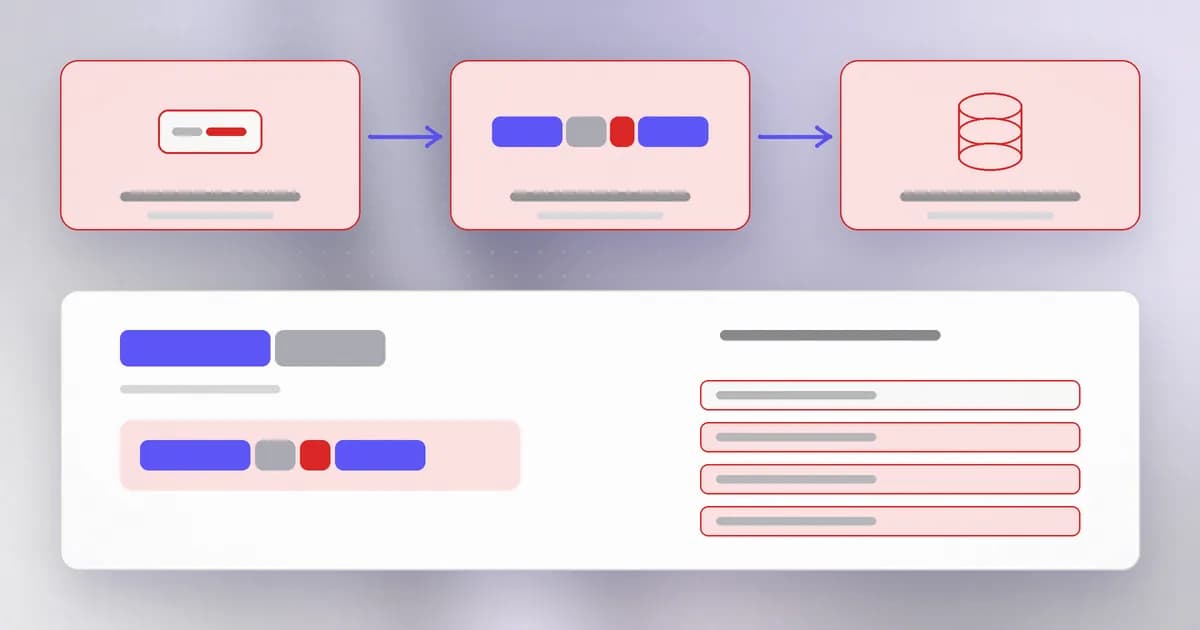
With name = "sam" this builds the sentence above. With input that itself contains a quote mark, the picture changes. Suppose someone types:
x' OR '1'='1
The program glues it in and produces:
SELECT id, name FROM users WHERE name = 'x' OR '1'='1'
The first quote the visitor typed closed the value early. What followed became the database's own words: "or one equals one". That is always true, so the query now matches every row. The program intended to look up one person and returned the entire table.
That is , weakness class CWE-89. The input did not trick the database; the database did exactly what the sentence said. The program wrote a sentence the visitor could finish.
What the visitor can finish depends on the account the app uses. Reading private rows is common. Changing or deleting rows happens where the database account is allowed to write. A few database products can also reach the server's files or run commands, and that is why this bug class can rise from "leaked table" to "server compromised".
The fix: parameterized queries
The lasting fix is to stop gluing. Write the query with a placeholder and hand the value over separately. This is a , also called a prepared statement.
def find_user(db, name):
    return db.execute(
        "SELECT id, name FROM users WHERE name = ?", (name,)
    ).fetchall()
Now the database receives two things: a finished sentence with a hole, and a value for the hole. It parses the sentence first, so its structure is already fixed, and then plugs the value in as data. Whatever the visitor types, including quote marks, is only ever the text to compare against name. The input from before is searched for as a literal name, and nobody has that name.
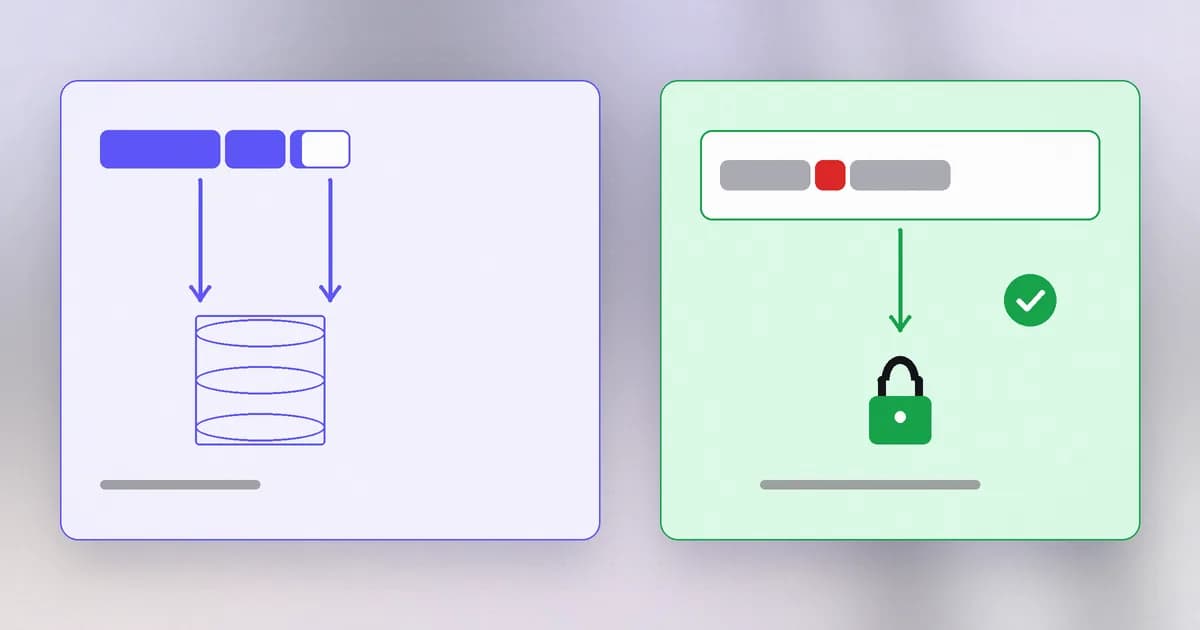
This works because it removes the mixing, not because it filters bad characters. Compare with the alternatives:
| Approach | Why it holds or fails |
|---|---|
| Parameterized queries | Value never parsed as SQL. Holds. |
| Escaping quotes by hand | Rules differ by database and context, and one missed case reopens the hole. Fragile. |
Rejecting words like OR | A denylist. Breaks real names and still gets bypassed. |
| Allowlist validation (digits only for an id) | Good second layer for values with a known shape. |
| Least-privilege database account | Limits damage if something else fails. |
Two cases need care. Placeholders work for values but not for table names or the direction of a sort. For those, choose from a fixed list in your code (ORDER BY an allowlist of column names), never from the request. And ORMs, which build queries for you, are safe by default but offer "raw SQL" escape hatches; every use of them deserves the same suspicion.
Why do placeholders stop injection when escaping often does not?
With a placeholder the database parses the command before it sees the value, so the value can never change the command's structure. Escaping tries to neutralise characters inside a mixed string, which depends on getting every rule right.
Spotting it in a code review
- Search for
execute,query,raw,execand similar database calls. - Look at the argument. A string built with
+, an f-string,formator a template literal that includes anything from a request is the red flag. - Check ORM raw modes and query builders for string concatenation inside them.
- Check dynamic parts: sort columns, table names,
INlists. These need allowlists or a safe builder, because placeholders do not cover them. - Check the database account. An app that connects as an administrator turns every small bug into a large one.
A real case
The lesson is about reach. The bug was SQL injection (CWE-89), but the product was a management tool that controlled many other computers. A flaw in the database layer of a tool with that much authority became a path to every machine it managed. The more power a system holds, the less room it has for unchecked input.
How AI changes this
Attackers. SQL injection was one of the first bug classes to be automated, so scanners have long tried it. AI adds adaptation: a model can read an error message or a slightly different response, reason about what the underlying query looks like, and try the next variation, instead of replaying a fixed list. It can also read source code to find the string-built queries directly, without probing a live site. The defensive answer is unchanged: if the query is parameterized, there is nothing to adapt to.
Defenders. Assistants are good at converting string-built queries to parameterized ones and at listing every raw query call in a codebase. They are also known to produce vulnerable code themselves, including gluing request data into SQL, so generated database code should get the review in the section above. Run a static analyser (a tool that scans code for risky patterns) in CI as a second opinion.
AI agents. Agents are often given a database tool: "answer questions by running SQL". Two risks follow. First, the SQL is written by a model that reads untrusted text, so a page or ticket the agent processes can steer the query it writes; this is arriving as injection into your database. Second, the agent's connection usually has far more rights than the question needs. The controls are the same old ones: a read-only database account scoped to the tables the agent needs, row limits, and approval before any write or delete. Beam's enterprise data agent post works through these permissions in more depth.
Try it
This lab uses SQLite, which ships with Python, in memory. It creates no files and touches no real data.
Save as sqli_lab.py:
import sqlite3

db = sqlite3.connect(":memory:")
db.execute("CREATE TABLE users (id INTEGER, name TEXT, secret TEXT)")
db.executemany("INSERT INTO users VALUES (?, ?, ?)", [
    (1, "sam", "sam-private-note"),
    (2, "ana", "ana-private-note"),
])

def unsafe(name):
    q = "SELECT id, name FROM users WHERE name = '" + name + "'"
    return db.execute(q).fetchall()

def safe(name):
    return db.execute("SELECT id, name FROM users WHERE name = ?", (name,)).fetchall()

for name in ["sam", "x' OR '1'='1"]:
    print("input:", name)
    print("  unsafe ->", unsafe(name))
    print("  safe   ->", safe(name))
Run python3 sqli_lab.py. The normal name behaves the same in both. The second input makes the unsafe version return both users while the safe version returns nothing. Try adding a print(q) inside unsafe to see the final sentence the database was given. Delete the file when you are done.
Check yourself
In one sentence, what is the root cause of SQL injection?
The program builds the query by joining strings, so characters in the input can end the value early and become part of the command.
A developer says 'we replace every single quote with two single quotes, so we are safe'. What would you tell them?
Escaping is fragile: it depends on the database and the context, such as numbers that are not in quotes, and one missed case reopens the hole. Use parameterized queries so values are never parsed as SQL, and keep escaping out of the design.
Why can't a placeholder be used for a column name in ORDER BY, and what do you do instead?
Placeholders carry values, not parts of the command. Pick the column from a fixed allowlist in your code and put only that vetted name into the query.
Next
SQL injection let input rewrite a message to the database. The next lesson looks at the same mistake aimed at the visitor's browser, where input becomes script on a page.