
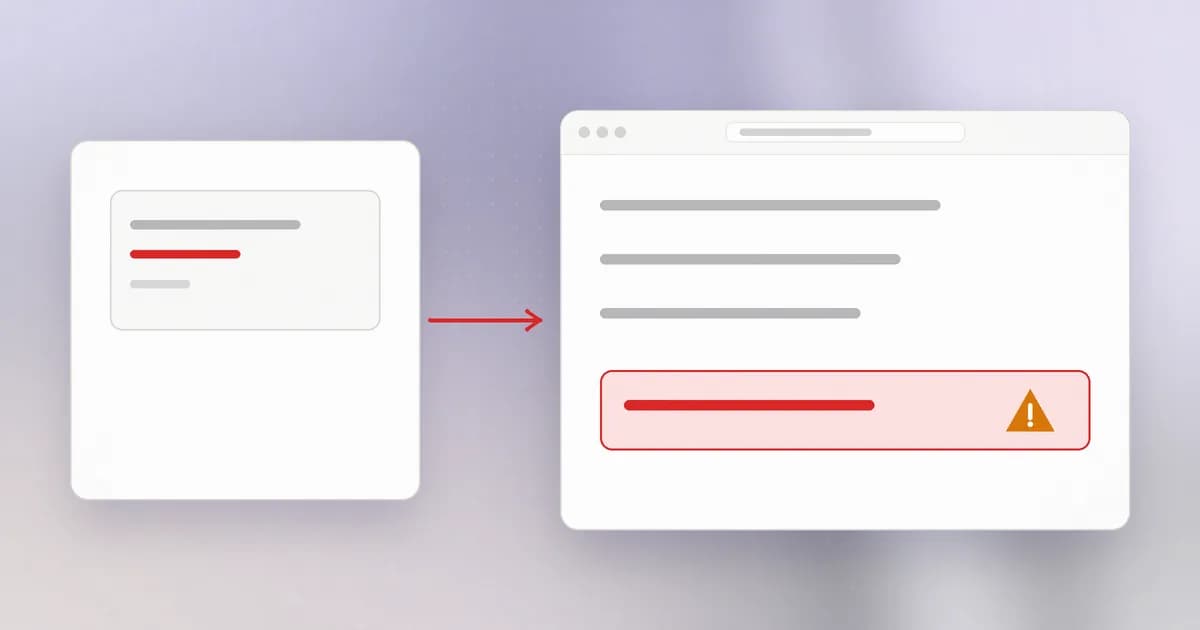
SQL injection reached the database. Cross-site scripting, usually shortened to XSS, reaches the person looking at your web page. The mistake is the same one: text from outside was placed into a document and read as structure.
What a browser does with a page
A web page is text written in HTML. The browser reads it and decides what each piece is: a heading, a link, an image, or a script, which is a program written in JavaScript that the browser runs immediately. Special characters mark the pieces. A less-than sign opens a tag, such as <b> for bold or <script> for a program.
The browser trusts the page completely, because the page came from the site. A script on shop.example can read everything shown on that page, make requests to shop.example using the visitor's logged-in session, and change what the visitor sees. This is why a script that arrives by accident is so serious: it has the site's authority.
The vulnerable pattern
Suppose a site shows comments. The server builds the page by joining text:
def render_comment(author, text):
    return "<p><b>" + author + "</b>: " + text + "</p>"
For text = "nice post", the browser receives <p><b>sam</b>: nice post</p>, which is fine. Now someone posts a comment that contains HTML tags of its own. The server pastes it in, and the browser, which cannot tell which parts the site wrote, reads those tags as part of the page. If one of them is a script tag, the script runs in the browser of everyone who views the comment.
That is (CWE-79). The "cross-site" part of the name is historical; the practical point is that one person's input ends up running in another person's browser, under the site's name.
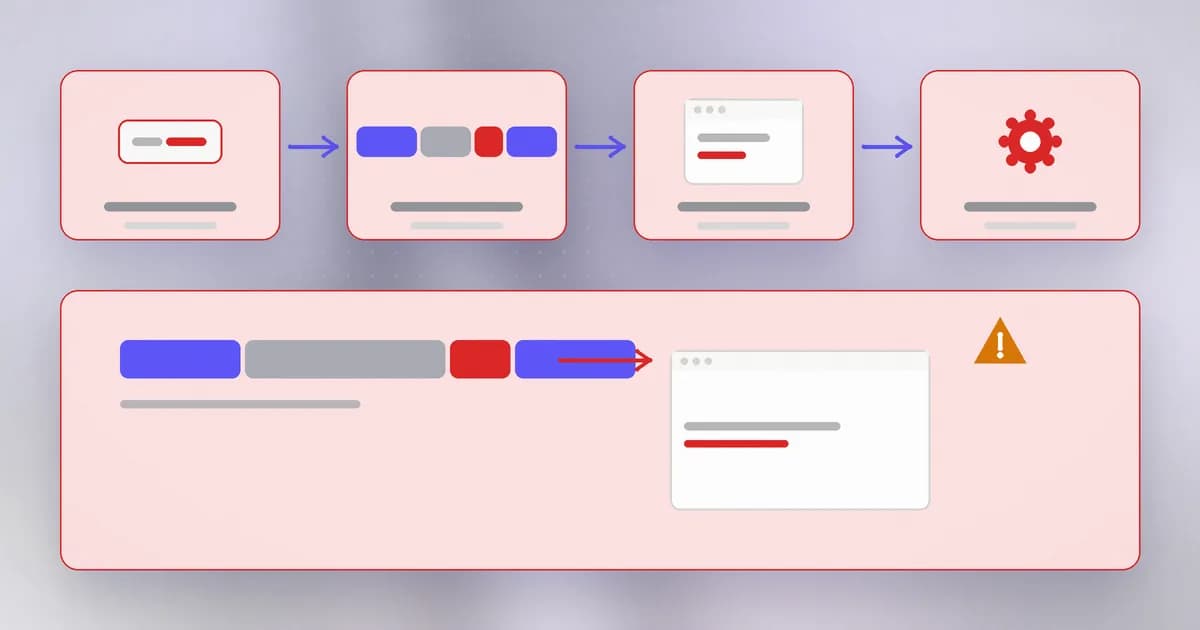
XSS comes in a few forms, which differ only in where the dangerous text is stored:
- Stored: saved by the site (a comment, a profile name) and shown to many visitors.
- Reflected: bounced straight back from the request, such as an error message that echoes a search term, usually reached through a crafted link.
- DOM-based: the page's own JavaScript takes text from the URL or a response and writes it into the page unsafely, with no server involved.
The fix works the same for all of them.
The fix: encode for the destination
Output encoding replaces the special characters with harmless text codes before the value is inserted into HTML. A less-than sign becomes <, which the browser draws as a visible < instead of treating it as the start of a tag.
import html

def render_comment(author, text):
    return "<p><b>" + html.escape(author) + "</b>: " + html.escape(text) + "</p>"
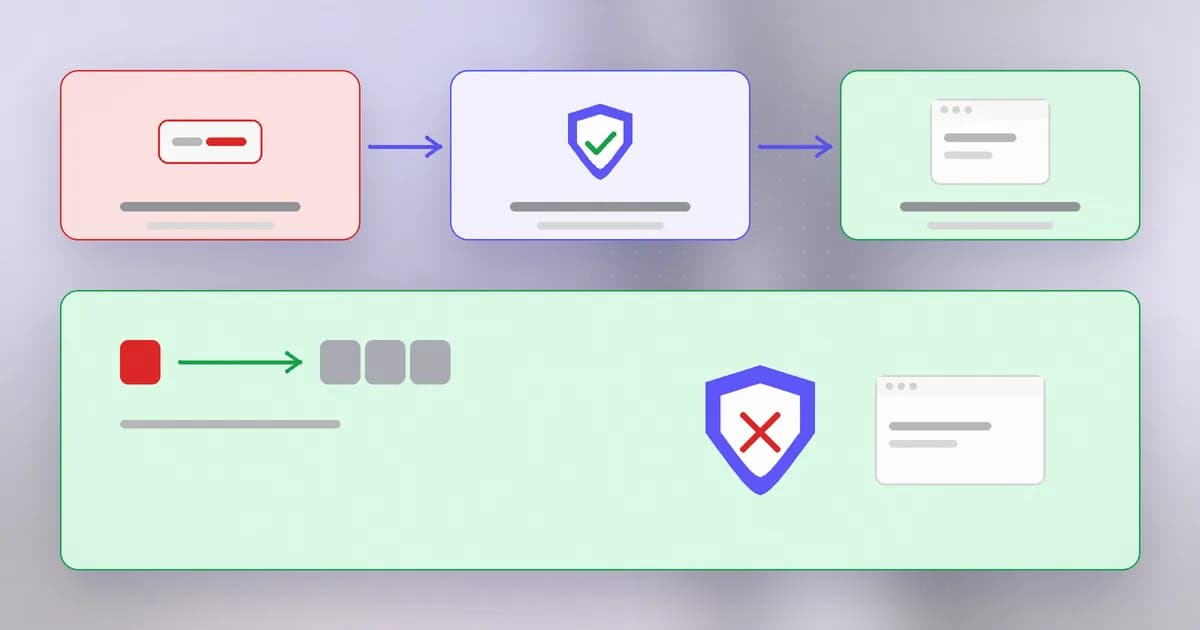
Now the comment's tags appear on the page as plain visible characters. They are data, as intended. Modern template engines and front-end frameworks do this automatically when you print a variable, which is why most XSS today appears where a developer turned that off or used a raw-insert feature.
The encoding must match where the data lands. The same text needs different treatment in:
- HTML text between tags
- an HTML attribute value (quotes matter)
- a URL (links starting with a dangerous scheme such as
javascript:need blocking, not just encoding) - a JavaScript string
is the first-line fix. If your app must allow some HTML, such as bold text in a rich editor, run it through a maintained sanitizer library that keeps only an allowlisted set of tags and attributes. Writing your own filter is the usual way the bug comes back.
The backstop: Content Security Policy
A (CSP) is an HTTP response header that tells the browser which sources of script it may run. A strict policy can say "only scripts loaded from my own domain, and no scripts written inline in the page". If an injected script tag slips through your encoding, the browser itself refuses to run it.
Content-Security-Policy: default-src 'self'; script-src 'self'; object-src 'none'
CSP is a seatbelt, not a driver. It reduces the damage of a missed encoding, and it needs care (a policy with too many exceptions protects little), but it is not a substitute for escaping. Recall HTTP by hand: headers are just lines the server sends, which is why adding one is cheap.
Why does html.escape protect the page even though it does not look for 'bad' words?
It changes the characters the browser treats as markup, such as the less-than sign, into text codes. The browser then shows them instead of interpreting them, so there is nothing to filter out or miss.
Spotting it in a code review
- Find where values are written into HTML: string joins that include tags,
innerHTML,document.write,dangerouslySetInnerHTMLin React,v-htmlin Vue, asafeorrawfilter in templates. - Trace each such value backwards. If any part came from a request, a database field a user can edit, or a third-party response, ask what encodes it.
- Check links built from user input for the allowed schemes (
https:andhttp:), not just encoding. - Look at the response headers for a CSP and for
HttpOnlyon session cookies. - Prefer APIs that insert as text (
textContent) instead of as markup.
A real case
This lesson's curriculum entry does not point to a single CVE, but you can find thousands of XSS records in the public CVE database under CWE-79; our CVE pages let you search them. It is among the most commonly reported web weakness classes precisely because every page that displays user-supplied text is a place to forget the encoding. A good exercise is to read a few records: nearly all describe the same pattern as the comment example, with a different product name on top.
How AI changes this
Attackers. XSS testing has always been partly repetitive: try a string, see whether it comes back unencoded, adapt to the context. Models make the adaptation step cheaper, because they can reason about whether the text landed inside an attribute, a script block or a URL and propose a fitting variation. They can also read front-end source and spot unsafe insertion calls quickly. What stays the same is the root cause, and correct encoding for the destination still ends it.
Defenders. Assistants are useful for finding raw-insertion calls across a front-end codebase and for explaining which encoding applies where. Be careful with generated front-end code: a model asked to "render this HTML from the API" may reach for innerHTML because it is the shortest answer. Treat that as a review flag.
AI agents and chat interfaces. This is where XSS got a new door. A chat window shows text that a language model produced, and that text can be shaped by anything the model read: a web page, an email, a document. If the interface renders the model's output as HTML or Markdown that allows raw HTML or automatic image loading, then the model's output is untrusted input to a browser, and the same rules apply. Rendered images and links can also cause requests that carry data out even with no script at all. Beam's AI agent web and transport security guide covers reviewing output sinks, renderers and streaming messages. The fix is the old one: encode what you display, restrict what the renderer can load, and add a CSP.
Try it
This lab builds two small web pages on your own machine and opens them in your browser. The "script" is a harmless popup that you write yourself, so you can see the difference first hand.
mkdir ~/xss-lab && cd ~/xss-lab
Save as xss_lab.py:
import html

comment = "Great post! <script>alert('this ran as code')</script>"

unsafe = "<html><body><h1>Unsafe page</h1><p>" + comment + "</p></body></html>"
safe = "<html><body><h1>Safe page</h1><p>" + html.escape(comment) + "</p></body></html>"

open("unsafe.html", "w").write(unsafe)
open("safe.html", "w").write(safe)
print("wrote unsafe.html and safe.html")
Run python3 xss_lab.py, then open unsafe.html in a browser (on macOS, open unsafe.html). A popup appears: the comment's text ran as code. Now open safe.html: the same characters are displayed as text, with no popup. View the page source of each to see what html.escape changed. Both files are local, nothing is sent anywhere. Clean up with cd ~ && rm -r ~/xss-lab.
Check yourself
In your own words, why does the browser run script from a comment?
The server joined the comment into the page without encoding it, so the browser could not tell the site's markup from the visitor's text. It parsed the comment's tags as part of the page, including a script tag, and ran it with the site's authority.
A developer wants to allow bold and italics in comments. What is the safe way?
Use a maintained HTML sanitizer configured with an allowlist of tags and attributes (just bold and italic), or use a restricted markup format that the server converts. Do not write a custom filter or turn off encoding.
Does a strict Content Security Policy mean you can stop encoding output?
No. CSP limits what the browser will run, which can blunt an injection, but it is a second layer. A missed encoding is still a bug, and policies with exceptions can be bypassed. Do both.
Next
Browsers run what they are given. Servers have their own interpreter, the shell. The next lesson covers what happens when input reaches it.