
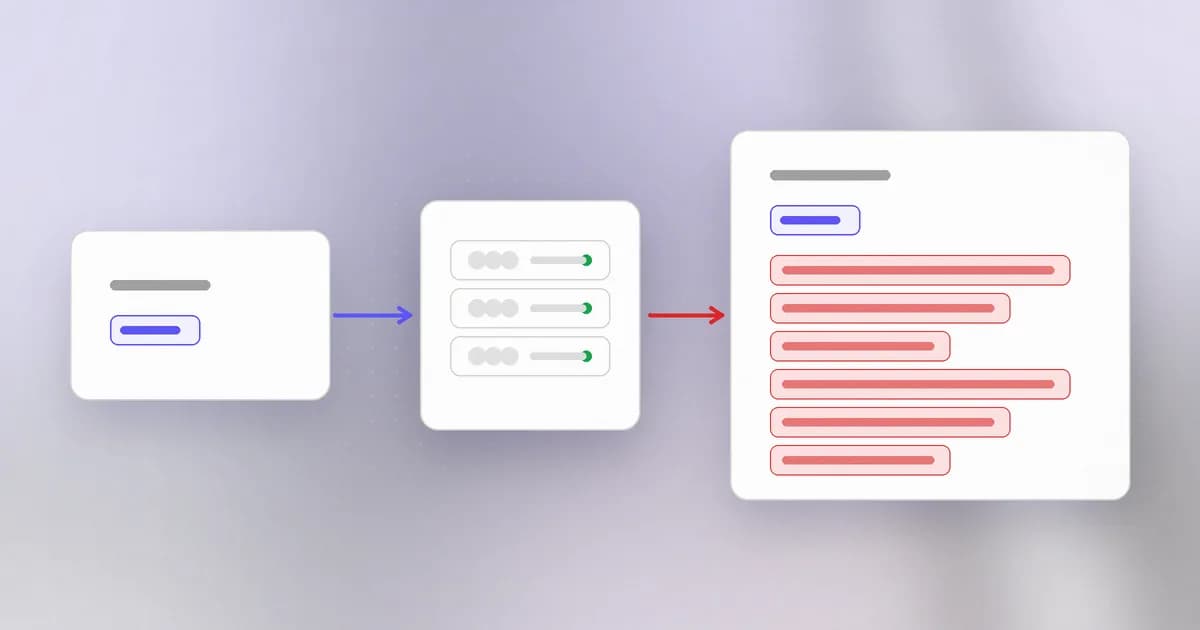
The last two bugs wrote to memory in a way the programmer did not intend. Heartbleed did something that sounds milder and turned out to be one of the most expensive security bugs ever found: it only read. No code ran, no file changed. A stranger simply asked a server to say a bit more than it should, and the server did.
What a heartbeat is
An encrypted web connection (TLS) can sit idle for a long time. To check the other side is still there, TLS has an optional heartbeat: one side sends a small message, and the other sends it right back. Think of shouting "are you there? Say back the word banana." The reply, banana, proves the line is alive.
A heartbeat request carries two things:
- a payload: the bytes to echo, such as
banana - a length: a number saying how long the payload is
The server's job is simple: copy length bytes of payload into a reply and send it.
The missing check
The flaw is in that last step. The length field is just a number the sender wrote. The server used it to decide how much to copy, and it did not check that the number matched the payload that actually arrived. This is the weakness class , listed as CWE-125 in the record.
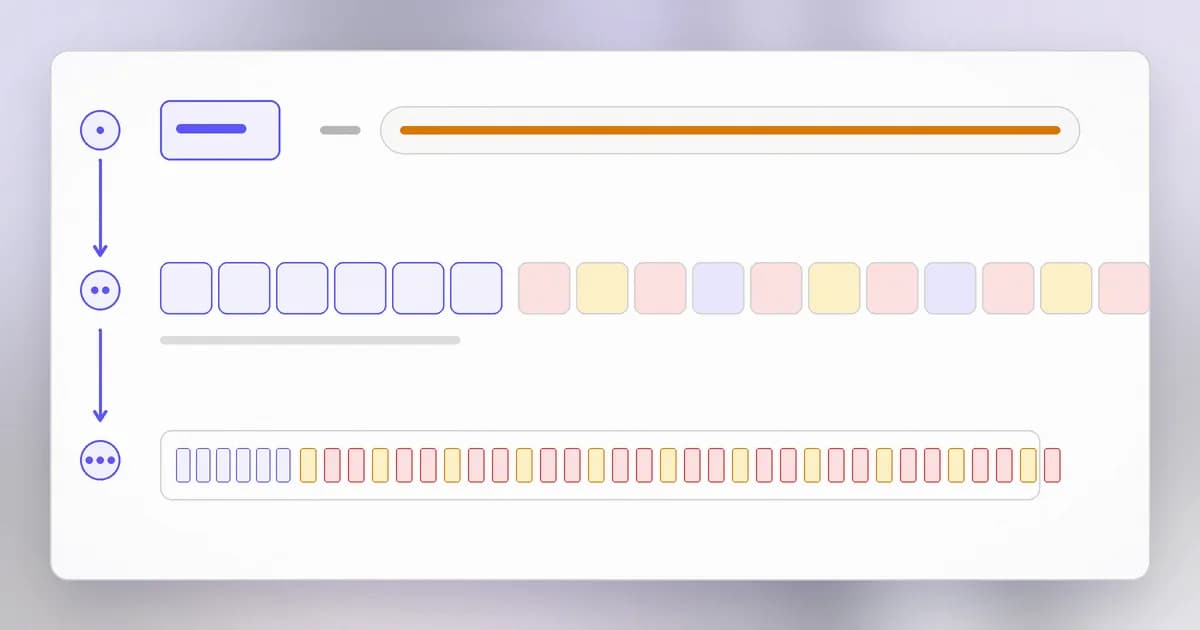
So a request that says "my payload is banana, length 4000" makes the server copy banana plus the next 3,994 bytes that happened to follow it in memory, and send them back. Those neighbouring bytes belonged to the server's own process: parts of other users' requests, session cookies, passwords that had just been typed, and, as the CVE record says, private keys were demonstrated to be readable. The length field was 16 bits, which caps each reply at roughly 64 kilobytes. That sounds small until you remember that a request can be repeated as many times as you like, and each reply shows a different slice.
Compare the family from earlier lessons:
| Bug | Mistake | Damage |
|---|---|---|
| Buffer overflow | Wrote past the end | Changes data or control |
| Use-after-free | Used after release | Reads or writes the wrong owner's data |
| Over-read | Read past the end | Leaks data, silently |
An over-read cannot change what the program does. Its damage is confidentiality: secrets leave. This is why the CVSS vector for this record scores confidentiality as high and integrity and availability as none, for a score of 7.5.
The real case
Points to take from the record:
- No account needed. The CVSS vector shows network attack, low complexity, no privileges and no user interaction. Anyone who could connect to a vulnerable server could ask.
- Fixed in OpenSSL 1.0.1g. The fix was to compare the claimed length against the real payload size and drop the request when they disagree. A one-line idea.
- Still catalogued. It was added to the CISA Known Exploited Vulnerabilities catalogue on 2022-05-04, which means it was listed as known to be exploited, years after the fix existed. Old bugs stay relevant wherever software goes unpatched.
Why patching was not the end
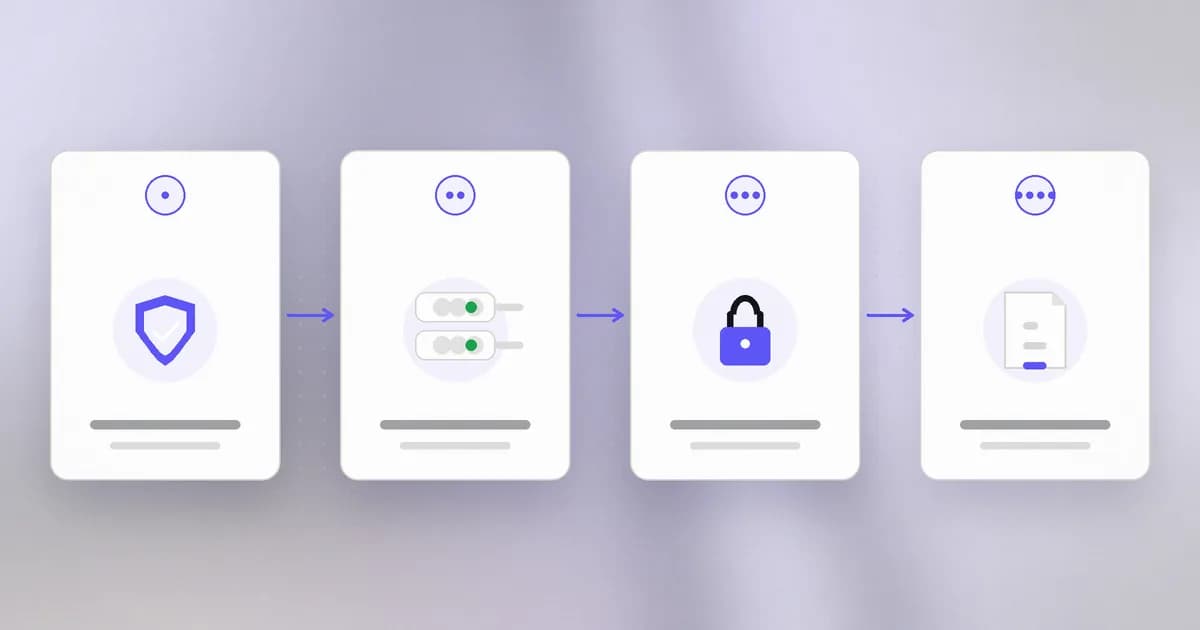
After a bug that exposes memory, you cannot know what was copied, because reading leaves no trace in a normal log. So the response has more steps than a typical patch:
- Patch the library, and restart every service that loaded it. Programs keep using the old copy in memory until restarted.
- Assume the server's private key is compromised. Generate new keys, get new certificates, and revoke the old ones.
- Reset credentials that may have passed through the server, and invalidate sessions.
- Review what else was reachable through anything the server could access.
This is the general lesson: for a confidentiality bug, the fix is a patch plus rotation. If a secret could have been in memory while the flaw was live, treat it as exposed. is the same discipline you will use when an agent leaks a key.
Where the flaw came from
Not a clever trick: a trusted number. Wherever a program copies, allocates or loops based on a length it received, that length is untrusted input. The defence is to validate it against the real size of the data every time, or to use a language where reading beyond the end is an error. Bugs of exactly this shape appear again and again in protocol parsers, image decoders and file readers.
How AI changes this
Attackers. "Length field not checked" is a pattern that is easy to describe and tedious to hunt by hand. AI models can scan code for that pattern across whole repositories and across the dependencies inside them. Beam's PHP2Shell and AI agents post reports that Wiz says the PHP2Shell memory disclosure path can return passwords, tokens and API keys, including from sites that call model APIs. Memory disclosure bugs are especially relevant now because applications hold more API keys in memory than they used to.
Defenders. Use models to inventory where a vulnerable library lives and to draft the rotation checklist, but keep the decisions human. The hard part of Heartbleed was not the patch; it was finding every system that used the library, and then rotating keys. Beam's AI-led attacks summary shows why the keys matter: stolen AI keys are now a target in their own right.
Agents. An agent's runtime, its model API keys and the content it has read all live in process memory, so a disclosure bug in any library it depends on is a disclosure of those. Keep agent runtimes patched, keep long-lived keys out of the agent's environment where you can, and prefer short-lived credentials so that a leak expires.
Try it
This is a simulation in plain Python on your own machine. It shows the mechanism, not the real attack. The "memory" is a byte string holding a heartbeat payload followed by a secret that belongs to someone else.
memory = bytearray(b"banana" + b"|session=abc123;password=hunter2|")

def heartbeat_vulnerable(payload_len_claimed, payload_len_real):
    # trusts the claimed length, like the buggy code
    return bytes(memory[:payload_len_claimed])

def heartbeat_fixed(payload_len_claimed, payload_len_real):
    if payload_len_claimed != payload_len_real:
        return b""                     # drop the request
    return bytes(memory[:payload_len_claimed])

print(heartbeat_vulnerable(6, 6))      # b'banana'
print(heartbeat_vulnerable(40, 6))     # leaks the neighbouring "secret"
print(heartbeat_fixed(40, 6))          # b''
Run it, then change the claimed length and watch how much leaks. Then answer: in what single place did the fix go?
Check yourself
Heartbleed changed no data and ran no code. Why was it still rated serious?
Because confidentiality was lost on a huge scale. Server memory can hold private keys, passwords and session cookies, and a stranger could request slices of it repeatedly without credentials or a trace.
After upgrading to the fixed OpenSSL version, what else did site owners have to do, and why?
Restart services that still held the old library in memory, replace the private key and certificate, and reset credentials. The bug left no log of what was read, so anything that was in memory had to be treated as exposed.
What general rule about lengths comes from this bug?
A length that arrives with the data is untrusted input. Check it against the real size before copying or allocating, or use a language that does the check for you.
Next
Memory bugs are not the only way a low-level component goes wrong. Next, a bug in the shell that runs your commands, caused by treating data as instructions.