
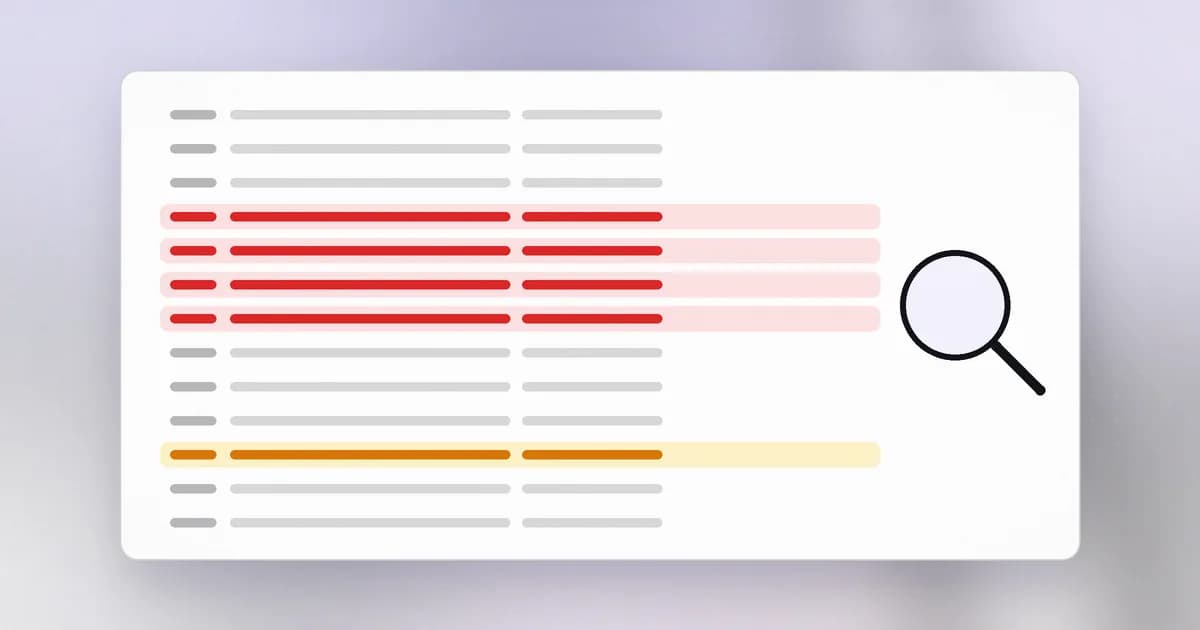
When something goes wrong on a computer, or you suspect that it did, the first question is always "what happened?" The answer lives in logs. Every lesson so far has hinted at them: the process you started, the permission that was denied, the request that got a 404. A log is the record of those events. Reading logs is the core skill of detection, and it needs only a handful of commands.
What a log line holds
A is a text file where a program appends one line per event. Whatever the format, a useful line answers four questions: when, who or what, did what, and with what result.
Here is a line from a web server's access log:
192.0.2.44 - - [24/Oct/2026:09:12:01 +0000] "POST /login HTTP/1.1" 401 512
Read it left to right:
| Piece | Meaning |
|---|---|
192.0.2.44 | Who asked: the client's IP address |
[24/Oct/2026:09:12:01 +0000] | When, with the time zone |
"POST /login HTTP/1.1" | What they asked for: the request line from the HTTP lesson |
401 | The result: the status code, here "not logged in" |
512 | How many bytes were sent back |
Every part came from an earlier lesson. That is why logs make sense once you know the basics.
Sources and levels
Different parts of a system keep different logs:
- The operating system records logins, services starting and stopping, and permission failures. On Linux look in
/var/log; on macOS, use the Console app or thelogcommand; on Windows, Event Viewer. - Applications write their own: a web server's access and error logs, a database's slow queries.
- Security tools write alerts, which is also a log.
Many programs tag each line with a showing importance: INFO (normal), WARN (odd), ERROR (something failed). When you are hunting, start at warnings and errors, and remember that a quiet log can also mean logging was switched off.
Four commands that answer most questions
You do not need a special tool to start.
tail -f fileprints the end of a file and keeps showing new lines as they arrive. This is how you watch live.grep pattern filekeeps only lines that contain the pattern.grep " 401 " access.logshows failed logins.wc -lcounts lines.grep " 401 " access.log | wc -ltells you how many.sort | uniq -c | sort -nrcounts how often each distinct value appears and ranks them. Pair it withawk '{print $1}'to extract the first column (the IP address):
awk '{print $1}' access.log | sort | uniq -c | sort -nr | head
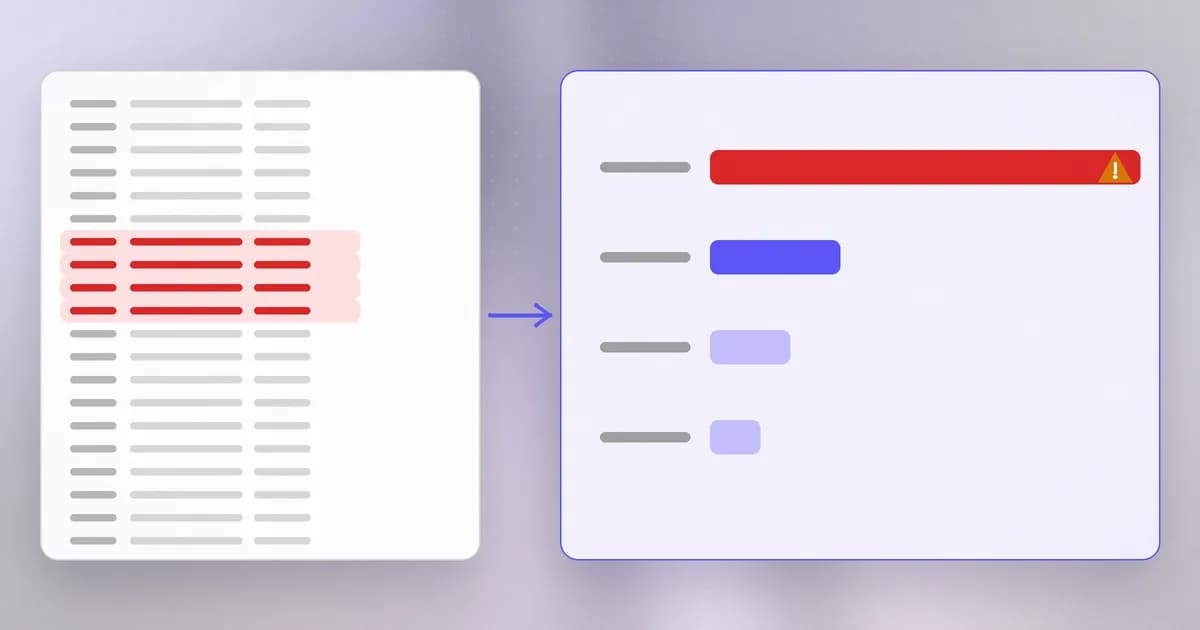
That one line answers "who is asking most often?" for a file of any size. The skill is counting and grouping: one odd line proves nothing, but a pattern across many lines is evidence.
What attacks look like in a log
Most automated hostile activity leaves one of a few shapes:
- Guessing passwords: many
401replies on a login path, often from the same address, often at a steady rate. - Probing for things that should not be exposed: many
404replies for paths such as/.env,/admin,/backup.zip, one after another from a single source. They are looking for doors. - Speed that no person has: hundreds of requests a minute. Beam's summary of Wiz's analysis of an AI-driven cloud intrusion, here, lists hundreds to thousands of actions per hour among the traits that distinguish an automated attacker.
- A success after many failures: a
200on the login path from the same address that failed fifty times is the line to investigate first.
Not every such pattern is an attack. A monitoring service checks /health constantly; a search crawler requests thousands of pages. Detection is judgement, and the false alarms are part of the work (the dictionary calls them ).
Protecting the record
Logs can hold secrets. A request logged in full may include a cookie, a token or a key in a URL. Beam's guide on API keys in logs and environment variables notes that once a key is in a log, every system that stores or forwards that log holds a copy. Keep secrets out of what gets logged, and if you find one, rotate it.
Logs get tampered with. An intruder who has gained rights may delete or edit logs to hide. Copying logs off the machine, to a separate system, as it is written is the standard answer, and it is what a does at scale. A tamper-resistant exists for the same reason.
Logs are personal data. Addresses, emails and names appear in them. Keep only what you need, for as long as you need it.
A real case: watching without blocking
Beam's guide to monitoring a running app with beam monitor shows logs used as a detection source. It watches an application's log files and HTTP access logs and flags patterns such as injection attempts, path traversal and credentials written to logs, sending only redacted findings. The post is explicit about limits that apply to any log-based detection: it only watches and never blocks, its detection is heuristic, it can flag harmless lines and miss attacks that never reach a log, and a quiet monitor is not proof that nothing happened. Logs show what reached them, not everything.
How AI changes this
More activity, so more to read. AI-driven attacks run at machine speed, and an agent working on your machine generates its own stream of actions. Beam's explainer on AI agent monitoring lists what to record for an agent: shell commands, file reads and writes, tool and MCP calls, network endpoints contacted, and privilege or configuration changes. In other words, the agent's activity needs a log just like a server's.
AI as a reader. A model can summarise thousands of log lines, group similar errors, and explain an unfamiliar message, which is real help for a tired defender. Treat its output as a lead to check with grep, not a verdict.
Logs are untrusted text. Some fields in a log line, such as the user agent or a requested path, are chosen by whoever sent the request. If you paste raw logs into a model, or an agent reads them, a hostile line could contain text written to look like an instruction. That is prompt injection arriving through a log. Check that an agent summarising logs cannot also take actions based on what it reads.
Agent logs capture sensitive content. Beam's post on OpenTelemetry for AI agents notes that traces can record tool arguments, results and full prompts, and that capturing message content should be set deliberately. A trace shows what happened, not whether it was safe. Decide what you record before you record it.
Try it
This lab uses a sample log that you create yourself. The addresses are from a range reserved for documentation, so they do not point to any real machine.
- Make a lab folder and the log:
mkdir ~/logs-lab && cd ~/logs-lab
cat > access.log <<'EOF'
198.51.100.7 - - [24/Oct/2026:09:10:02 +0000] "GET / HTTP/1.1" 200 5120
198.51.100.7 - - [24/Oct/2026:09:10:09 +0000] "GET /pricing HTTP/1.1" 200 3300
192.0.2.44 - - [24/Oct/2026:09:12:01 +0000] "POST /login HTTP/1.1" 401 512
192.0.2.44 - - [24/Oct/2026:09:12:02 +0000] "POST /login HTTP/1.1" 401 512
192.0.2.44 - - [24/Oct/2026:09:12:03 +0000] "POST /login HTTP/1.1" 401 512
192.0.2.44 - - [24/Oct/2026:09:12:04 +0000] "POST /login HTTP/1.1" 401 512
192.0.2.44 - - [24/Oct/2026:09:12:05 +0000] "POST /login HTTP/1.1" 200 740
203.0.113.9 - - [24/Oct/2026:09:13:40 +0000] "GET /.env HTTP/1.1" 404 120
203.0.113.9 - - [24/Oct/2026:09:13:40 +0000] "GET /admin HTTP/1.1" 404 120
203.0.113.9 - - [24/Oct/2026:09:13:41 +0000] "GET /backup.zip HTTP/1.1" 404 120
198.51.100.7 - - [24/Oct/2026:09:15:20 +0000] "GET /docs HTTP/1.1" 200 8800
EOF
- Count the lines:
wc -l access.log. - Who is asking most?
awk '{print $1}' access.log | sort | uniq -c | sort -nr. - List the failed logins:
grep " 401 " access.log. How many, and from which address? - Find the odd one out: show the successful login with
grep '"POST /login' access.log | grep " 200 ". Read its time against the failures just before it. What story do the lines tell? - Find the probing:
grep " 404 " access.log. Which paths were requested, and what were they looking for? - Clean up:
cd ~ && rm -r ~/logs-lab(read the path aloud first).
Check yourself
In the sample log, what happened between 09:12:01 and 09:12:05, and what makes it suspicious?
One address made four failed login attempts one second apart and then a successful one. A steady rhythm like that is a program guessing passwords, and the final success means the guessing may have worked. That account should be investigated and its password reset.
Which command shows how many times each IP address appears in a log?
awk '{print $1}' access.log | sort | uniq -c | sort -nr. It extracts the address column, counts duplicates, and ranks them by count.
A web log is clean for a week after you deployed monitoring. Does that prove nobody attacked you?
No. Logs show only what reached them, and detection is imperfect. An attack that never touches a logged component, or that looks like normal traffic, leaves no trace. Silence is not proof.
Why should an agent that summarises logs not also be able to run shell commands freely?
Parts of a log line are controlled by whoever sent the request. A hostile line could carry text that reads like an instruction. If the agent can act on what it reads, the log becomes a way to steer it.
What you have now
You can describe how a computer runs a program, how processes and accounts decide who may do what, how data crosses a network, how names and web requests work, why versions matter, and how to read the record a system keeps. That is the base for everything else. In the next level we start to think like a defender: what is worth protecting, from whom, and how.