
Detection fired. The alert says a server you run is talking to an address nobody recognises. It is 4:40 on a Friday afternoon and your heart rate has just gone up. What you do in the next hour usually matters more than what you did in the previous year, because decisions made under stress are the ones that go wrong. So is a practice: a set of steps decided in advance, so that in the moment you follow a list rather than invent one.
Earlier lessons separated a vulnerability, an exploit and an incident. An incident is when something bad has actually happened or may be happening. This lesson is about the part after you notice.
The phases
Most frameworks describe the same loop, with slightly different names:
| Phase | Question | Typical actions |
|---|---|---|
| Prepare | Are we ready? | Contacts, runbooks, logs, backups, access for responders |
| Detect and triage | Is this real, and how bad? | Confirm the alert, estimate scope |
| How do we stop it growing? | Isolate machines, disable accounts, block addresses | |
| Eradicate | How do we remove the attacker? | Remove malware and access paths, fix the flaw |
| Recover | How do we return to normal? | Restore from clean backups, monitor closely |
| Learn | What do we change? | A review, then fixes |
Preparation is the phase people skip, and it decides how the rest goes. A is a short written procedure for a known situation, such as "suspected leaked key" or "compromised laptop". It saves the first twenty minutes of arguing.
The first hour, in order
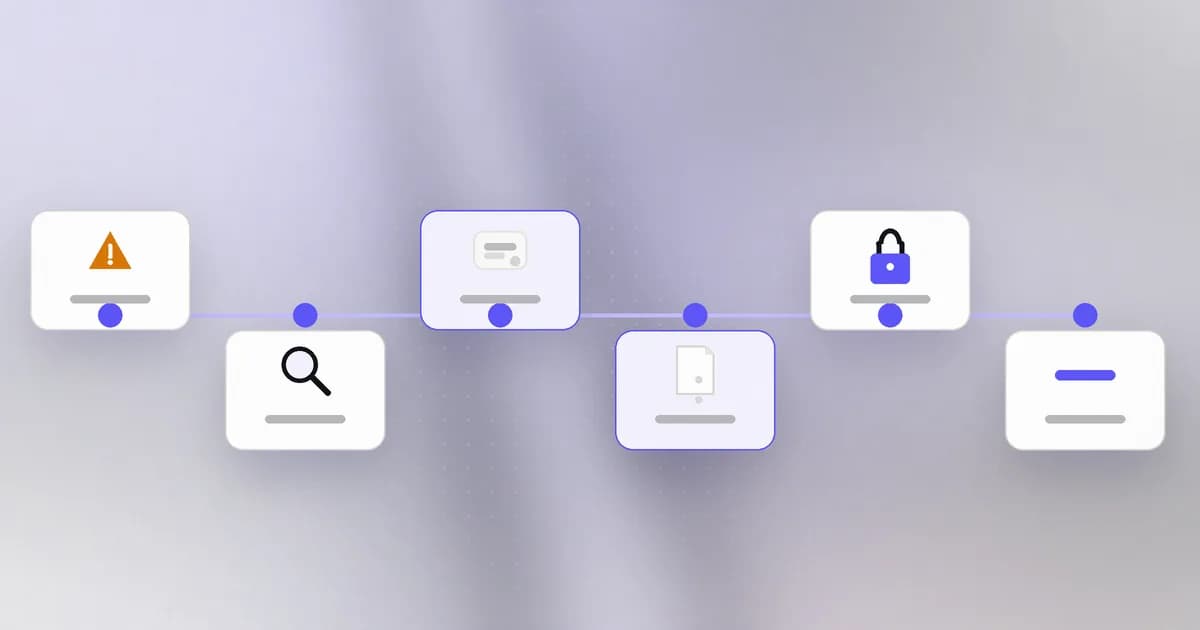
The order matters. Doing the right steps in the wrong order is a classic way to make an incident worse.
1. Declare it and write the time. Say aloud, "this is an incident," and start a shared note. Record when you noticed, what you saw and who is involved. Name one person in charge so decisions are not made by committee, and one person who writes the timeline. Everything later depends on that note.
2. Scope it roughly. Which systems, accounts and data might be involved? You do not need certainty, only a first list. The segmentation work from earlier now pays off: a segmented network gives you a smaller list.
3. Contain. Stop the damage from growing without destroying what you need to understand it. Options, from least to most disruptive:
- block the attacker's address or the suspicious destination at the firewall;
- disable or suspend the affected accounts and tokens;
- isolate the affected machine from the network, but leave it powered on;
- take the affected service offline if the harm of leaving it up is greater.
Contain proportionately. Taking down the whole company's network over one laptop is a cost too. Blast radius, the set of things an incident can touch, tells you how wide to go.
4. Preserve evidence before you change things. Once you wipe or rebuild a machine, the trail goes with it. Save logs, copy suspicious files to a safe place, note running processes and connections, and take a disk image or snapshot if your platform can. The reason to isolate rather than power off is that a running machine holds evidence in memory that a shutdown erases. If the incident might involve law enforcement, legal or insurance, ask before wiping.
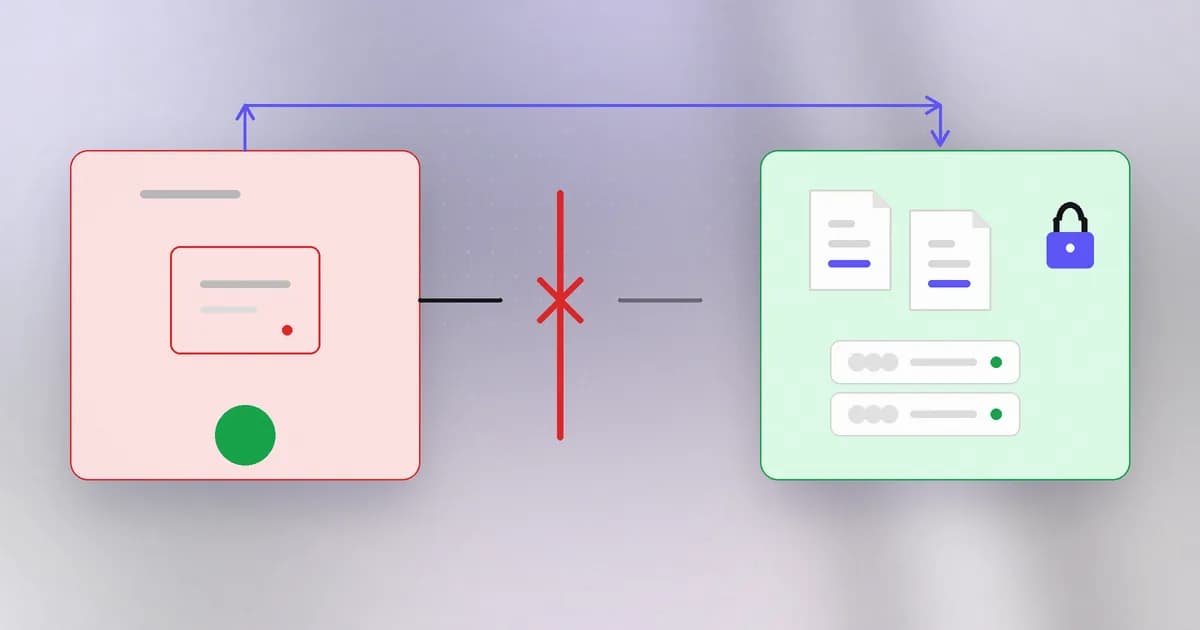
5. Rotate credentials by blast radius. Assume anything the compromised system could read is known to the attacker. Rank secrets by what they could do: cloud keys, database passwords and deploy tokens first, then third-party API keys. Change them at the issuer, not only where you stored them, and do it after containment so the attacker cannot simply pick up the new ones. Our first 24 hours after a vendor breach runbook uses the same ordering and warns against the most common mistake, deleting a key in a vendor's interface and calling it rotated. See also .
6. Communicate. Tell the people who must know: the owner of the system, your manager, and where required, customers or regulators. Keep messages factual: what is known, what is not known, what is being done, and when the next update comes. Do not speculate about the cause in public channels before you know.
A teammate wants to reinstall a suspicious laptop right now to be safe. What is wrong with that?
Reinstalling destroys the evidence you need to learn what happened, how the attacker got in and what they touched. It also might not remove the access they gained elsewhere. Isolate the laptop, preserve what you can, then rebuild once the evidence is saved.
Eradicate, recover, and be honest about "done"
After the first hour comes the slower work. Find the entry point and close it, because restoring service while the hole is open invites a second round. Remove attacker footholds: new accounts, scheduled tasks, added keys and remote-access tools. Restore from a backup you have reason to believe pre-dates the compromise, and watch the system closely for repeat activity. Lists of , such as known bad addresses and file hashes, help you search for the same attacker elsewhere.
Be careful with "we're done". Absence of evidence is not proof. State what you checked and what you could not check.
Learn: the blameless review
Within a few days, write a : a short timeline, the root causes, what worked, what did not, and a list of concrete changes with owners. The tone is blameless. If a person made a mistake, the question is why the system made the mistake easy. People who expect blame hide things, and hidden things come back.
How AI changes this
Attackers. The window between access and impact shrinks. When an agent system can chain steps and rewrite failing scripts in minutes, as Wiz described, hours of delay in containment cost more. That raises the value of automated, pre-approved containment steps, such as disabling a token, as long as a person has decided in advance which ones are safe.
Defenders. Responders can use assistants to draft timelines from raw logs, summarise a noisy alert, or turn a runbook into checklists. That helps with speed. It does not replace judgment on risky steps, and evidence handling still needs a human who can explain what was done.
Agents as a new actor. An incident can now involve an AI agent in several ways: it may have been tricked into running something, it may have made a mistake, or it may be the attacker's tool. The same steps apply, with some agent-specific questions: what could this agent reach, what credentials did it hold, where is its record of actions, and can you stop it? Beam's term for the last is a . Our guide to AI agent deployment and incident response is blunt about evidence: separate the instruction, the call and the effect, and do not claim an alert identified an incident without a sourced sequence linking the attempt to an observed result. In Beam, agent activity and the administrator audit log are different records, and its documentation recommends using both: one tells you who changed a setting, the other what the assistant then asked for. Remember too that an audit export supports a review but does not by itself prove compliance or enforcement.
Try it
A tabletop exercise: practise on paper, touching no real system.
Create a scratch note and fill it in for this scenario: "At 16:40 your monitoring shows a web server making outbound connections to an unfamiliar address every minute. The server holds a database password in an environment variable."
mkdir ~/ir-lab && cd ~/ir-lab
cat > runbook.md <<'EOF'
# Incident note
Time noticed:
Who is in charge / who writes the timeline:
What we know:
What we do not know:
Contain (what, by whom, when):
Evidence to save first:
Secrets that server could read, ranked by blast radius:
Who must be told, and by when:
Next update at:
EOF
Open it, fill every line for the scenario, and check yourself: did you contain before rebuilding, save evidence first, and rank the secrets? Add one line to a "what to change afterwards" section. Delete the folder when you are done with cd ~ && rm -r ~/ir-lab.
Check yourself
Why rotate credentials after containment and not before?
If the attacker still has access, they can read the new credentials the moment you create them. Contain first so they are cut off, then rotate in order of blast radius.
What belongs in the first-hour note?
Time noticed, what was observed, who is in charge, who keeps the timeline, what is known and unknown, actions taken with times, and when the next update is. It becomes the backbone of the review.
Why does a blameless review work better than finding someone to blame?
People who expect punishment hide mistakes and near-misses, so the organisation never learns. Asking why the system allowed the mistake leads to fixes that last.
Next
The last lesson in this level looks at the places incident response so often ends up: edge devices, routers and appliances that sit on the boundary and nobody patches.