
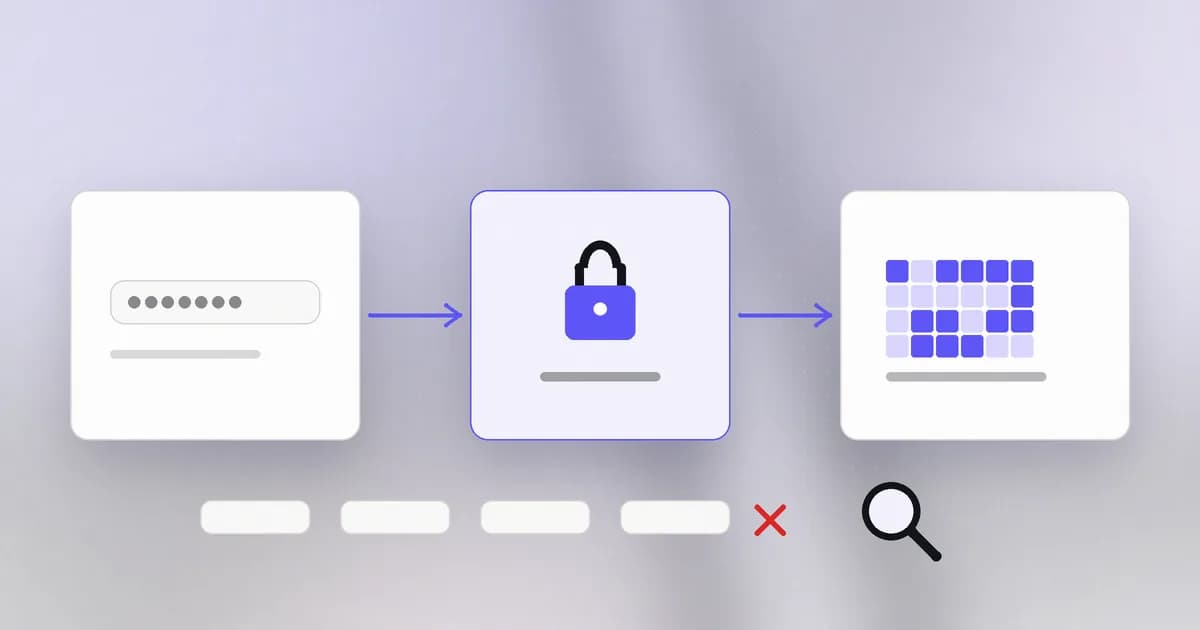
When you type a password, the site has to decide whether it is correct. The obvious way, keeping a table of usernames and passwords and comparing, is also the worst way, because anyone who ever reads that table can log in as everyone. This lesson shows how a site checks a password without keeping it, and what an attacker is really doing when they "crack" one.
Authentication in one sentence
is proving who you are. A password is the oldest way: a secret that only you and the site are supposed to know. (Its sibling, , is deciding what you may do once you are identified. We return to it in two lessons.) Recall from the last level that a good control follows : if the stored data is stolen, it should give the thief as little as possible. Password storage is a direct application of that idea.
Do not store it, store a fingerprint
A takes any input and returns a fixed-size fingerprint. Three properties matter:
- Deterministic: the same input always gives the same output.
- One-way: from the output you cannot work backwards to the input.
- Sensitive: change one character of the input and the output looks completely different.
Here is the SHA-256 hash of the word password:
5e884898da28047151d0e56f8dc6292773603d0d6aabbdd62a11ef721d1542d8
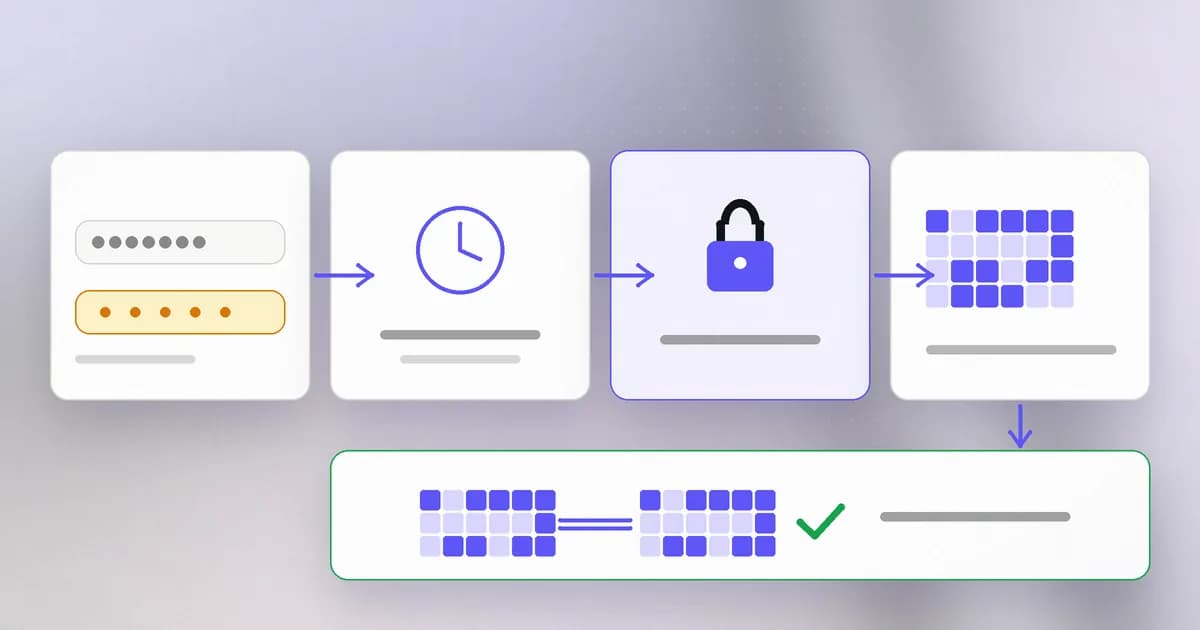
So the site stores that fingerprint, not the word. At login it hashes whatever you typed and compares the two fingerprints. If they match, you knew the password. A stolen table of fingerprints is much less useful than a stolen table of passwords, but not useless, as the next section shows.
How guessing works
An attacker who steals the table cannot reverse a hash, so they do the only thing left: guess a password, hash it the same way, and see whether the result is in the table. This is an offline attack, because it happens on the attacker's own machines with no login page to slow them down. Compare that with an online attack, where each guess is a request to the real site and can be rate-limited, logged and blocked.
How long does offline guessing take? It depends on two numbers: how many candidates there are, and how many the attacker can test per second.
| Password | Possibilities | Why |
|---|---|---|
| 8 lowercase letters | about 208 billion | 26 to the power 8 |
| 4 random words from a 7,776-word list | about 3.7 quadrillion | 7,776 to the power 4 |
| 12 random characters from 94 typeable ones | about 4.8 times 10 to the 23 | 94 to the power 12 |
Suppose, purely as an illustration, that the attacker can test 10 billion guesses per second. Eight lowercase letters last about 21 seconds. Four random words last about four days. Twelve random characters last far beyond any human timescale. Real attackers do not try everything in order, though. They try the most common passwords first, then words with common tweaks (Summer2026!), then passwords leaked from other sites. A password that a person invented is guessed long before the maths above says it should be.
Fast hashes are the wrong tool
SHA-256 and similar general-purpose hashes are built to be fast, because they are used on huge files. That speed is exactly what helps the attacker: the illustration above, billions of guesses a second, is realistic for fast hashes on specialised hardware.
Password storage therefore uses a different family, designed to be slow and memory-hungry on purpose: Argon2id, scrypt, bcrypt, or PBKDF2 with a high iteration count. The setting that controls the slowness is called the cost or work factor. If one check takes 100 milliseconds instead of a few microseconds, a login is still instant for a person, but the attacker's guess rate falls by a factor of tens of thousands. You choose the cost so that it hurts attackers more than it hurts you, and raise it as hardware improves. Current guidance on settings comes from sources such as the OWASP password storage cheat sheet; rely on your framework's defaults rather than inventing your own.
Salt: no two hashes alike
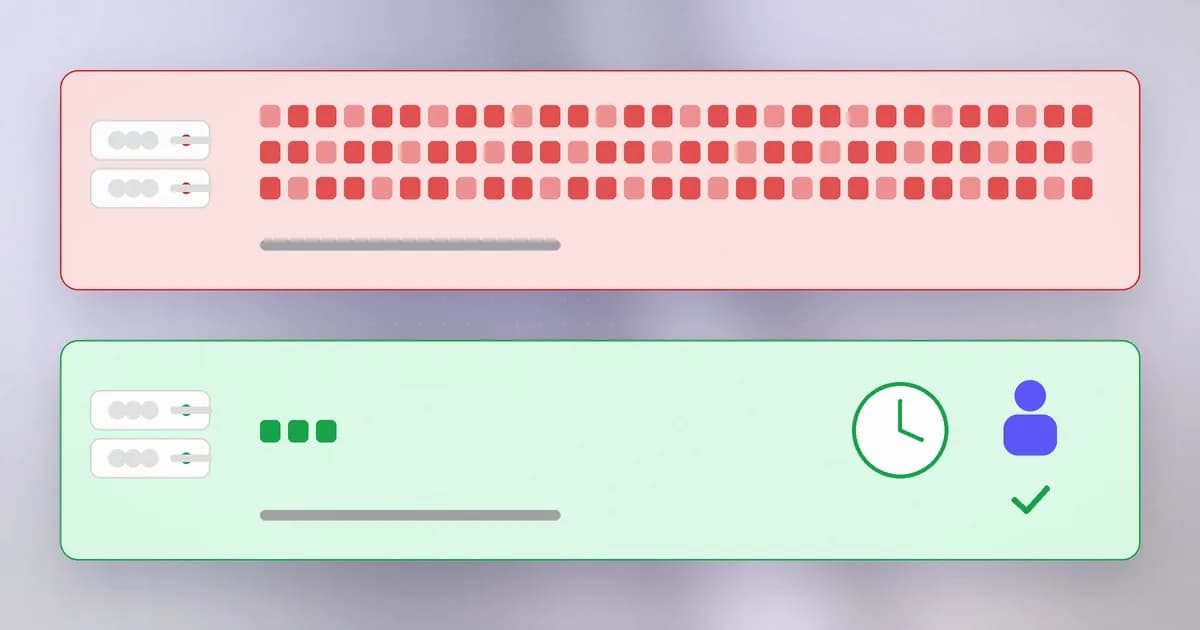
Even with a slow hash, two problems remain. If two people choose the same password they get the same fingerprint, which tells the attacker who shares passwords. And an attacker could hash millions of common passwords once, keep the result as a lookup table (a is a compressed form of this), and check every stolen account against it.
A fixes both. It is a random value, unique per account, generated when the password is set, stored in plain view next to the hash and mixed into the input. The salt is not a secret. Its job is to make every account a separate puzzle: the same password with two salts gives two unrelated fingerprints, so precomputed tables are useless and every account must be attacked individually. Good libraries (bcrypt, Argon2) generate and store the salt for you.
The weak points that remain
- Reuse. A password used on two sites is only as safe as the weaker site. After one site is breached, attackers try the same email and password pairs elsewhere; this is called . No hashing scheme protects a password you also gave to a careless site.
- Phishing. A convincing fake login page collects the password directly, and the hash never comes into play. Lesson two covers what helps.
- Weak choice. Hashing cannot rescue
123456. Common passwords are guessed in the first moments. - Plaintext somewhere. The password can still leak through a log file or an email that stored it in readable form. The final lesson of this level is about those leaks.
What actually works for people: a that generates a long random password for every site, so you remember only one strong passphrase, and a second factor on important accounts. A passphrase of several unrelated random words is a good choice for the one password you must remember.
How AI changes this
Attackers. Guessing was always a ranked list problem: try the likeliest candidates first. AI systems can help build better lists, for example by generating variations tuned to a target's known interests, but a slow salted hash limits the damage regardless of how clever the list is, because every guess still costs real compute. Where AI genuinely scales is the human side: writing convincing, personalised phishing messages in volume, so more people are asked to type their password into the wrong page.
Defenders. Checking passwords against known-breached lists, spotting a burst of failed logins from many addresses, and flagging a login from an unusual place are all pattern-matching jobs that machine learning does well. The storage rules above remain the foundation; detection sits on top.
Agents. A new question appears: should an AI agent ever hold your password? An agent that logs in as you can do everything you can. Reporting in October 2026 says major US banks block outside agents that sign in with a customer's username and password, and offer read-only connectors instead; see the write-up on banks blocking agents. The pattern to keep: give an agent a narrow, revocable token for the job, not your password. A pasted password also tends to end up in chat history and logs, which is the next problem, covered in the final lesson of this level.
Try it
This lab runs on your own machine with made-up passwords. You need Python 3, which is on most computers.
import hashlib, os, time

# 1. Same input, same fingerprint; tiny change, different fingerprint
print(hashlib.sha256(b"hunter2").hexdigest())
print(hashlib.sha256(b"hunter3").hexdigest())

# 2. Fast hash: how many guesses can THIS machine make in a second?
start, n = time.time(), 0
while time.time() - start < 1:
    hashlib.sha256(b"guess%d" % n).digest()
    n += 1
print("fast hash guesses per second:", n)

# 3. Slow, salted hash (PBKDF2): the same machine
salt = os.urandom(16)
start = time.time()
hashlib.pbkdf2_hmac("sha256", b"hunter2", salt, 600_000)
print("one slow, salted check took", round(time.time() - start, 3), "seconds")

# 4. Same password, different salts, unrelated results
print(hashlib.pbkdf2_hmac("sha256", b"hunter2", os.urandom(16), 1000).hex()[:32])
print(hashlib.pbkdf2_hmac("sha256", b"hunter2", os.urandom(16), 1000).hex()[:32])
Notice the gap between steps 2 and 3. Your laptop alone does hundreds of thousands of fast guesses per second, even though a specialised attacker does vastly more; the slow hash is thousands of times fewer. That ratio is the whole defence. Do not test other people's accounts or hashes you did not create.
Check yourself
Why does a site store a hash instead of the password itself?
So that stealing the stored data does not hand over working passwords. The site only needs to compare fingerprints at login, never to read the password back.
Two users on a site have the same password, but their stored hashes differ. What explains this?
A per-account salt. A random value is mixed into each user's hash, so the same password produces different fingerprints and one precomputed table cannot be used against everyone.
Why is a slow hash a feature for passwords but a drawback for checking a downloaded file?
For a file you want a quick answer. For a password the attacker must repeat the work billions of times, so making each guess expensive slows them dramatically while costing a legitimate login a fraction of a second.
You use one strong password on ten sites, and one of them is breached. What is the risk?
Credential stuffing: attackers try the leaked email and password on the other nine. The password's strength does not help once it is known. Use a unique password per site, ideally from a password manager.
Next
A password alone is a single point of failure. Next: multi-factor authentication, what each extra factor really protects against, and where it still fails.