
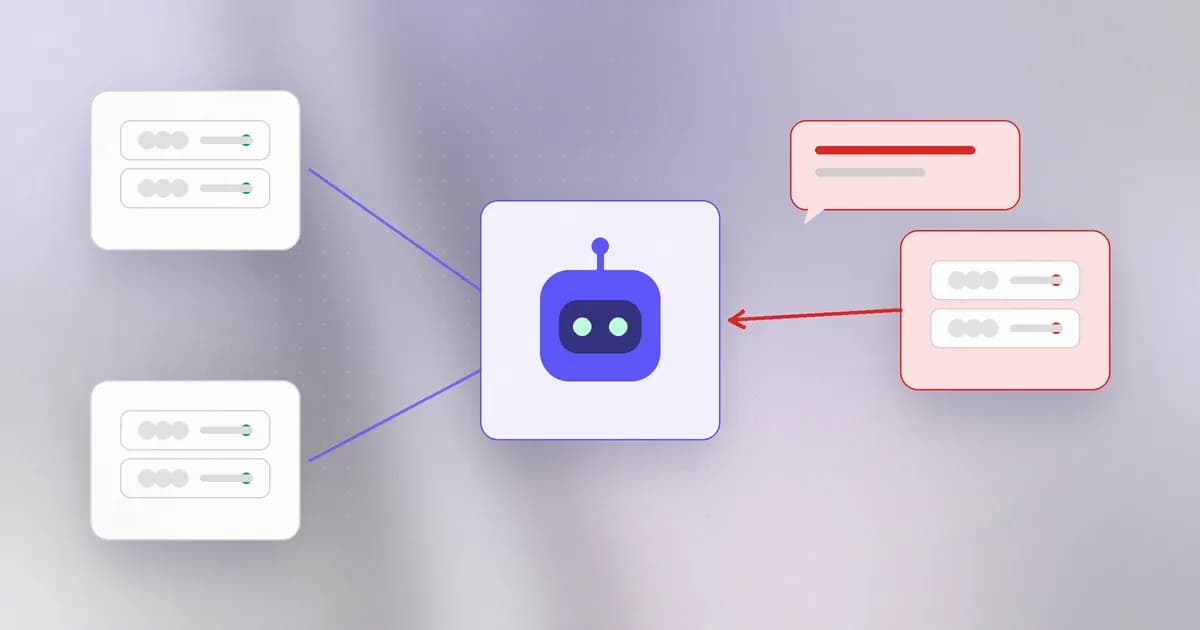
The Model Context Protocol (MCP) is how an agent gets new tools: a database client, a browser, a Slack connector. It is useful and it is popular, which is why security teams now treat each connected server as a decision. The honest summary is that connecting a server is two trust decisions at once: you trust a program to run, and you trust its words to steer your agent.
Two decisions in one click
A program may run. A local server is started by your harness as a process with your permissions, using the command stored in the config (the ). A remote server runs on someone else's machine, but your client still holds your credentials and talks to it.
Its text enters the context. The server sends the agent tool names, descriptions and results. As the last two lessons showed, the model reads all of it as text it might obey. A tool description is prose, and prose can be an instruction. Beam's practical guide to MCP security sorts the documented attacks into four classes:
| Class | What happens | Why scanning struggles |
|---|---|---|
| Hidden instructions inside a tool description or schema | Works only if the payload matches a known shape | |
| One server redefines or steers another server's tools | Needs context across servers | |
| A server changes its tools after you approved them | Approval happens once; definitions are fetched every session | |
| Harmless tools chained into a harmful sequence | It is emergent, not textual |
Invariant Labs' 2025 demonstration, summarised in that guide, shows how poisoning looks: a tool called add that claims to add two numbers, with a hidden block in its description telling the model to read a config file and an SSH key and pass them along in an extra parameter. The user saw only a short tool name, and the confirmation dialog did not show the full arguments. The shared-context problem is the key to shadowing: trust is per server, but the context window is shared by all of them. If you connect a mail server and an unknown utility server to one agent, treat the utility's descriptions as able to reach the mail server's data.
Case 1: a command stored as a setting
Langflow, a tool for building AI workflows, shows what "a stdio entry is a command" means in practice. Per Beam's write-up, CVE-2026-105740 (CVSS 9.9) let any logged-in user add an MCP server with the stdio transport, and Langflow passed the stored command to a shell with no validation, running it when the server list was fetched. The weakness class is CWE-78 (OS command injection). Langflow 1.9.0 closes the API path and the post notes 1.10.3 fully fixes the related execution path.
Two details are worth keeping. The saved config was not visible during normal flow review, so a reviewer reading a flow would never see the planted command. And the post carefully separates the verified mechanism from the reported part: a security vendor said its honeypots recorded about 1,400 exploit attempts, a number Beam says it could not check against raw data. A honeypot count shows people are probing for the bug, not how many real systems were compromised.
Case 2: the client that sent credentials to the wrong server
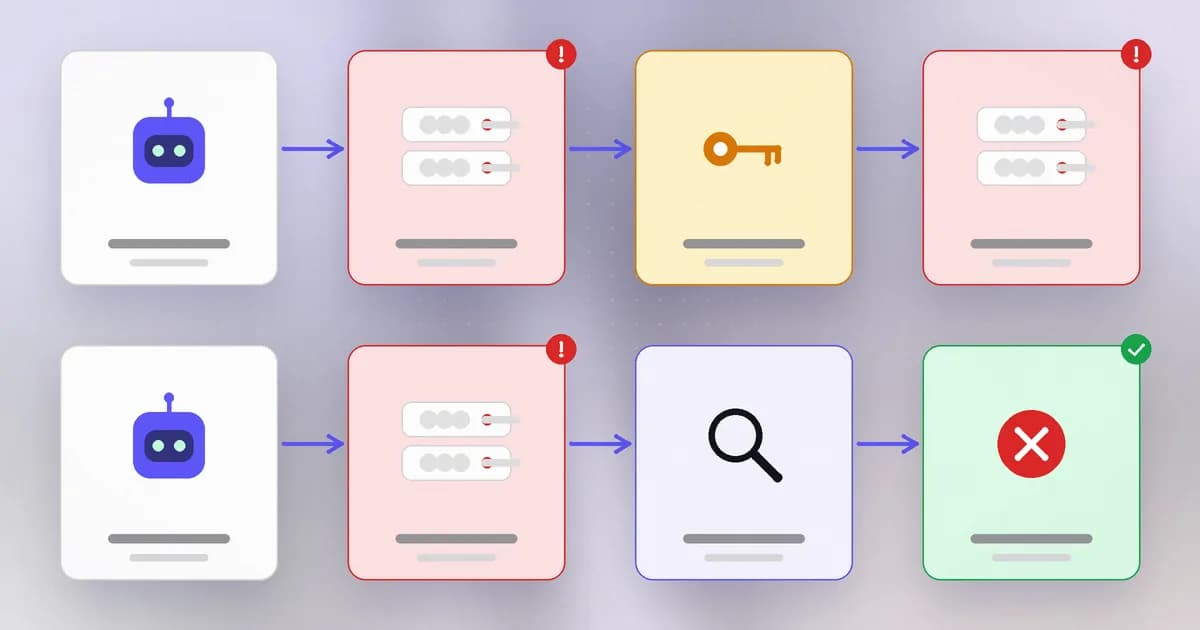
Here the attack is on the client. In the OAuth flow, an MCP server tells the client where its authorization server lives. The MCP specification says clients must record the expected issuer and must not send tokens other than ones issued by the server's own authorization server. The advisory describes a gap in credentials that already existed: a refresh token and client secret saved from an earlier sign-in carried no record of which authorization server they belonged to. When the server later advertised a different one, the client had nothing to compare against.
The fix, in the advisory's words, is that the client "now records the authorization server as issuer on saved credentials and does not send them to a different one". Note the caveat that upgrading was not enough for some setups: bundled providers needed an expectedIssuer set explicitly, and credentials saved without an issuer had to be fixed. If an affected client may have met an untrusted server, the advice is to rotate secrets and revoke tokens. The fix is called . It is the same idea as the hash-bound approval in the last lesson: bind a credential to the thing it was issued for.
Reviewing a server before you connect it
Beam's MCP server review guide is the longer version. The short form:
- Identity. Who publishes it, from where, at which version? Pin the version, because an unpinned
npxentry fetches whatever is current. - What it can do. List the tools. Does a "docs" server need write access or a shell?
- What it can read. Which credentials, folders or accounts are reachable from the process, or through the client's tokens?
- What it returns. Whose text does it relay? A relay of a public inbox, issue tracker or error queue carries the injection risk from lesson 2.
- Can it change after approval? Prefer pinned versions and re-review on update.
Beam's documentation describes beam scan <config> --mcp, which validates the JSON and flags unpinned dependency references, and an admin control to block an MCP server for the whole organisation or for one user. Its documentation also states the limits: scanning does not launch the server or inspect live behavior, and a pinned version improves reproducibility without proving a package safe. The safety benchmark's supply-chain family tests the nearby habit: whether an agent installs an unpinned or look-alike package it was handed.
How AI changes this
MCP is the plumbing that lets agents act, so the new risk is breadth: an agent can be wired to dozens of servers in minutes, each adding tools and text, usually by a developer approving a dialog. Attackers can generate plausible server packages and publish look-alikes at scale, and use models to write descriptions tuned to persuade a model. Defenders can use models to summarise a server's tools and diff descriptions between versions, which helps with rug pulls; but a model reviewer can itself be fooled by what it reviews. What stays the same is the old lesson from the supply-chain level: code you did not write, running with your permissions, deserves a pin and a review.
Try it
This lab models the issuer-binding fix with strings only. There is no network and the "token" is fake. Save as issuer.py.
saved = {"refresh_token": "FAKE-REFRESH-0000", "issuer": "https://auth.example.com"}

def send_naive(store, advertised):
    return f"sent {store['refresh_token']} to {advertised}"

def send_bound(store, advertised):
    if store.get("issuer") != advertised:
        raise PermissionError(f"refusing: token belongs to {store.get('issuer')}")
    return f"sent token to {advertised}"

for server in ("https://auth.example.com", "https://auth.evil.test"):
    print("advertised:", server)
    print("  naive:", send_naive(saved, server))
    try:
        print("  bound:", send_bound(saved, server))
    except PermissionError as e:
        print("  bound:", e)
The naive client sends the fake token to both. The bound client refuses the second. Now write a tiny mcp.json of your own with two entries (one pinned like [email protected], one unpinned), and write down which of the five review questions you cannot answer for each.
Check yourself
Why is connecting an MCP server two trust decisions?
You trust a program to run (locally with your permissions, or remotely with your credentials), and you trust the text it supplies to steer your agent. A server can be safe as code and unsafe as text, or the reverse.
What made the Langflow bug hard to catch in review?
The malicious command lived in the saved MCP configuration, which was not visible during normal flow review, and it ran when the server list was fetched rather than when it was saved.
What did CVE-2026-104850 let a malicious MCP server do, and what is the fix in one sentence?
It let the server pick the authorization server that received the client's stored OAuth credentials. The fix records the issuer on saved credentials and refuses to send them to a different one, with extra steps (such as setting expectedIssuer) for some setups.
A scan of an MCP config comes back clean. What can you conclude?
Only that the patterns it checks were not found. It did not run the server, so it says nothing about live behavior, later changes or what the server relays.
Next
Servers are one kind of add-on. Next: plugins and skills, where the question is whether the thing you reviewed is the thing you installed.