
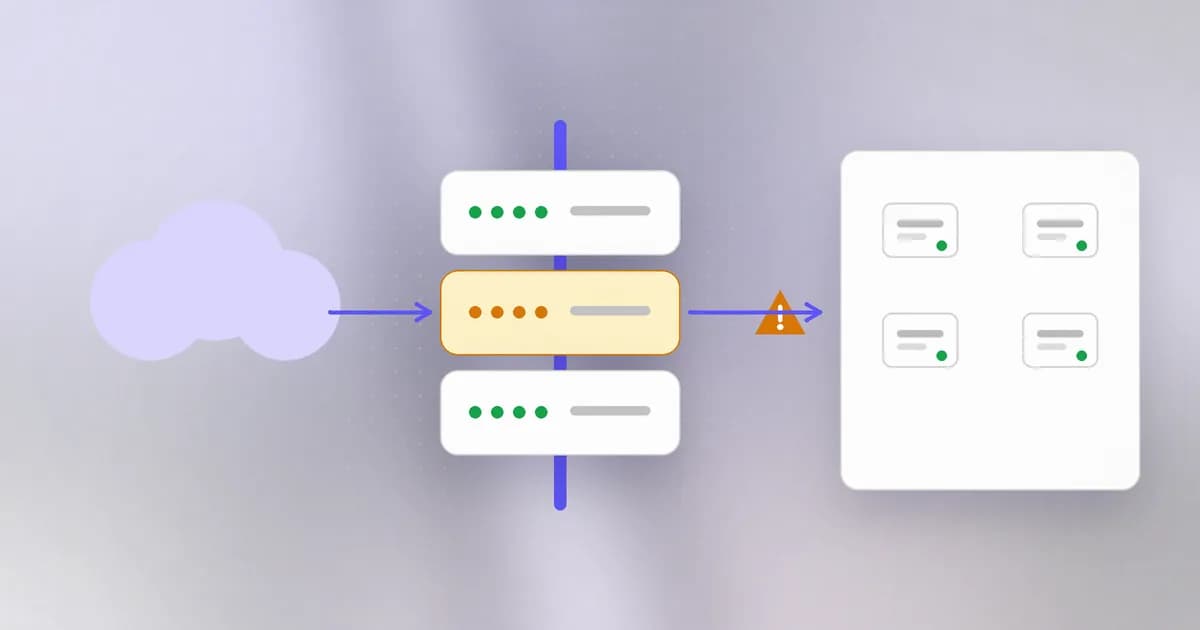
Last lesson ended with a rebuilt server. But where do you start looking for the way in? Increasingly, the answer is a box that nobody thinks about: the router, the VPN gateway, the switch in the cupboard. This lesson is about those devices, and about why a flaw published years ago can still be the front door today.
What an edge device is
An sits at the boundary of a network, or is reachable from outside it: routers, firewalls, VPN gateways, switches, load balancers, wireless access points, cameras, smart appliances. Their job is to move or filter traffic for everyone else, so they see most of it.
That is exactly why attackers like them:
- They are reachable. Their whole role is to face the outside, so some of their services are exposed to the internet by design.
- They are powerful. Control of a router means seeing and redirecting traffic, reading configuration files that hold passwords and network maps, and often a trusted position inside the network.
- They are quiet. There is usually no security agent on them. Laptops and servers run endpoint protection that watches for malicious behaviour; a switch typically does not, and its logs are thin. An intruder can stay for years.
- They are slow to heal. A compromised device can survive reboots if the attacker modifies firmware.
Why nobody patches them
Edge devices are a patching problem more than a technical one. Compare what you learned about patching earlier with their reality:
| Reason | What it looks like |
|---|---|
| No owner | Installed by a contractor in 2016; nobody on the current team knows it exists |
| Fear of downtime | A reboot interrupts everyone, so updates wait for a window that never comes |
| Hard to update | Firmware updates are manual, vendor-specific and sometimes risky |
| Invisible | Asset lists cover laptops and servers, not the switch behind the printer |
| End of life | The vendor stopped issuing fixes, so the flaw can never be patched, only worked around |
| Features nobody asked for | A convenience service is on by default and nobody knows to turn it off |
An device with a known flaw is the worst case: the only real fix is replacement or removal from exposure.
Why can a switch stay compromised longer than a laptop?
It usually has no endpoint security agent, thin logging, and nobody watching it. Firmware implants can also survive reboots, so the usual signs of compromise are absent and the usual cleanup does not apply.
Real case: Cisco Smart Install
Smart Install is a Cisco feature that lets a new switch receive its software and configuration automatically from a central machine, so nobody has to touch it. It is convenient, and the client side listens on TCP port 4786.
The record rates this 9.8 out of 10, lists the weaknesses as improper input validation and an out-of-bounds write, and notes the flaw was published on 2018-03-28 and added to CISA's known exploited list in November 2021. You met this bug class in the memory lessons; this is a buffer overflow sitting in a boundary device.
Our post on the NSA's October 2026 reminder, Disable Cisco Smart Install now, separates two problems that share a port:
- Protocol misuse. The client is designed to trust whoever acts as the director and does not authenticate it, so a remote party can send legitimate Smart Install messages to change the configuration, force a reload or pull the config file. No bug is needed.
- CVE-2018-0171. The memory flaw above, fixed in later software releases.
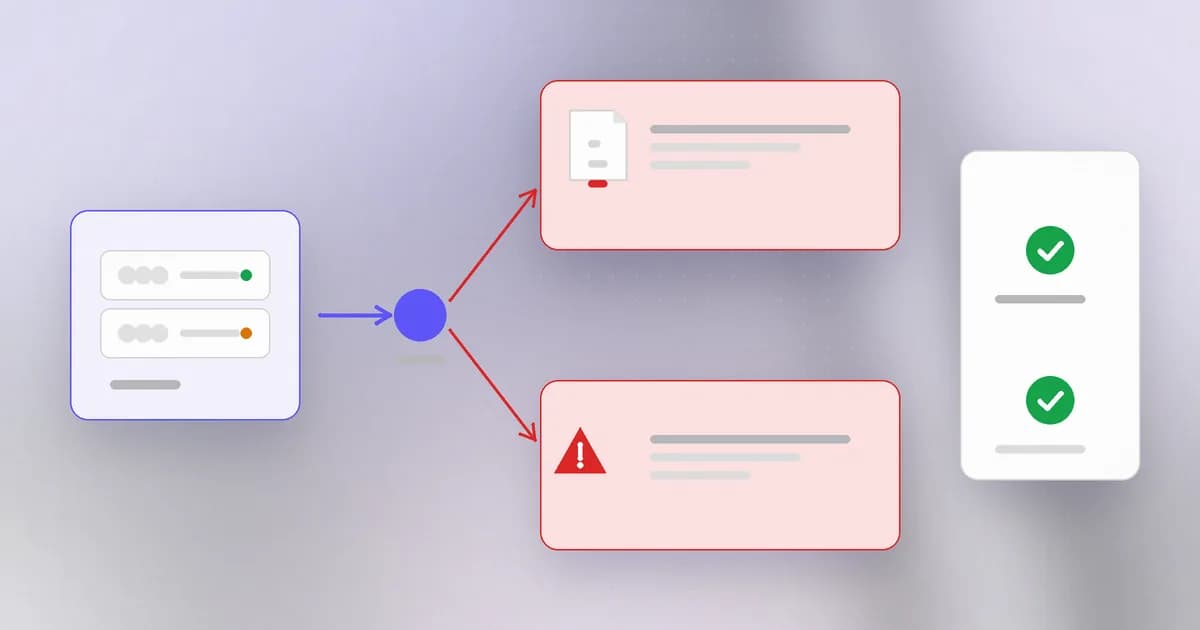
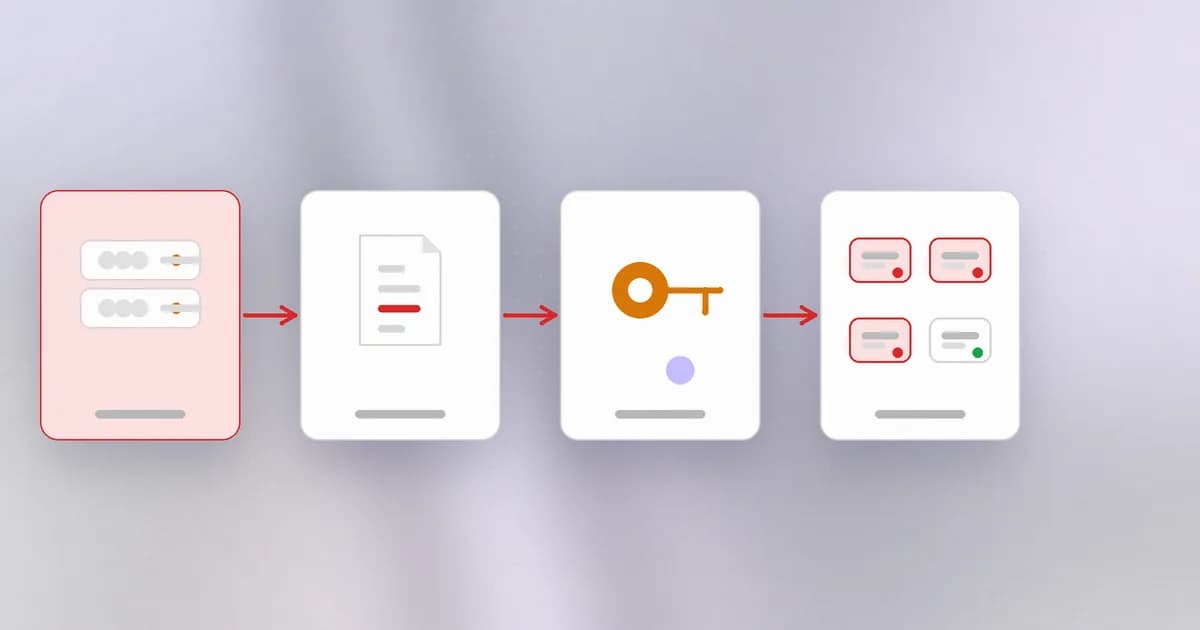
The practical difference matters. Patching closes only the second; disabling the feature closes both. The NSA's advice, first issued in 2017 and shared again in October 2026, is to disable it, review switch configs for unexplained changes, and block the Smart Install port and TFTP at the edge. According to the post, Cisco Talos and the FBI attribute long-running exploitation of this bug to a Russian state-linked group that Talos tracks as Static Tundra, and the group's pattern is to pull the stored configuration, reuse credentials and SNMP community strings from it, then add accounts and change access lists and logging settings. The lesson generalises: a stolen configuration file is a map and a key ring for the whole network.
For your own devices, this is an example of the checks you can run: confirm whether the feature is on (on Cisco, show vstack config), and turn it off if unused. Do this only on devices you are authorised to administer.
A routine for owning your edge
Defence here is dull and effective:
- Inventory. List every device on the boundary: what it is, where, who owns it, firmware version, end-of-life date. You cannot patch what you do not know exists.
- Reduce exposure. For each device, list the services reachable from outside. Disable anything unused (Telnet, old protocols, convenience provisioning). Put management on a private network, not the public internet.
- Replace default and shared credentials. Use unique passwords and keep management access behind multi-factor authentication where the device supports it.
- Patch, with a plan. Subscribe to the vendor's security notices. Treat entries on CISA's known-exploited list as urgent.
- Retire the unsupported. Budget replacement for end-of-life gear, and isolate it until then.
- Watch them. Send device logs to the central collector from the detection lesson and alert on configuration changes, new accounts and unusual management logins. Back up configurations and compare against a known good copy.
- Store configs like secrets. They contain credentials and topology.
How AI changes this
Attackers. Finding exposed devices has long been automated by scanning, and the weak point is the same as ever: forgotten services. Anthropic's red team research, covered here, suggests small models may soon be able to install themselves on cheap, poorly secured devices. That is a forecast, not a worm in the wild, and the exposure it relies on, open debug ports and default passwords, is ordinary. Cheap, unpatched, internet-reachable devices make a ready-made botnet whether the operator is a person or an AI-driven tool.
Defenders. Assistants are good at the tedious inventory work: reading configuration dumps, spotting services that should be off, and summarising vendor advisories against your device list. Nothing replaces authority to change a device; keep the change itself under human approval and a rollback plan.
Agents as a new actor. Two things stand out. First, development and lab environments full of agent-built containers and small servers are a new kind of "forgotten device": quick to create, rarely tracked and often given broad network access. Treat them like edge devices: inventory, owner, expiry date. Second, an agent that administers infrastructure for you holds the credentials for these devices. Give it narrow, read-only access by default and require a person to approve changes to boundary equipment. Our dictionary entry on is the rule; here the cost of ignoring it is network-wide.
Try it
This lab inventories your own home or office network by hand, and checks one thing on your own computer.
Make a table in a scratch file: for each device that connects your network to the internet (your router, a mesh node, a modem, a VPN box), write its make and model, its firmware version, and the vendor's support status. Look up the version in the device's own admin page.
mkdir ~/edge-lab && cd ~/edge-lab
printf "device,model,firmware,supported_until,remote_admin_on\n" > inventory.csv
printf "home router,,,,\n" >> inventory.csv
Fill the blanks. Then, on your own computer only, list what is listening for network connections:
lsof -nP -iTCP -sTCP:LISTEN
Anything bound to * rather than 127.0.0.1 can be reached from the network. Do you recognise each one? In your router settings, check that remote administration from the internet is off and that the default admin password was changed. Clean up with cd ~ && rm -r ~/edge-lab.
Check yourself
Smart Install is patched on a switch but still enabled. What risk remains?
The protocol misuse. The feature trusts any director without authentication, so a remote party who can reach the port may still change or pull configuration. Disabling the feature, and blocking the port at the edge, closes that too.
Why is a stolen router configuration file dangerous even if the router is later fixed?
It can hold credentials and community strings, and shows the network layout. The attacker can reuse those secrets elsewhere, so after such an incident you rotate them as well as patching.
Name three reasons edge devices stay unpatched.
Nobody owns them, updates risk downtime, they are invisible to normal asset tracking, firmware is awkward to update, or the vendor stopped supporting the model.
Next
That completes Networks and defense. You can keep a network small, patched, visible and recoverable. The next level turns to the supply chain: the code and services you did not write but depend on.