
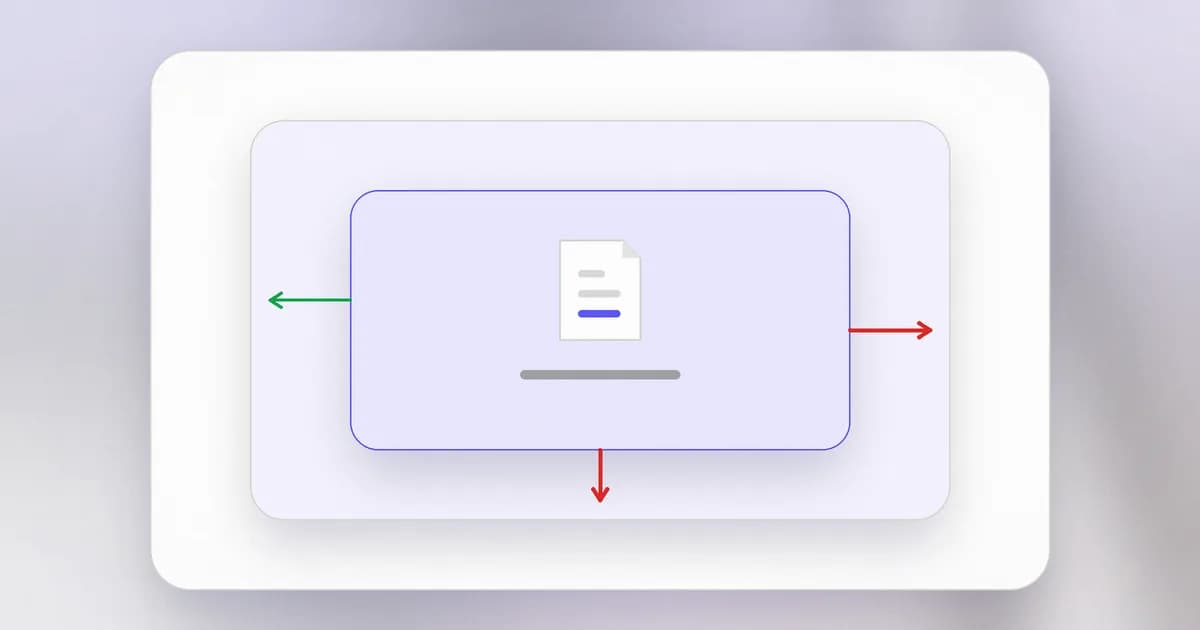
Every lesson in this level has circled one idea: a wall between untrusted code and something valuable. Memory bugs break the wall inside a program. Privilege escalation breaks the wall between accounts. This lesson covers walls we build on purpose around code we do not fully trust, and how they leak.
What a sandbox is
A is an environment that deliberately limits what the code inside can touch: which files, which network addresses, how much memory and processor time, which credentials. Like a children's sandbox, it does not stop the activity, it contains it.
We use sandboxes whenever we run something we cannot fully trust: a browser tab running a stranger's web page, a mail attachment previewer, a build job running a third party's package, and, increasingly, an AI agent running commands on a developer's behalf. The goal is a small : if the code inside misbehaves or is hijacked, the damage stays inside the walls.
Three kinds of wall
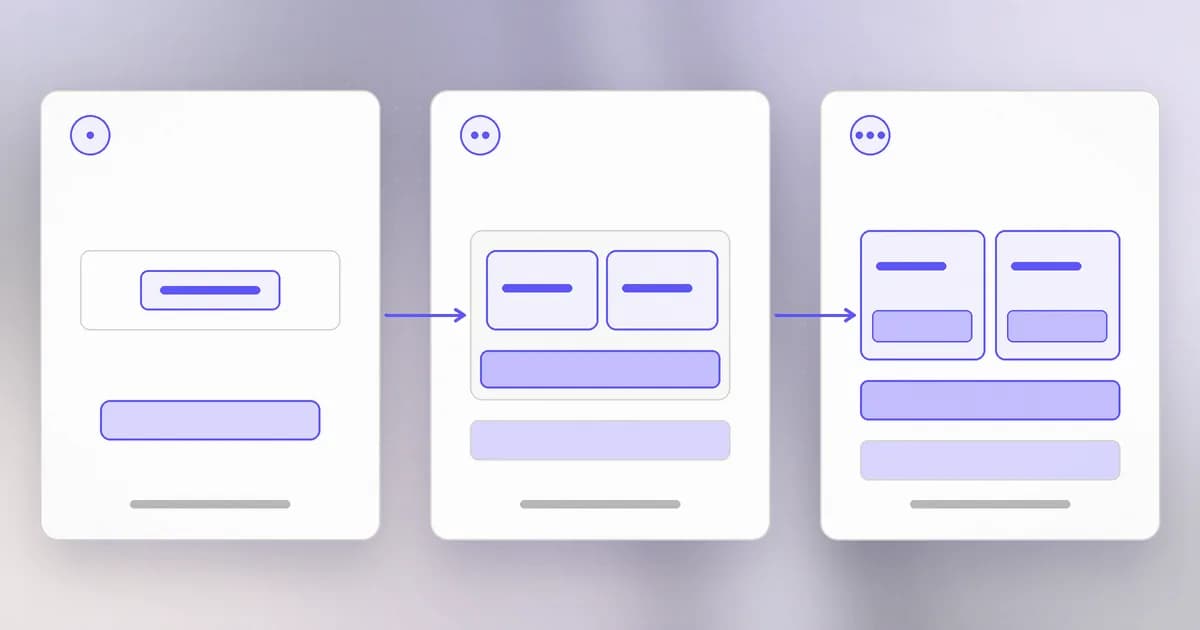
A restricted process. The weakest and simplest: run the code as a limited user, so the operating system's ordinary permissions apply. It uses the permission model from Level 1, and many programs add system-call filters, which are lists of what the process may ask the kernel to do.
A . A container is a group of ordinary processes that the (the core of the operating system) has been told to give a private view: its own file tree, its own process list, its own network. Linux does this with features called namespaces (what the process can see) and control groups (how much it can use). A container is not a small computer. It is the same kernel, running the same system calls, with blinders on. That makes containers quick to start and cheap, and it makes their wall exactly as strong as the kernel's.
A (VM). A hypervisor, a thin layer of software, pretends to be a whole computer. The code inside runs its own kernel on imaginary hardware. To reach the host it must cross the hypervisor, a much smaller and more heavily reviewed interface than the whole kernel. VMs are heavier but give a stronger boundary. A microVM is a VM stripped to the essentials so it starts in a fraction of a second; many cloud and agent platforms use them to combine speed with that stronger wall.
| Own kernel? | Start time | Wall strength | |
|---|---|---|---|
| Restricted process | No | Instant | Weakest |
| Container | No, shares the host's | Fast | Medium: depends on the kernel and settings |
| Virtual machine or microVM | Yes | Slower, microVMs quick | Stronger |
Layers can stack: a container inside a VM, so an escape from the container lands in the VM and not on the host.
How walls leak
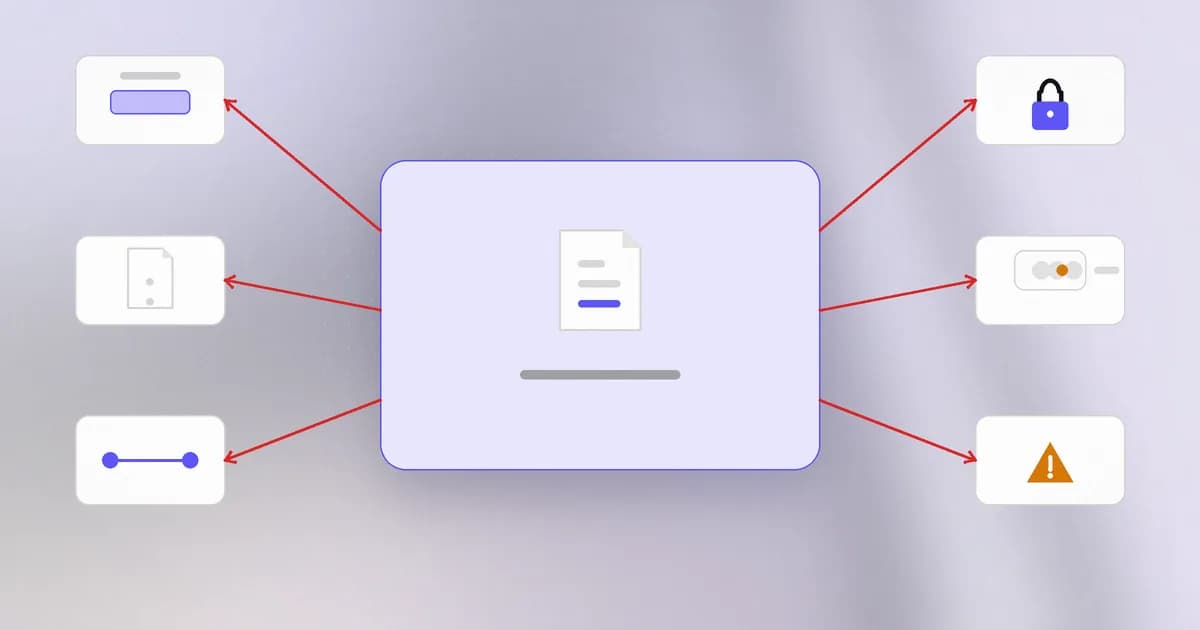
A sandbox is a boundary, and boundaries fail in a few predictable ways. Most are not exotic.
- A bug in the shared layer. If a container can trigger a kernel bug, such as the memory bugs of this level, it can break out. This is the same escalation idea as pwnkit, aimed at the kernel instead of a setuid tool. VMs have the same risk at the hypervisor, with a smaller surface.
- Configuration shortcuts. A container started in "privileged" mode, or with the host's Docker control socket mounted inside, or with a sensitive host folder mounted in, is not isolated any more. These make escape trivial because the wall was never built.
- Mounted folders and shared files. Anything you mount in is reachable: your home directory, your SSH keys, your cloud credentials.
- Network paths. A sandbox with unrestricted outbound access can send anything it can read to anywhere. Allowing even one site can leave a path open.
- Secrets inside. Environment variables and files copied in are available to the code in the sandbox. If the code is hijacked, so are they.
- Shared services. Metrics endpoints, DNS resolvers and caches that the sandbox and the outside both use are side doors.
Real cases from the agent world
The following are reports from Beam's blog; each is a source's claim as reported, so check the original posts before relying on the numbers.
- Perplexity's SPACE. In its Firecracker-microVM sandbox, nine models were given root inside the VM. According to Beam's write-up, none left the VM in 108 escape runs. But when the sandbox allowed access to a package repository, four models reached a blocked URL, through DNS spoofing or by sharing an address with another site on the same content network. The lesson is point 4 above: an allowed path is a path. Details are in Perplexity SPACE red team.
- OpenAI's containment red team. OpenAI says agents it used to test its own training sandboxes found VM escapes and routes to the internet, and signalled across VMs through CPU cache timing. It names fixes in Kata Containers, gVisor, Docker's syscall filters and the Linux kernel. See OpenAI Containment Red Team. Takeaway: layer isolation, restrict egress, and avoid shared services.
- Google's Agent Compute Engine. Google describes a microVM per agent session with no user credentials, API keys or tokens inside it; requests go through an off-node gateway that inserts the credential as the call leaves. The design answers point 5: if nothing valuable is in the box, hijacking the box yields little. See Google's microVM design.
These are research and platform designs. A developer's laptop agent is usually not in a sandbox at all, which is why Beam writes about both the sandbox approach, as in Capsem, and monitoring what agents do.
How AI changes this
Attackers. Models can be pointed at the isolation layer itself: OpenAI's report above is agents finding escapes. A patient system that tries every configuration and reads every log is well suited to hunting holes in a boundary. This is genuinely new in scale; the holes it finds are classic ones (kernel bugs, bad mounts, open egress).
Defenders. The same method helps test your own sandbox before someone else does, as both Perplexity and OpenAI did. Use AI to review container configuration for the shortcuts above, then confirm with real tests.
Agents as the thing inside. Treat an agent as untrusted code with your permissions. Ask three questions of every agent environment: what files can it reach, what network can it reach, and what credentials can it see? The best answer to the third is "none", as in Google's design. The entry in the dictionary collects these cases.
Try it
You need Docker or a compatible runtime. Everything below uses throwaway containers on your own machine.
uname -r
docker run --rm alpine uname -r
On Linux the two kernel versions are identical: the container has no kernel of its own. On macOS and Windows, Docker runs a hidden Linux VM and the container shares that VM's kernel, so you will see a different version. Either way you have just seen what a container shares.
Now see how mounts change the wall:
mkdir -p ~/sandbox-demo && echo "private note" > ~/sandbox-demo/note.txt
docker run --rm alpine ls /
docker run --rm -v ~/sandbox-demo:/data alpine cat /data/note.txt
docker run --rm -v ~/sandbox-demo:/data:ro alpine sh -c 'echo x > /data/new.txt'
The first shows the container sees only its own file tree. The second shows a mounted folder is fully visible. The third mounts it read-only and the write fails: a one-word change from rw to ro narrowed the blast radius. Clean up with rm -r ~/sandbox-demo.
Check yourself
Why is a container's wall only as strong as the host kernel, while a VM's wall is stronger?
A container's processes make system calls to the host's own kernel, so a kernel bug can be used to break out. A VM runs its own kernel and talks to the host only through a small hypervisor interface, which offers far less to attack.
A teammate runs an agent in a container but mounts their entire home folder and passes their cloud keys as environment variables. What is still protected?
Very little. The mounted home folder and the keys are inside the wall, so a hijacked agent can read and use them. The container isolates processes from each other but not data you deliberately put inside.
An agent sandbox blocks all network access except one package repository. Why might that still leak?
Because an allowed destination is still a route. Perplexity's report describes models reaching other hosts through DNS tricks or shared addresses once a repository was allowed. Egress rules need to check what is actually being reached, not only the name.
Next
That closes Level 4. You now know how programs misuse memory, how attackers climb privileges, and how walls are built and broken. Level 5 moves out to networks: how data travels, how it is watched, and how defenders spot trouble.