
Security flaws are rarely mysterious. Most of the time an advisory says: this problem exists in these versions, and it is fixed in that one. So the single most useful fact about a piece of software is which version you are running. This lesson teaches you to read versions the way security people do.
Reading a version number
A version such as 19.4.3 has three parts, separated by dots:
- Major (
19): big changes, which may break things that worked before. - Minor (
4): new features that should still work with your existing setup. - Patch (
3): small fixes, including most security fixes.
This pattern is called . It is a convention that many projects follow and some do not, so treat it as a hint. Order matters: 0.31.0 is newer than 0.7.3, because you compare each part as a number, left to right, not as text.
Vulnerable ranges and fixed versions
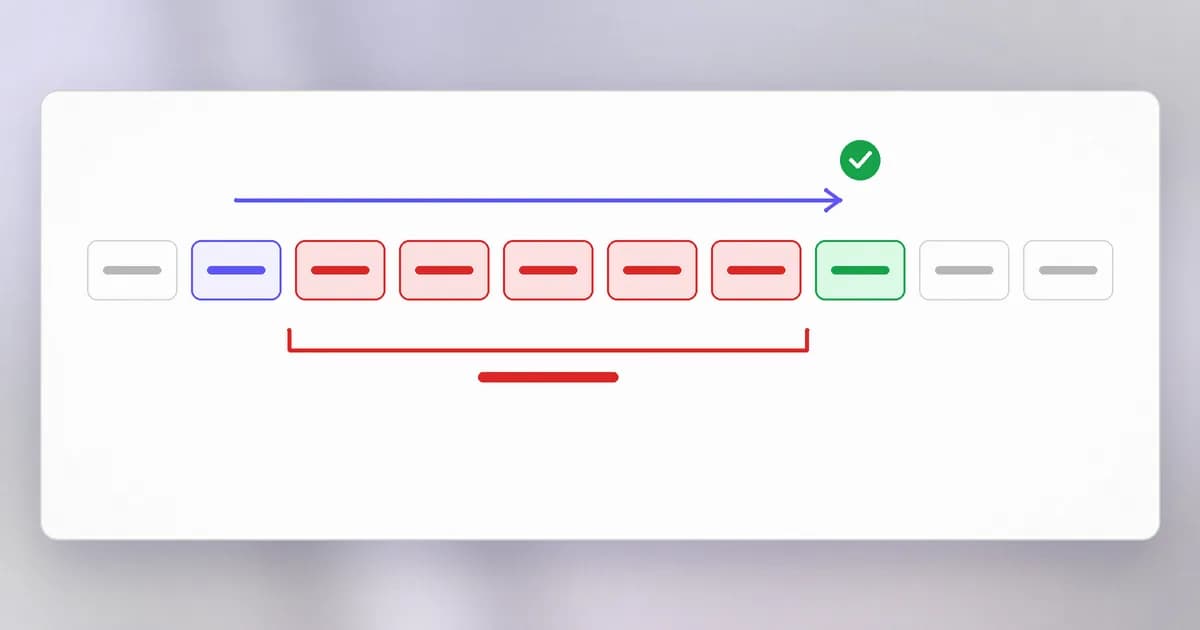
An advisory describes which versions have the flaw as a . Here is a real record, read slowly.
How to read the range in the record: "greater than or equal to 0.7.3, less than 0.31.0". If you run 0.20.1, you are inside it. If you run 0.31.0 or later, you are not. If you run 0.7.2, you are older than the range; the record does not say you are affected. The fixed version is where to go, and the safest reading is: be at the fixed version or newer.
Notice also the scoring on that record: CVSS 7.5, high. We unpack scores in level 1. Here the key habit is simply to compare your version with the range.
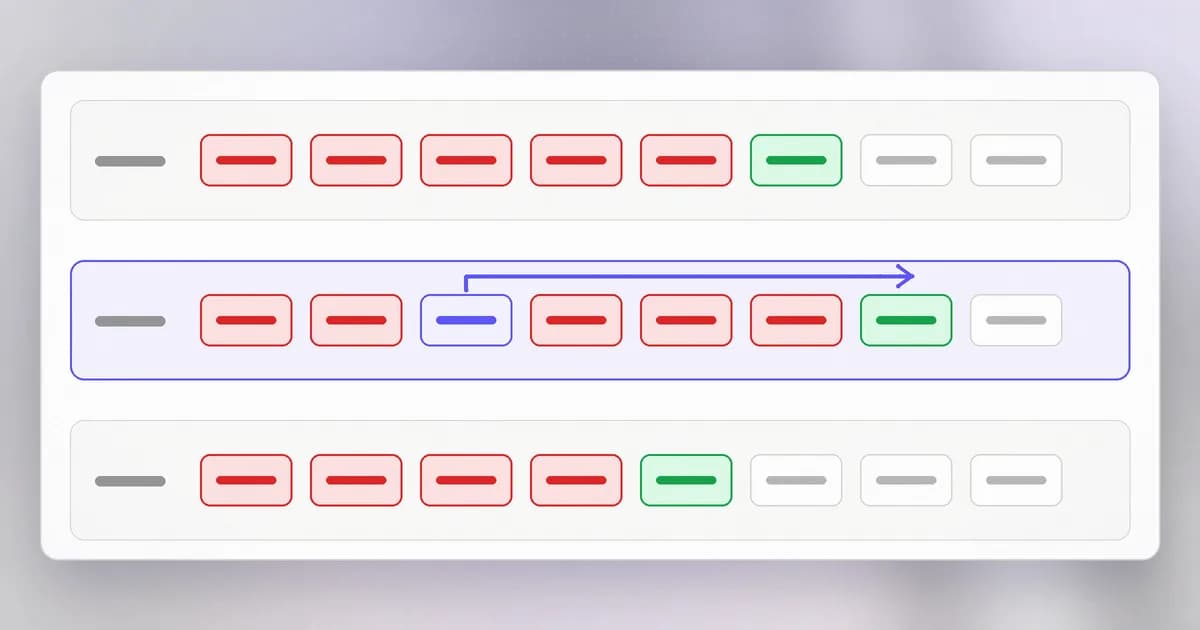
Fixes often arrive on several branches at once. The record for a critical bug in the GitLab server names a whole set of fixed releases:
The lesson: you do not necessarily jump to the newest release. You move to the fixed release on your line, or later. Always read which line you are on.
End of life
Every project eventually stops looking after old versions. When it does, that version is end of life, and any flaw found later never gets a fix. Beam's guide on PHP2Shell and end-of-life PHP gives a clear example: PHP's maintainers released fixes only for 8.2.35, 8.3.36, 8.4.27 and 8.5.12, and PHP 8.1 and older got no official fix because those branches are end of life. As of 21 October 2026, according to that post, PHP 8.2 itself gets security fixes only until 31 December 2026.
The post is careful about what to do when you cannot upgrade at once: a vendor-patched package or backport can be a bridge, with the server isolated, but a backport for one incident does not make an end-of-life branch safe. The only durable answer is to move to a supported version. Check the end-of-life date before you adopt software, not after.
Why updates get skipped
Updates are skipped for reasons that sound reasonable: it might break something, nobody owns the server, the maintenance window is next month. The first lesson's story fits here: the WannaCry fix existed two months before the outbreak, and the machines hit were the ones that had not applied it. A flaw has two clocks: the day a fix exists, and the day someone uses the flaw. The gap between them is your window. Level 1 returns to why patching fails so often, and how to make it routine.
How to know what you run
You cannot compare a version to a range if you do not know it. Three places hold the answer:
- The program itself, usually with a flag like
--version. - A package manager, which lists what it installed and what is out of date.
- A lockfile in a project, which pins exact versions of every dependency so builds are repeatable.
Servers often reveal their version too. That Server header from the HTTP lesson can say which web server and release answered, which helps an attacker pick a known bug and helps you check what you expose. Hiding it is a minor measure, not a fix.
How AI changes this
The window is shrinking. AI tools help find flaws, write exploits and adapt them. Beam's PHP2Shell analysis notes that Cloudflare saw attack traffic before the patch, and the guidance is to assume hours, not weeks, from disclosure to attack. That makes knowing your versions and being able to update quickly worth practising before you need it.
Defenders can check automatically. The tedious work of matching a list of your package versions to advisories is exactly what a program does well. Beam's beam cve check reads lockfiles, sends only package names and versions, and exits non-zero when a finding meets a severity you set, which lets a build fail on a known-vulnerable dependency. As that post says, a match means the version is listed as affected, not that the vulnerable code is reachable in your app; a person still decides.
Agents install things. A coding agent that runs pip install or npm install is choosing versions on your behalf. It may pick an old version a model remembers, or a package name it invented, so check what was added to the lockfile. And an agent asked to "just patch the server" should be limited to known commands and a plan you review, because it might pull unverified code or restart the wrong services.
Try it
This lab only reads. It lists versions and compares them with what is current.
- Check a few tools:
python3 --version,git --version,curl --version | head -n 1. - Choose one and search for its release notes or support policy page. Is your version still supported? Write the end-of-life date if the project publishes one.
- If you use pip, list the outdated packages:
pip3 list --outdated. This contacts the public package index. Pick one and read its changelog for the newer version. Does any entry mention a security fix? - If you use Homebrew, run
brew outdated. If you use another package manager, use its equivalent. - For one outdated item, decide in writing: update now, schedule it, or accept the risk and why. Do not update everything at once; change one thing at a time so you know what broke.
Check yourself
An advisory says vulnerable versions are 1.4.0 up to but not including 1.9.2, fixed in 1.9.2. You run 1.9.1. Are you affected?
Yes. 1.9.1 is inside the range, since it is at least 1.4.0 and less than 1.9.2. Update to 1.9.2 or later.
You run version 2.3.0, and the advisory lists fixed releases 2.4.8 and 3.1.0. What should you do?
Move to 2.4.8, the fixed release on your line, or later. You do not have to jump to 3.1.0, which is a new major version and may break things.
Why is waiting for a fix to an end-of-life version the wrong plan?
End of life means the maintainers have stopped releasing fixes. A flaw found later will never be fixed upstream, so the only durable answer is to move to a supported version.
A scanner says your app uses a vulnerable package version. Does that prove you can be attacked?
No. It proves the version is listed as affected. Whether the vulnerable code can be reached in your app is a separate question that a person has to answer, though you should still plan the update.
Next
Updates and versions leave traces, and so does everything else a system does. In the last foundations lesson you learn to read those traces: logs.