
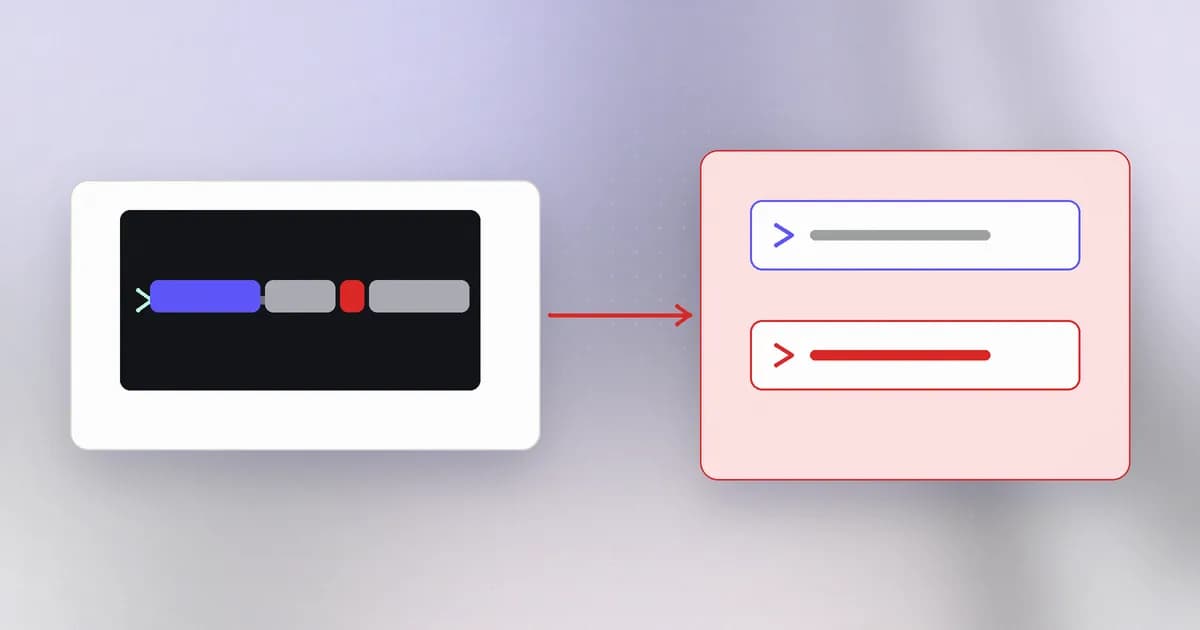
In your first terminal commands you typed commands and a program ran them. Web applications do the same thing behind the scenes: to resize an image, convert a document, ping a host or unpack an archive, they often start another program. When the command line is built from input, that input can reach the operating system itself.
The shell does more than you think
A such as bash is the program that reads a command line. It does not just start the program you named. It first interprets special characters, called :
| Character | What the shell does with it |
|---|---|
; | Ends this command and starts another |
&& | Runs the next command only if the first succeeded |
| the pipe character | Feeds one command's output into another |
$(...) and backticks | Run a command and substitute its output |
> | Redirect output into a file |
At a terminal, those characters are a feature. In a program that builds a command line from a visitor's input, they are the problem.
The vulnerable pattern
Say an admin tool shows the size of a log file the visitor names:
import subprocess

def file_size(name):
    return subprocess.run("ls -l logs/" + name, shell=True, capture_output=True, text=True).stdout
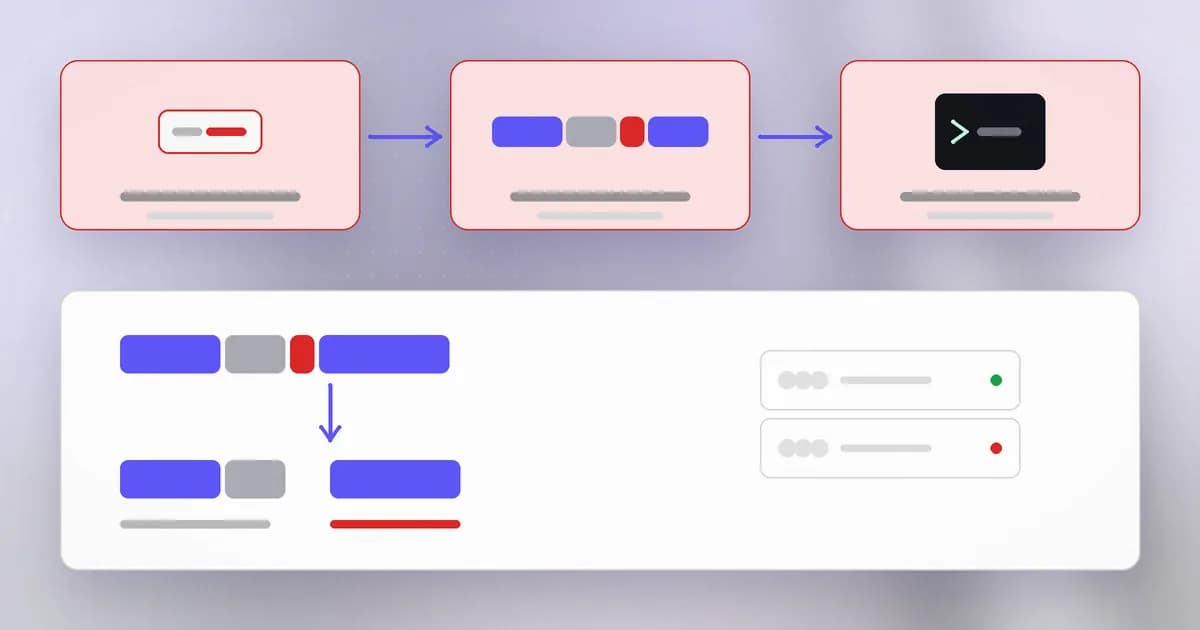
With name = "app.log" the shell sees ls -l logs/app.log. If the name contains a semicolon followed by another command, the shell reads two commands: the ls the developer intended, and one the visitor supplied. It runs both, as the same user as the web application.
This is , weakness class CWE-78. It is serious because the second command is not limited to the files in logs/. It can do anything the server's account can do: read configuration, make network connections, or start further programs. That makes it a route to , the top-severity outcome.
The root cause is the one from this level: command text and input travelled in one string, and the shell, which cannot tell them apart, read the input as commands.
The fix: do not use a shell
Most programs you start do not need a shell. Give the operating system the program and its arguments as separate items:
import subprocess

def file_size(name):
    return subprocess.run(["ls", "-l", "--", "logs/" + name], capture_output=True, text=True).stdout
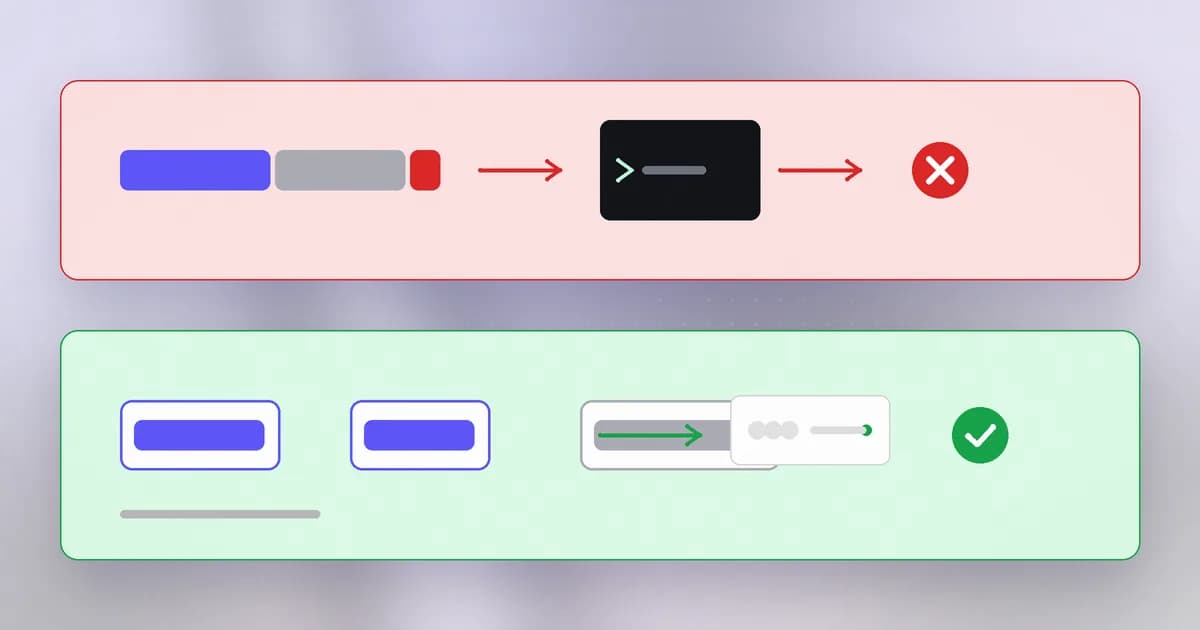
There is no shell here, so there is nothing to interpret a semicolon. The semicolon is just a character inside one argument, passed to ls as a (strange) file name, which ls says does not exist. The structure of the command is fixed in your code, and the input fills one slot. That is the same trick as the parameterized query in the last SQL lesson, applied to processes.
Three more habits harden it:
- Use a library instead of a command when you can. Resizing an image with an image library, or checking a host with a networking library, removes the process entirely.
- Allowlist the input. A file name that must match
[a-z0-9._-]+and has no slash leaves little room, and then check the folder as in the path traversal lesson. - Mind option injection. An argument beginning with a dash can be read by the program as an option. The
--marker above says "everything after this is a name", and many tools support it.
If you truly must use a shell, quote values with a dedicated function (shlex.quote in Python), but treat that as a last resort.
Why does passing ['ls', '-l', name] stop the semicolon trick, when escaping may not?
There is no shell to interpret the semicolon. The input is delivered as one argument to the program, so it remains plain text. Escaping tries to neutralise special characters inside a string that a shell will still parse, and the rules vary.
Spotting it in a code review
- Search for the process-starting calls above, and for
shell=True. - If the command is a single string with anything variable in it, ask where the variable came from.
- Prefer a rewrite to an argument list over a clever escape.
- Check whether input could start with a dash and become an option.
- Look for indirect shell use: configuration values, file names and "custom command" settings that are later passed to a shell.
- Check the process's privileges. A web service running as an administrator turns one injection into a full system compromise.
A real case
It is a clean example of the pattern. The input here was not a text box; it was the name of an uploaded file, one of the easy-to-forget inputs from the first lesson. A router is also a good reminder of why the privilege of the vulnerable process matters: it sits at the edge of a network, and what a command can reach from there is a lot. The fix was a firmware update, which also shows why patching network devices is part of security work.
How AI changes this
Attackers. Command injection often lives in awkward places, like a field of a device's web interface or an obscure configuration option. AI helps attackers read firmware and web code at scale, and spot where a value reaches a process launcher. The change is the speed of triage across many products; the bug itself is unchanged, and so is the fix.
Defenders. An assistant can find every shell=True and convert it to an argument list, and explain what each metacharacter does. Because model-written scripts often reach for os.system or a shell string for convenience, review generated code for this specifically.
AI agents. A coding agent's whole job includes running shell commands, with your permissions, on text it composed after reading untrusted material. That makes agents a command-injection surface by design: a poisoned README, issue or web page can steer which command gets written. The real examples are on Beam's blog: Cursor's MCP config poisoning, where a prompt injection reached remote code execution, and the Langflow MCP stdio flaw, where a configured command was passed to a shell. A stdio MCP server entry is literally a command to be run. Controls are the familiar ones, applied at the agent: review or block dangerous commands before they run, keep the agent's account unprivileged, and limit where it can write. See stopping dangerous commands in Claude Code.
Try it
The lab runs on your machine, uses a folder you create, and only prints text. The "injected" command is just an echo you write yourself.
mkdir ~/cmd-lab && cd ~/cmd-lab && mkdir logs && echo "hello" > logs/app.log
Save as cmd_lab.py:
import subprocess

def unsafe(name):
    return subprocess.run("ls -l logs/" + name, shell=True, capture_output=True, text=True)

def safe(name):
    return subprocess.run(["ls", "-l", "--", "logs/" + name], capture_output=True, text=True)

for name in ["app.log", "app.log; echo SECOND-COMMAND-RAN"]:
    print("input:", name)
    print("  unsafe stdout:", unsafe(name).stdout.strip().replace("\n", " | "))
    r = safe(name)
    print("  safe stdout:  ", r.stdout.strip() or "(nothing)", "| stderr:", r.stderr.strip())
Run python3 cmd_lab.py. In the unsafe case you will see SECOND-COMMAND-RAN printed, which proves a second command executed. In the safe case, ls just reports that no such file exists. Clean up with cd ~ && rm -r ~/cmd-lab.
Check yourself
Which is safer in Python: subprocess.run(f'convert {name} out.png', shell=True) or subprocess.run(['convert', name, 'out.png'])? Why?
The list form. No shell parses it, so metacharacters in the name stay ordinary text. The f-string with shell=True lets the name add commands. You should still validate the name and consider -- for option safety.
In CVE-2020-15415, which easy-to-forget kind of input carried the metacharacters?
The name of an uploaded file. File names are input the sender controls, and the router put one into a command.
Why does it matter which account the vulnerable program runs as?
Injected commands run with that account's permissions. An unprivileged service account limits what they can reach, while an administrator or root account gives them the whole machine. Least privilege shrinks the damage.
Next
So far the dangerous request came from outside to the server. In the next lesson the server itself is made to send a request somewhere it should not, which is called server-side request forgery.