
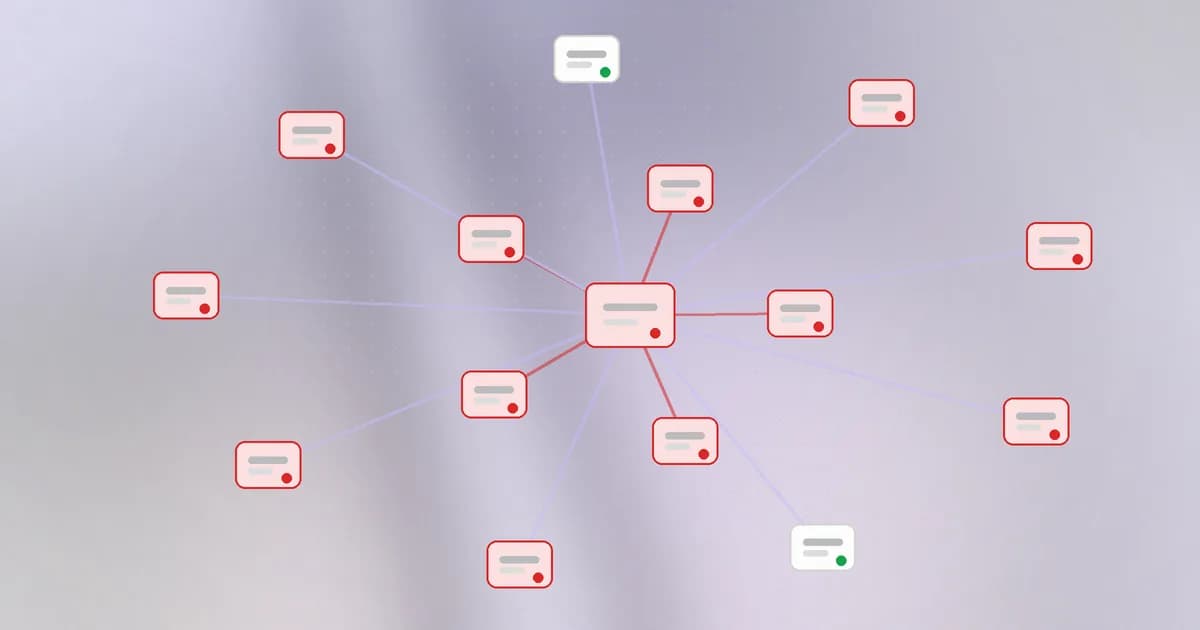
In the last lesson you saw how to split a network so a breach stays small. This lesson is about the force pushing the other way: threats that move from machine to machine. There are two kinds. One is automatic, the worm. The other is deliberate, an attacker doing lateral movement. Both succeed on the same terrain: a flat network with unpatched services and shared passwords.
Worms
A is malicious software that copies itself to other machines without anyone clicking anything. It needs three things:
- A way in: a flaw in a service that other machines expose, usually a bug, or a weak shared password.
- A way to find victims: scanning addresses and ports for the vulnerable service.
- A payload and a copy of itself: whatever it does on arrival, plus the code to repeat the cycle.
A traditional virus waits for a person to open an infected file. A worm needs no person, so the speed limit is the machine, not a human.
Why the growth is so fast
Suppose each infected machine infects one more machine every hour, so the count doubles:
| Hour | Infected machines |
|---|---|
| 0 | 1 |
| 1 | 2 |
| 2 | 4 |
| 5 | 32 |
| 10 | 1,024 |
| 14 | 16,384 |
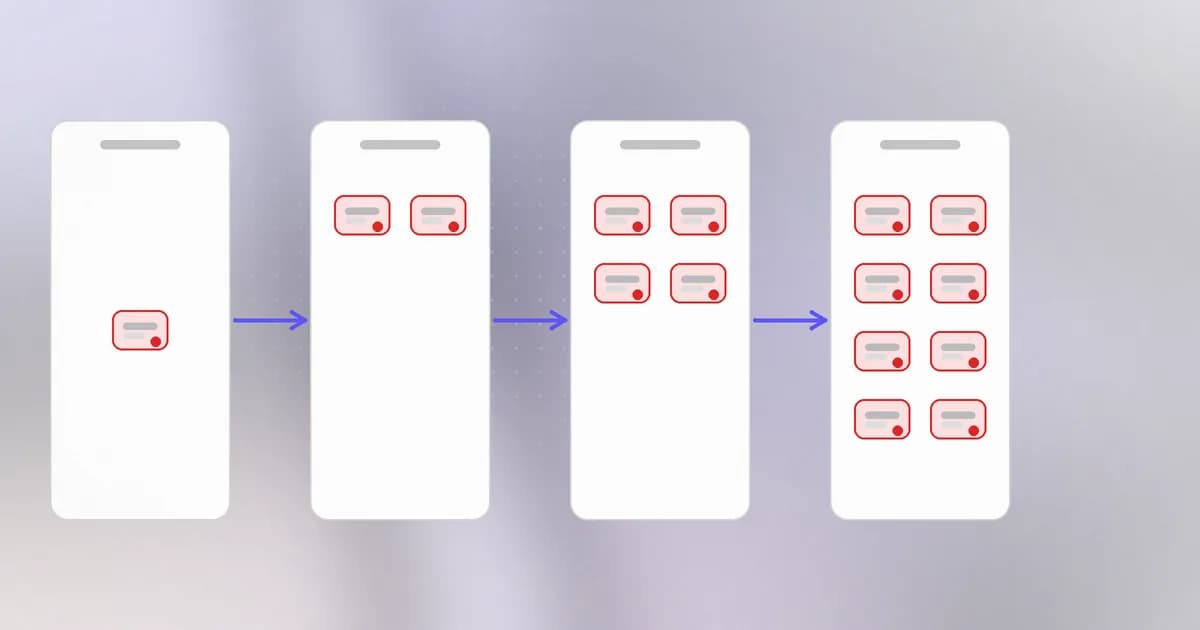
That is exponential growth. One machine becomes ten thousand in about half a day, and real worms can be faster because they are limited by network speed rather than an hour. Early on nobody notices, because the numbers are tiny. By the time the problem is obvious, most of the damage is already possible. That is why the controls below work best before anything happens.
Real case: SMBv1 and WannaCry
SMB is the protocol Windows uses for sharing files and printers over a network. The flaw below was in its oldest version.
The record describes a remote code execution flaw in the SMBv1 server of many supported Windows versions, published on 2017-03-17 together with the vendor's fix. It is on CISA's list of vulnerabilities exploited in the wild, and the record notes it has been used in ransomware campaigns. The worm most associated with this family of flaws is WannaCry, in May 2017: it scanned for machines exposing SMB, infected the ones that had not applied the update, and encrypted their files for ransom.
Three conditions had to be true at once, and they are the lesson:
- The service was reachable. SMB was open between machines inside many networks, and on some, to the internet. A flat network let it cross freely.
- The fix existed but was not installed. The update was available before the worm appeared. This is the patching lesson from Level 2 in its harshest form.
- The service was not needed. SMBv1 is an old version most organisations had no reason to run.
Remove any one of the three and the story is much smaller. This also shows why CVSS alone does not tell you urgency: look at how reachable a flaw is and whether it can chain itself.
Which of the three conditions would segmentation address, and which would patching address?
Segmentation addresses reachability: if the SMB service cannot be reached across zones, the worm cannot hop. Patching addresses the fix not being installed. Turning off an unneeded old service addresses the third condition. Each is a separate lever.
Lateral movement
Worms are automatic. is the same idea done on purpose. After an attacker gets onto one machine, perhaps a laptop opened through a phishing email, the first machine is rarely the goal. The goal is elsewhere: the file server, the database, the machine that holds the keys. So the attacker moves sideways, from machine to machine, collecting access along the way.
The usual ingredients are ordinary:
- Credentials found on the first machine, such as saved passwords, tokens, SSH keys in
~/.ssh, or secrets in.envfiles. - The same password reused across machines, so one stolen password opens many doors.
- Legitimate remote tools, like SSH, remote desktop or file sharing, which look normal in logs because they are normal.
- Over-broad trust, where any machine in an office may log in to any server.
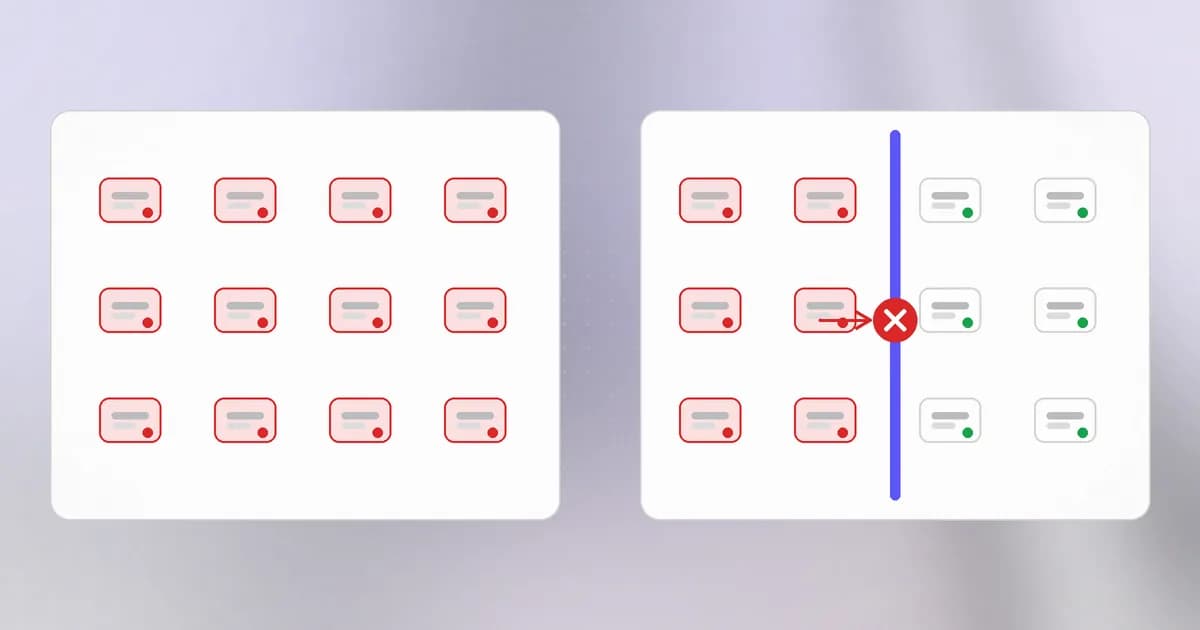
Notice how little is "hacking" here. Lateral movement works because the network already allows the movement and the credentials already exist. The defensive checklist writes itself:
| Control | What it slows |
|---|---|
| Patch exposed services, retire unneeded ones | Worm spread |
| Segmentation and default deny | Reachability between zones |
| Unique credentials per machine, MFA on remote access | Credential reuse |
| Least privilege on accounts | What stolen access can do |
| Watching for new internal connections | Finding it while it happens |
That last row is the next-but-one lesson.
How AI changes this
Attackers. What is new is the glue. Worms used to be fixed programs written for one flaw; a person had to read each new environment. Wiz's incident response team described intrusions where an AI agent system ran the whole operation and, in their words, found entry points, harvested credentials and pivoted across platforms, rewriting its own failing scripts within minutes. Our summary of that report notes the practical point: every credential in reach becomes a stepping stone, and an agent chains them faster than a person. Anthropic's red team also published research on small models spreading across poorly secured devices; per our write-up, no real-world worm exists, tests were simplified, and the exposure it relies on is ordinary, such as open debug ports and default passwords. The genuinely new part is adaptability. The old part is everything that makes spread possible.
Defenders. Correlating events across many machines is a good task for software: spotting that one laptop suddenly connected to forty servers it has never touched. AI-assisted triage can summarise those alerts, but the baseline still has to come from your own network.
Agents as a new actor. Software supply chains already have worms. Our post on npm worms hitting AI tooling describes the chain: steal a publish token, publish a malicious version, run a payload on install, and use any tokens found to publish further. The "network" here is the dependency graph, and a coding agent that runs installs on your machine is exposed to it with your credentials. An agent holding keys for many systems is also a ready-made stepping stone, which is why least privilege and short-lived credentials matter more, not less.
Try it
This is a pure simulation in a script. It does not touch any network or any real machine.
Save this as spread.py in a scratch folder:
import random

def run(zones, hosts_per_zone, links_between_zones, contacts=3, rounds=8, seed=1):
    random.seed(seed)
    hosts = [(z, h) for z in range(zones) for h in range(hosts_per_zone)]
    infected = {hosts[0]}
    for _ in range(rounds):
        for z, h in list(infected):
            for _ in range(contacts):
                t = random.choice(hosts)
                same_zone = t[0] == z
                if same_zone or random.random() < links_between_zones:
                    infected.add(t)
    return len(infected), len(hosts)

print("flat network:   ", run(1, 120, 1.0))
print("4 zones, open:  ", run(4, 30, 1.0))
print("4 zones, walled:", run(4, 30, 0.02))
Run python3 spread.py. In the flat network almost everything falls. With zones whose gates are nearly closed, the infection stays mostly in the first zone. Try raising contacts or lowering the crossing chance, and notice which change matters more. Delete the file when you are done.
Check yourself
If each infected machine infects 3 others per hour, roughly how many machines are infected after 6 hours, starting from one?
About 4,096. Each hour every infected machine adds 3 more, so the total multiplies by 4 (1, 4, 16, 64, 256, 1,024, 4,096). Real spread is messier, but the shape is the point: it grows by multiplying, not adding.
How does lateral movement differ from a worm?
A worm spreads automatically by exploiting a flaw; lateral movement is an attacker, or their tooling, deliberately moving to other machines using credentials and remote tools they find. Both depend on a network that lets machines talk freely.
Name two things that would have limited a SMBv1 worm.
Applying the available update, turning off SMBv1 where it was not needed, and blocking SMB between zones and from the internet. Any one of them sharply reduces spread.
Next
Worms turn one machine into many; the next lesson looks at a different goal. Denial of service does not steal anything, it simply takes a service down by asking too much.