
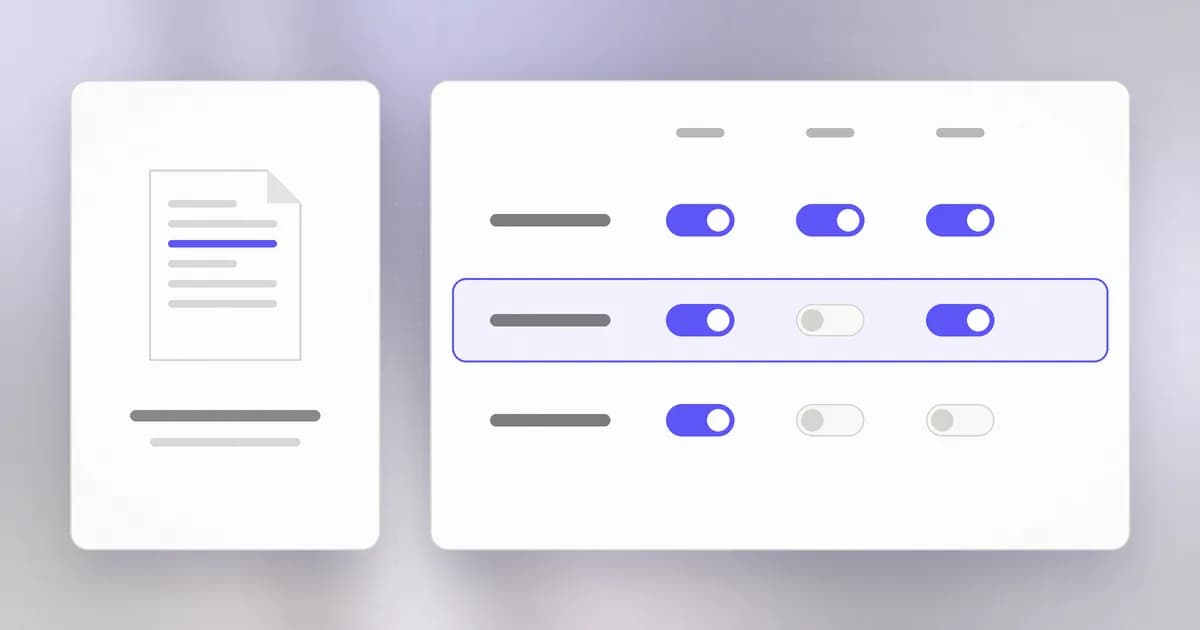
Every file on your computer answers three questions: who owns it, who else can reach it, and what each of them may do. A large share of real-world leaks are a file that answered those questions too generously. This lesson teaches you to read the answers.
Files and folders
A file holds data. A folder (also called a directory) holds files and other folders. Together they form a tree, and every item has a path, its address in that tree:
/Users/sam/projects/notes.txt
Read it left to right: from the root (/), into Users, then sam, then projects, to the file notes.txt. On Windows the separators are backslashes and the root is a drive letter, but the idea is identical.
Three actions
The operating system distinguishes three things you can do to a file:
- Read (
r): see its contents. - Write (
w): change or delete its contents. - Execute (
x): run it as a program.
Keeping these separate is useful. A log file should be readable but not writable by the people who view it. A program should be runnable but not editable by the people who run it.
Three audiences
Permissions are set separately for three groups:
- Owner: the account that owns the file, usually the one that created it.
- Group: a named set of accounts, such as everyone on the same team.
- Others: everyone else with an account on the machine.
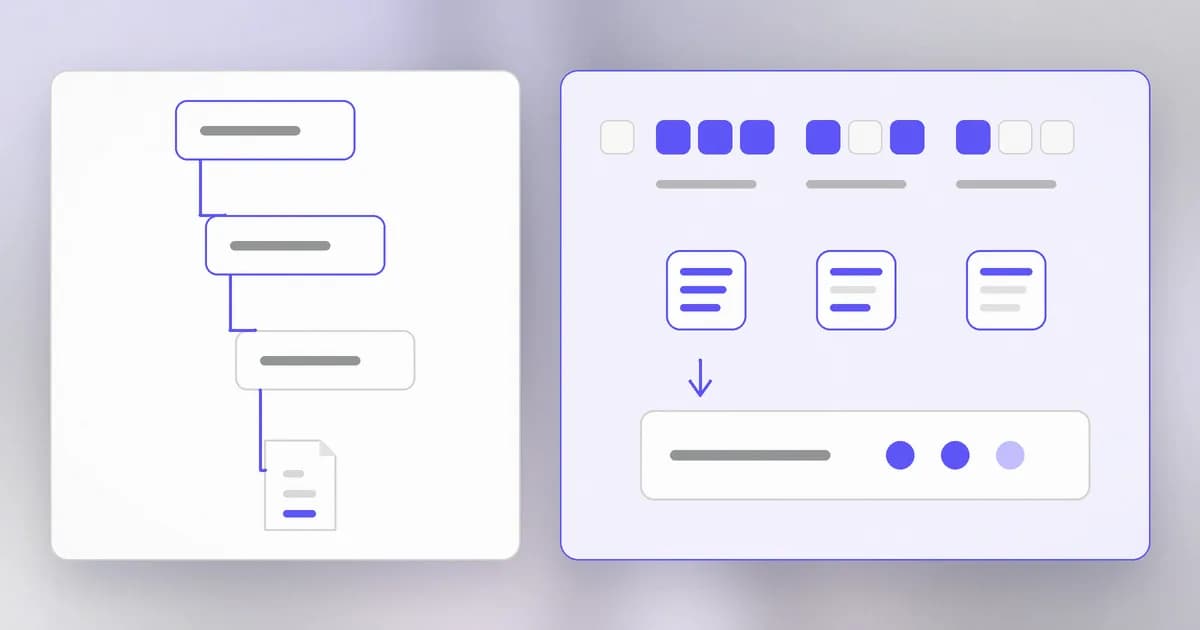
Three actions times three audiences gives nine on-or-off switches. That is the entire model on macOS and Linux.
Reading a permission string
In a terminal, ls -l lists files with their permissions. A line looks like this:
-rwxr-xr-- 1 sam staff 2048 Oct 24 09:12 report.txt
Look at the first ten characters.
| Characters | Meaning |
|---|---|
- | The type. - is a plain file, d is a folder |
rwx | Owner can read, write, execute |
r-x | Group can read and execute, but not write |
r-- | Others can only read |
A dash means "no". So -rwxr-xr-- says: a plain file, the owner can do everything, the group can read and run it, and everyone else can only read it.
What can 'others' do with a file marked -rw-r-----?
Nothing. The last three characters are ---, so others have no access at all. The owner can read and write, and the group can read.
The numbers: chmod
You change permissions with chmod. Each action has a value: read is 4, write is 2, execute is 1. Add them up for each audience and write the three sums together.
| Setting | Sum | Meaning |
|---|---|---|
rwx | 4 + 2 + 1 = 7 | Everything |
rw- | 4 + 2 = 6 | Read and write |
r-x | 4 + 1 = 5 | Read and run |
r-- | 4 | Read only |
--- | 0 | Nothing |
So chmod 754 report.txt gives the owner 7 (rwx), the group 5 (r-x) and others 4 (r--), which is exactly the string above. The one you will use most is chmod 600: owner reads and writes, nobody else gets anything. That is the right setting for a secret.
Folders are slightly different
On a folder the letters mean something nearby:
r: you can list the names inside.w: you can add, rename or delete items inside.x: you can enter it and reach what is inside.
That last one catches people out. A folder with read but no execute lets you see file names but not open any of them. A private folder is typically 700: only its owner can list, change or enter it.
Why security people care
Secrets stored in files. Private keys, access tokens and configuration files often hold the credentials that unlock everything else. If such a file is readable by others, any other account, or any program running as another account, can take it. This is why SSH, the tool for logging in to remote machines, refuses to use a private key file that is open to others:
WARNING: UNPROTECTED PRIVATE KEY FILE!
Permissions 0644 for 'id_ed25519' are too open.
That is a real safety check, and the right response is to tighten the file, not to work around it.
Too closed also fails. If you set chmod 000 on a file your own program needs, the program breaks and someone "fixes" it with chmod 777, which gives everyone full access. The narrowest setting that works is the goal. Permissions that are open "to make it work" are a leading source of later incidents.
Programs inherit it. From the last lesson: a process borrows the permissions of its user. A file is only as protected as the least trusted program that runs as an account allowed to read it. Later, in level 4, we will see attacks that exist purely to gain a more privileged account.
Try it
Do this in a scratch folder so nothing important is touched.
mkdir ~/permissions-lab && cd ~/permissions-lab
echo "a secret" > secret.txt
ls -l secret.txt
You will probably see -rw-r--r--: you can read and write, and everyone else can read. That is a typical default and it is too open for a secret.
Now tighten it, and check the result:
chmod 600 secret.txt
ls -l secret.txt
You should see -rw-------. Finally, make it runnable and read the change:
chmod 700 secret.txt
ls -l secret.txt
The first rwx appeared. Clean up with cd ~ && rm -r ~/permissions-lab.
How AI changes this
Permissions were designed for people and for programs, and an AI agent is a program. It runs as you, so every file you can read, it can read: your project, your shell history, ~/.ssh, .env files. The permission system has no way to say "this one is the assistant". Narrow permissions help only if the agent is not running as the account that owns the secrets.
Some concrete consequences:
- Credentials in files are the prize. Beam's October 2026 write-up on API keys in logs and environment variables explains how keys spread from config files into logs and other systems. An agent reading a project folder can pick them up just like any other process.
- Attackers' tools look for exactly this. Automated scanners, whether or not they use AI, check for world-readable keys and config files. AI makes it cheaper to adapt such checks to a new target.
- "Fix the permissions" is a risky request. A tired human or an agent can both reach for
chmod 777to make an error go away. Review any permission change an agent proposes against the rule from this lesson: the narrowest setting that works.
The defensive idea is . Run agents in a folder they need, with only the credentials the task needs, and keep real secrets outside it.
Check yourself
What number would you give chmod for: owner can read and write, group can read, others get nothing?
640. Owner is 4 + 2 = 6, group is 4, others is 0.
A teammate fixes a failing script with chmod 777. What is wrong with that?
It makes the file readable, writable and runnable by every account on the machine. Anyone, or any program running as anyone, can now change what the script does, and it may run later with someone else's rights. The fix should have been to find which one permission was missing and add only that.
A folder is r-- for you. Can you open the files inside?
No. You can list the file names, but without execute you cannot enter the folder to reach them.
Next
You have just typed your first commands. In the next lesson we slow down and learn to use the terminal on purpose.