
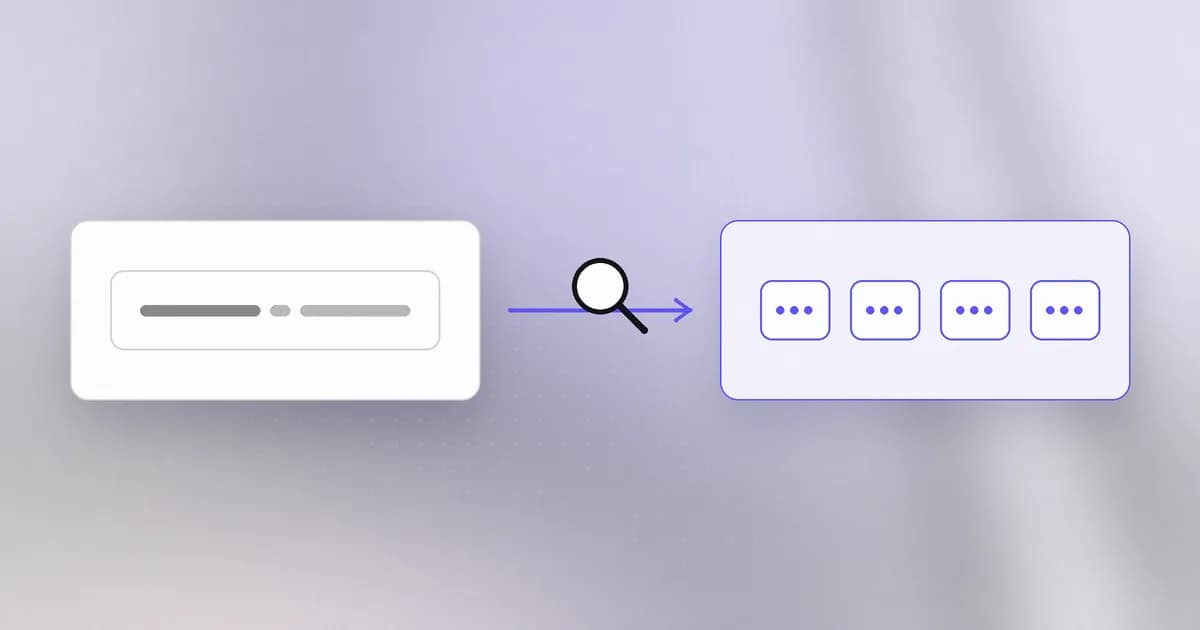
In the last lesson machines found each other by IP address. People do not remember numbers; they remember names. The Domain Name System () is the service that bridges the two. Almost every connection you make starts with a DNS question, which makes it a favourite place to hide tricks.
A name is a path, read right to left
Take docs.agentbeam.com. Read it from the right:
comis the top-level domain, run by a registry.agentbeamis the domain, which someone registered and pays to keep.docsis a subdomain, which the domain's owner may create freely.
Each dot hands responsibility one step down. The registry knows who is in charge of agentbeam.com; that owner decides what docs.agentbeam.com means.
How a lookup works
Your computer does not know every answer. It asks a helper called a , usually run by your network or internet provider (or one you choose). The resolver does the legwork:
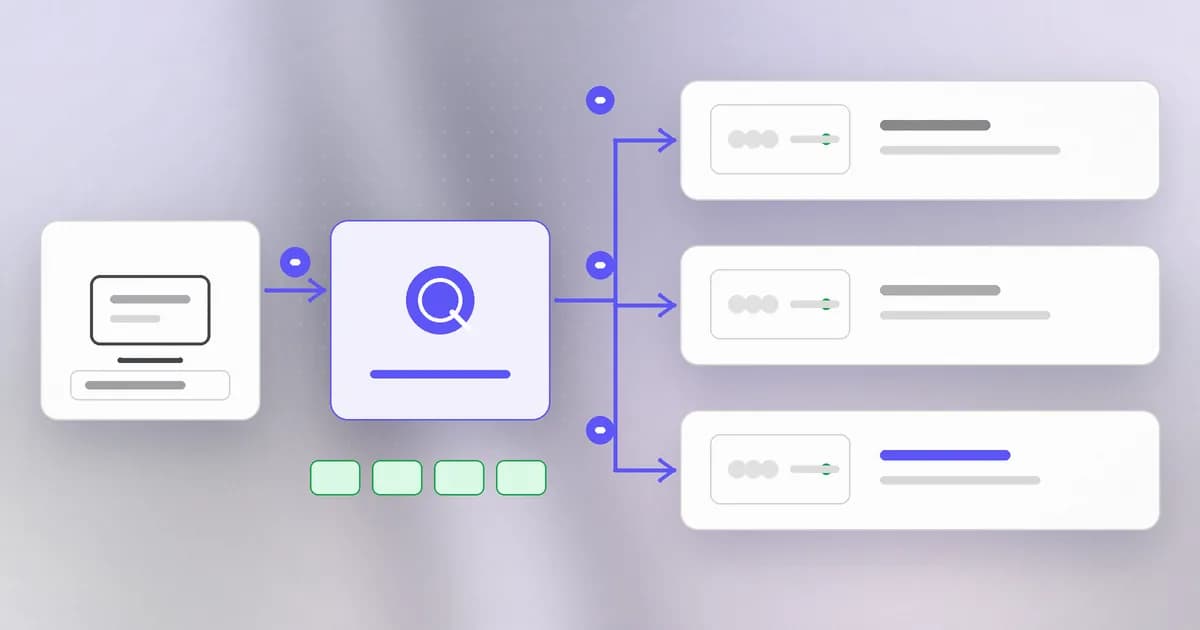
- Your computer checks its own memory first, then asks the resolver: "what is the address of
agentbeam.com?" - If the resolver has no recent answer, it asks the root servers, who point it to the servers for
com. - The
comservers point it to the authoritative server foragentbeam.com, the one the owner controls. - That server answers with the address. The resolver returns it to you and keeps a copy.
- Your computer connects to that IP address using the steps from the last lesson.
All of this takes a few milliseconds, and most lookups skip steps 2 and 3 because the answer is already stored.
Records: facts about a name
The authoritative server holds a list of . The ones you will meet most:
| Type | Holds | Example meaning |
|---|---|---|
| A | An IPv4 address | This name lives at 192.0.2.10 |
| AAAA | An IPv6 address | The same, in the newer format |
| CNAME | Another name | www is an alias for the main name |
| MX | A mail server | Email for this domain goes there |
| TXT | Free text | Proofs of ownership, email sender rules |
Every answer carries a TTL (time to live): how many seconds a resolver may keep it. A TTL of 300 means five minutes. That explains why a change "takes time to spread": it does not spread, old copies just expire at different moments.
Security consequences
You trust the name, not the number. Nobody checks an address; they check a name. So a name that looks right is enough to fool a person. agentbeam.com and agentbearn.com differ by one letter. Registering such lookalikes is cheap, and they appear in phishing emails, fake download pages and fake login pages.
Whoever controls the records controls where a name points. If an attacker takes over an account at the registrar or at the DNS host, they can send everyone to their own server. A related mistake is a record left pointing at a service you no longer use; someone else might claim that service and inherit your name. Keeping records tidy and the registrar account protected with strong login (a topic for the identity level) matters.
Plain DNS is not private or proven. Classic DNS questions travel unencrypted, so networks along the way can see which names you look up, and in some situations answers could be forged. Defences exist (DNSSEC signs answers; DNS over HTTPS hides questions), but many networks do not use them. Treat DNS as an unverified hint and rely on the encryption and certificate checks we meet in the HTTP lesson to confirm you reached the right place.
The hosts file overrides it all. Your machine keeps a small file, /etc/hosts, mapping names to addresses before any DNS question is sent. Malware sometimes edits it, and so can careless "fixes".
A real case: the lookalike install page
Beam's write-up on fake Claude Code installers describes InstallFix: a cloned install page that looks like vendor documentation but swaps the genuine install command for a malicious one. The Cloud Security Alliance describes the technique for Claude Code. The advice in that post is the DNS lesson in action: get install steps only from the vendor's own documentation, typed into the address bar rather than reached through a search ad, and read the host inside any command before pressing Enter. The post notes that the official native installer is also a curl ... | bash command, so the danger is not the pattern itself but the domain inside it.
How AI changes this
Phishing and lookalikes at scale. An attacker no longer needs to write each lure by hand. A model can draft convincing pages and messages in many languages and variations quickly, so the old signal "the text looked sloppy" is weaker. The name in the address bar, and the domain inside a command, are the check that still works.
Models invent names. Language models sometimes suggest package or site names that do not exist. Attackers can register those names, a trick called . When you or an agent act on a made-up name, DNS or a package registry will happily resolve it to whatever the attacker put there. Verify names against the official source.
Agents follow links. A coding agent that browses or fetches will resolve whatever name it is given, including one planted in a web page or a README. A human glance catches a lookalike; an agent may not. Limiting which domains an agent may reach, an allowlist, is a direct application of this lesson.
Defenders can use AI to sift newly registered domains and spot those that resemble a brand, but the ground truth, who registered what and when, still comes from DNS and registry records.
Try it
Looking up a public name is the same thing your browser does thousands of times a day. Use your own domain if you have one, or agentbeam.com.
- Ask for the address:
dig +short agentbeam.com(ornslookup agentbeam.comifdigis missing). - Ask for other record types:
dig +short agentbeam.com MXanddig +short agentbeam.com TXT. Read each result against the table above. - See the TTL: run
dig agentbeam.comand find the number between the name andIN Ain the answer section. Run it again a few seconds later. If the number counts down, you are reading a cached copy. - Look at the override file:
cat /etc/hosts. You should seelocalhostmapped to127.0.0.1, and nothing else you did not add. - Compare two names: write down a domain you use and invent three one-letter lookalikes. Which one would you not spot if you were in a hurry?
Check yourself
In docs.agentbeam.com, which part does the owner of agentbeam.com control freely?
The subdomain, docs. The owner of the domain can create any subdomains they like and decide where each points.
You change a DNS record and some people still reach the old server for an hour. Why?
Resolvers cache answers for the TTL the old record carried. Until each cached copy expires, that resolver keeps returning the old address.
Why can a lookalike domain fool someone even when the page looks perfect?
People check names, not numbers, and a name that differs by one letter looks the same at a glance. Anyone can register a lookalike cheaply and point it at a cloned page.
An agent is told to install a package an AI model suggested. What should you verify first?
That the name exists in the official registry and is the project you intended. Models can invent names, and attackers can register those names with malicious contents.
Next
Once DNS gives you an address, your computer speaks to it. Next we do that by hand: send a web request and read the reply.