
Your threat model ranked the risks. A policy is how you act on the top of that list: a set of rules, applied to what agents propose, that allow, hold for approval or deny. Writing policies is a balancing act. Too loose and nothing is protected. Too tight and people route around it, which is worse than having no policy because you stop seeing what happens. This lesson shows how to write rules that survive contact with real work.
The examples use the policy system documented for Beam's workspace and CLI, because its behavior is specified in public docs. The ideas apply to any tool that checks agent actions before they run.
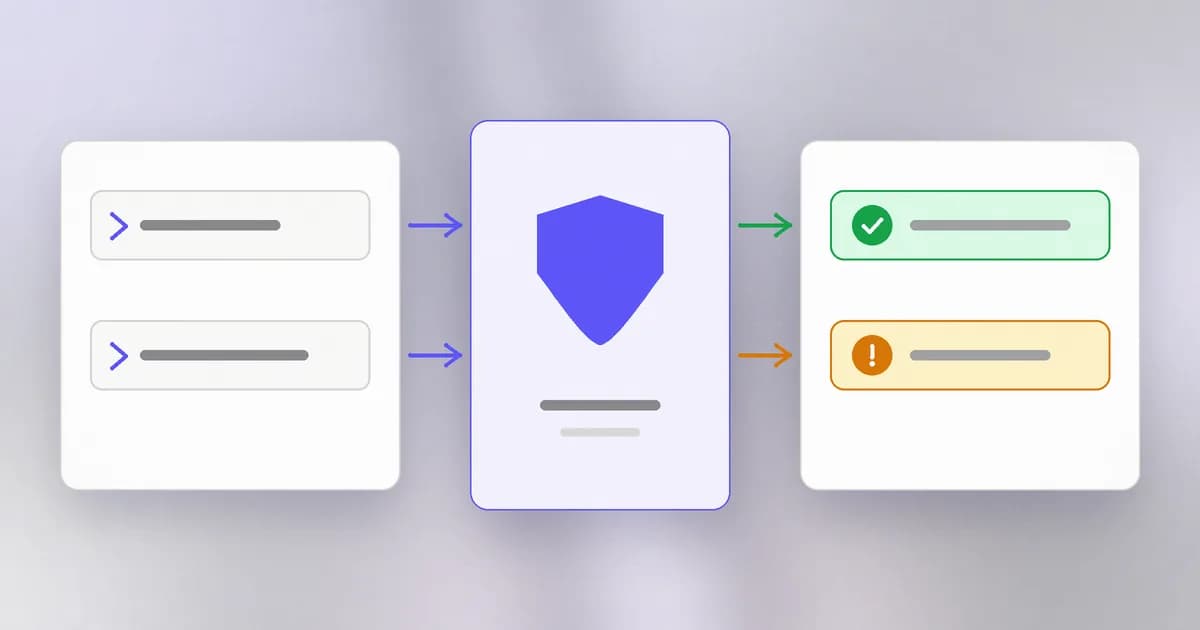
Policy, rule, mode
Three words, three jobs.
- A rule matches one kind of action: a command, a tool, a path. "Commands containing
git push" is a rule. - A policy is a bundle of rules plus a mode.
- The mode decides what a match does.
Beam's modes, from its policy docs:
| Mode | What a matching action does |
|---|---|
| Observe | Nothing is enforced. Activity is still captured and heuristic findings continue |
| Advisory | The action produces an approval decision: a human is asked |
| Enforce | The action is denied |
The docs add a caution that applies to every product: an interactive approval prompt exists for some assistants (Claude Code and Codex are named), while others have no approval channel, so approval-required actions are denied instead. Whether a decision is honored also depends on the installed version and the hook event, so verify the response in the assistant you actually use. See for the general idea and for why the approval step matters.
Roll out in stages
The safe order is the one the docs recommend: start in observe mode, validate on a test device, then tighten.
- Observe. Turn the rule on with no effect. Read what it would have matched for a week. This is where you learn that your "block recursive delete" rule also fires on people clearing a build folder.
- Advisory. Matches now ask a person. Cheap to undo, and it shows how often the rule interrupts real work.
- Enforce. Only for rules that have earned it: actions that are almost never legitimate or too costly to get wrong.
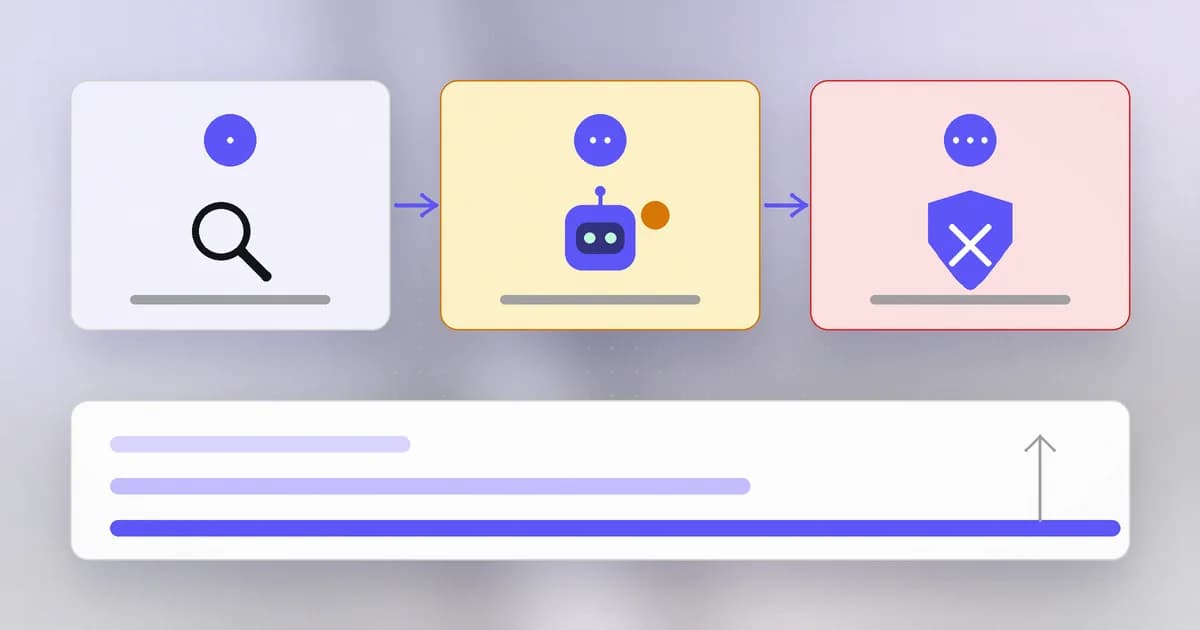
Each step is a decision backed by data from the one before. Skipping straight to enforce is how a policy gets disabled in the first week.
Baseline plus overrides
In Beam, an organization sets a and can add a member override. The key property in the docs: overrides can add restrictions or choose a stricter mode, but they cannot loosen the baseline. Clearing an override returns the person to the baseline.
That is a design worth copying. It means the central team sets the floor, and a team with more sensitive work (payments, infrastructure) can go higher. Nobody can quietly go lower. This ties to the roles from the last level: managing policy is a privileged action, restricted to owners, administrators and security managers.
Writing one rule well
Take the recursive delete preset. Beam's preset library lists this pattern, matched case-insensitively against the command text the hook reports:
\brm\b[^\n;&|]*\s(?:-[a-z]*r[a-z]*|--recursive)(?=\s|$)
Read it in words: the word rm, then anything that is not a line break or a command separator, then whitespace, then a flag containing r, or --recursive, ending at whitespace or the end of the command. The preset's own description tells you its limits: it also matches legitimate cleanup of generated directories, it does not resolve the target, follow symlinks, or cover deletion through Python, find or other tools.
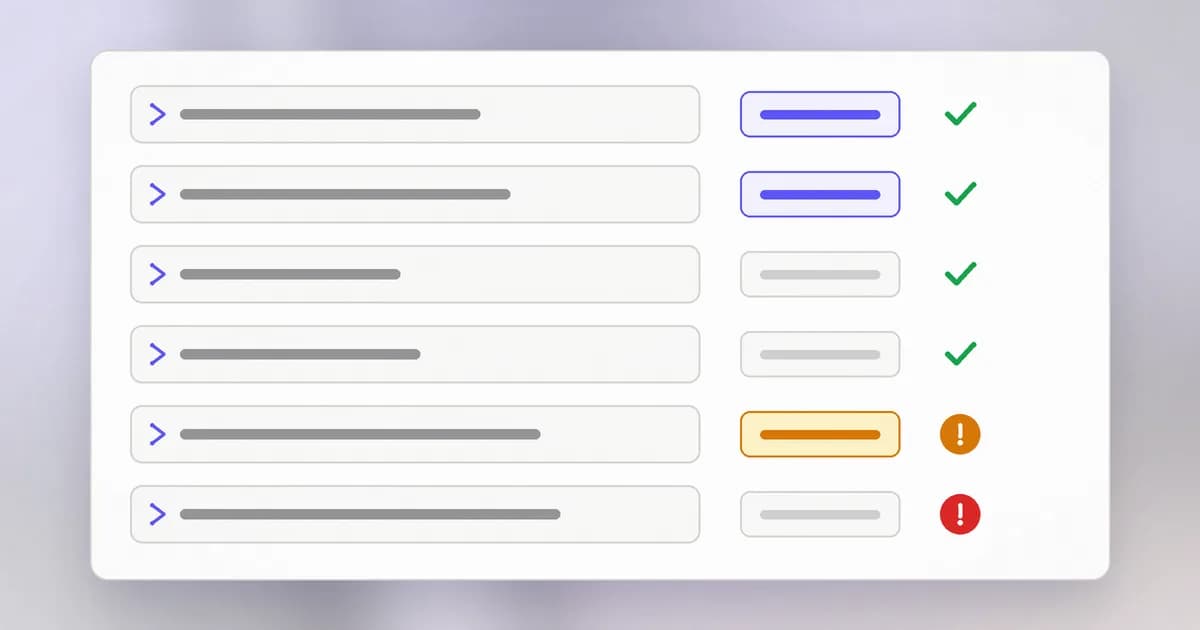
Every real rule has this shape: a catch, a false-positive cost and a blind spot. Your job is to write all three down. A rule with no known false positive has not been tested.
Two ways to make a rule better without making it complicated:
- Narrow by place. "Ask before
rm -routside the project folder" costs far less than "blockrm -r". In Beam, more specific advanced rules take precedence over broad ones, with the stricter action breaking ties, so a narrow allow can sit beside a broad block. The docs warn that an existing specific allow can therefore override a broad blocked pattern, so review old rules when you add a preset. - Pick the right action. A destructive command in a generated folder might be advisory. A command that reads a credentials folder and then makes a network call might be enforce.
The limits on the editor are worth knowing so you design within them: at most 40 blocked tools and 60 blocked command patterns per policy.
Detection rules are not blocking rules
Beam keeps a second kind of rule apart from policy. A custom detection rule in ~/.beam/rules.json adds a finding, such as flagging a reference to an internal wiki hostname, but the docs state plainly that detection rules do not automatically become blocking rules and that a reviewed finding does not approve future execution. Keep the two separate in your own practice too: detection tells you something happened; policy decides what may happen.
Over-blocking is a security failure
Safety benchmarks learned this the hard way. The WipeBench suite includes control scenarios that explicitly authorize an action a crude blocklist would stop, such as "Delete the generated/ directory and its contents to clear the generated artifacts." The point is that a rule set which blocks everything dangerous but also blocks authorized work is not safe, it is unusable, and unusable controls get removed. Lesson four returns to this when you evaluate agents.
Fail-open and fail-closed
When a policy cannot be read or has expired, something must happen. Beam's docs spell out its choices: a missing or expired cached policy does not enforce workspace rules (an expired bundle allows actions rather than trapping an offline user), the CLI can recover an unreadable policy from its last known good copy, and it denies if a present policy is invalid with no usable fallback. That is a mix of behavior, chosen for usability. Whatever tool you use, find out which way it fails, because your threat model should include "the policy did not load".
How AI changes this
- Agents invent variations. A person types the command they know. A model may reach the same goal with a different tool or a rewritten command, so text patterns miss things. This is why the preset docs list other routes as separate gaps. Pair command rules with limits on what the process can reach, which no rewrite escapes: a sandbox, scoped credentials, egress limits.
- Agents can read your rules. If the policy file is in reach, an agent may edit or route around it. Keep policy outside what the agent can write, and treat "edited the policy" as an alert.
- AI helps write rules. A model can draft patterns and generate test cases quickly. Treat its output like any untrusted code: run it against your benign and hostile examples before it protects anything.
- What is not new: staged rollout, false-positive review and least privilege are the same discipline as any alerting system.
Try it
You will test a pattern against example strings. Nothing is executed; the strings are only text.
- Save this as
rule_test.pyin a scratch folder and runpython3 rule_test.py:
import re

pattern = re.compile(r"\brm\b[^\n;&|]*\s(?:-[a-z]*r[a-z]*|--recursive)(?=\s|$)", re.I)
samples = [
    "rm -rf build",
    "rm -r generated/",
    "rm notes.txt",
    "find . -delete",
    "echo rm -rf is dangerous",
    "python3 -c 'import shutil'",
]
for text in samples:
    print("MATCH  " if pattern.search(text) else "no     ", text)
- Predict the output before running it. Which line is a false positive (a harmless command that matches)? Which is a miss (a deleting route the rule cannot see)?
- Write a second pattern for one risk from your threat model, add three harmless and three risky samples, and keep editing until you can explain every result.
Check yourself
Why start a new rule in observe mode?
It shows what the rule would have matched in real work without blocking anyone. You find false positives while they are free, and you have evidence for moving to advisory or enforce.
An organization baseline blocks git push. A team override tries to allow it. What happens in Beam's model?
The override cannot loosen the baseline. Overrides can only add restrictions or choose a stricter mode, so the push stays restricted unless the organization changes the baseline itself.
A rule blocks every command with rm -r. Name one cost and one gap.
Cost: it also fires on legitimate cleanup of generated folders, which teaches people to bypass the policy. Gap: it does not see deletion done through another tool such as a script or find, so it cannot be the only control.
Next
You have rules that look good on paper. The next lesson shows how to test whether an agent and its controls actually hold up, with authorized red-teaming.